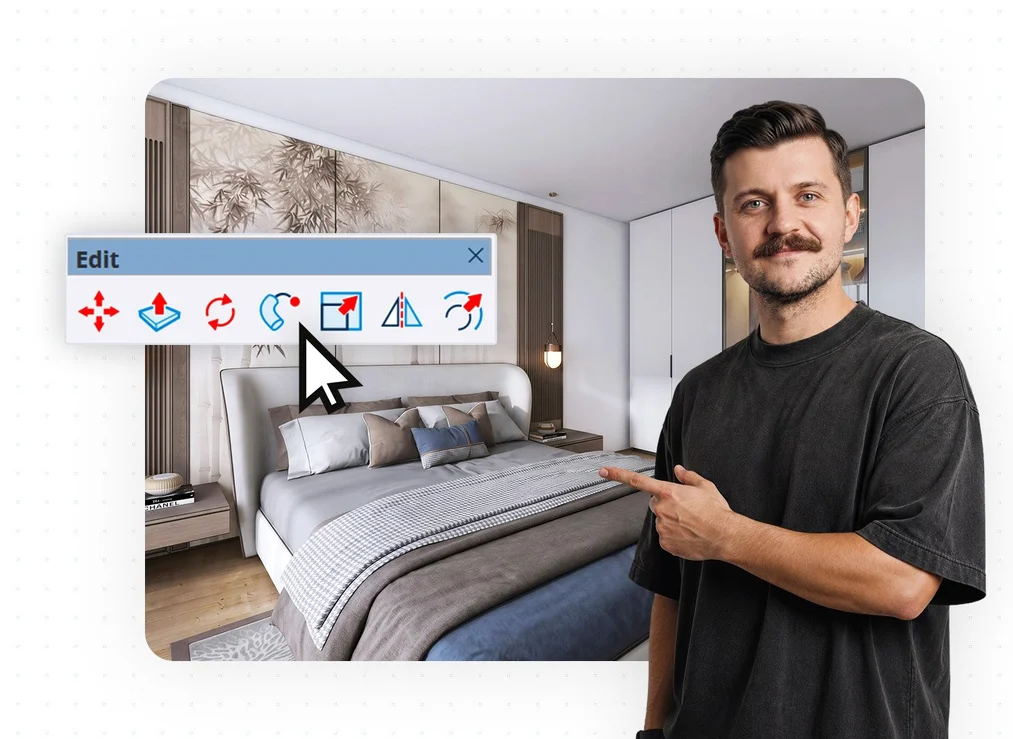
SketchUp Pro 2026 Course from Scratch for Beginners

Master SketchUp 2026 from scratch! Learn proven 3D modeling techniques, photorealistic PBR materials, and the latest AI-powered tools.

Course rating: 5.0     (5 reviews)

SketchUp Pro 2026 Course from Scratch for Beginners

What you will learn from this course?

  • Navigate the interface freely
  • Use SketchUp tools
  • Build three-dimensional models flawlessly
  • Avoid common beginner mistakes
  • Manage the structure of a complex file
  • Group and create Components
  • Create photorealistic PBR materials
  • Maintain good workflow hygiene
  • Effectively optimize model file size
  • Speed up work with keyboard shortcuts
  • Use the built-in AI Assistant
  • Search for 3D meshes using an image
  • Set up the camera and manage the field of view
  • Understand and control composition
  • Export high-quality graphics and animations
  • Create visualizations using AI tools

This course includes

  • 5 hours 14 minutes
  • 73
  • Training materials
  • Level: basic
  • Programs used: SketchUp 2026
Buy permanent access to this course for

72,00 USD 58,54 USD netto
79,90 USD 10% zniżki
Najniższa cena z 30 dni: 79,90 USD

Who is this course for?

The course is aimed at architects, interior designers, students of spatial design fields, and design enthusiasts who want to confidently build three-dimensional models and visualize their ideas in the most popular software on the market. Whether you are just starting your journey with 3D graphics or are already familiar with older versions of the program, this course will introduce you to a complete, modern ecosystem: from correctly drawing your first line, through working with the latest PBR materials and integrating artificial intelligence, to an introduction to creating documentation.

The instructor explains everything in an accessible way. The lessons are short, practical, and place great emphasis on "work hygiene", helping you avoid frustration and immediately apply the knowledge you gain in your everyday design projects.

Requirements

  • The course has been designed so that both complete beginners in 3D modeling and those who already have some experience with SketchUp, but want to eliminate bad habits and learn a modern workflow, can take part in it.
  • To make full use of the training, SketchUp Pro software is required.You can use the official, free trial version.The instructor shows step by step how to properly configure the interface.
  • The software can be used on Windows and macOS systems.
  • A high-end computer is not required, but to fully enjoy smooth performance and new features (such as displaying photorealistic PBR materials), it is recommended to have a dedicated graphics card.A mouse with a clickable scroll wheel (scroll) is absolutely essential for comfortable work.
  • The software interface is discussed in the English version, which is the industry standard in design.However, the instructor explains everything very thoroughly, so knowledge of a foreign language is not required.

Course participant testimonials SketchUp Pro 2026 from Scratch for Beginners

  • Aleksandra Gołowacz 22-09-2026 Verified purchase review

    A very valuable investment in professional development. The course genuinely contributes to skill development rather than merely presenting theory. This is not the first course I have chosen on the CG WISDOM platform, and each time I thoroughly deepen my knowledge and practical skills. Thank you :)

  • Ania 13-08-2026 Verified purchase review

    There is no better place to learn than CG Wisdom! Practical knowledge, excellent-quality materials, and instructors who truly know their stuff.

  • Kamil 03-08-2026 Verified purchase review

    Great explanation of all the necessary and available tools. Perfect theoretical preparation to get started.

  • Barbara Pawłowska 29-05-2026 Verified purchase review

    I highly recommend it, the course is very interesting, Mr. Piotr shares a huge amount of useful knowledge. I already know that I will buy more courses :)

  • AGNIESZKA 15-05-2026 Verified purchase review

    Thanks to Piotr K.'s courses like these, I was a star at university :) Although these are just the basics, they are still more interesting than another film on TV. Please give us more and make them harder. Thanks, best regards

SEE MORE COLLAPSE


What is the course about?

Master the most popular 3D modeling software in its latest version. Learn the techniques required by over 70% of design offices and reach a new level with artificial intelligence integration!

The "SketchUp Pro from Scratch for Beginners" course is the long-awaited, built-from-the-ground-up continuation of our most popular training, which has helped thousands of people start a career in 3D graphics. It is a perfect choice for both beginners and those returning to the software. It combines solid craftsmanship with tomorrow's technologies. If you want to start designing faster, more consciously, and without frustration – you are in the best possible place.

A practical designer's workshop: from a flat plan to a complete 3D model

The advantage of SketchUp is its legendary speed and intuitiveness. You can build a basic interior model or any piece of furniture in just a few minutes. However, to avoid getting stuck at later stages of a project, you need to understand the mechanisms hidden under the hood of the software.
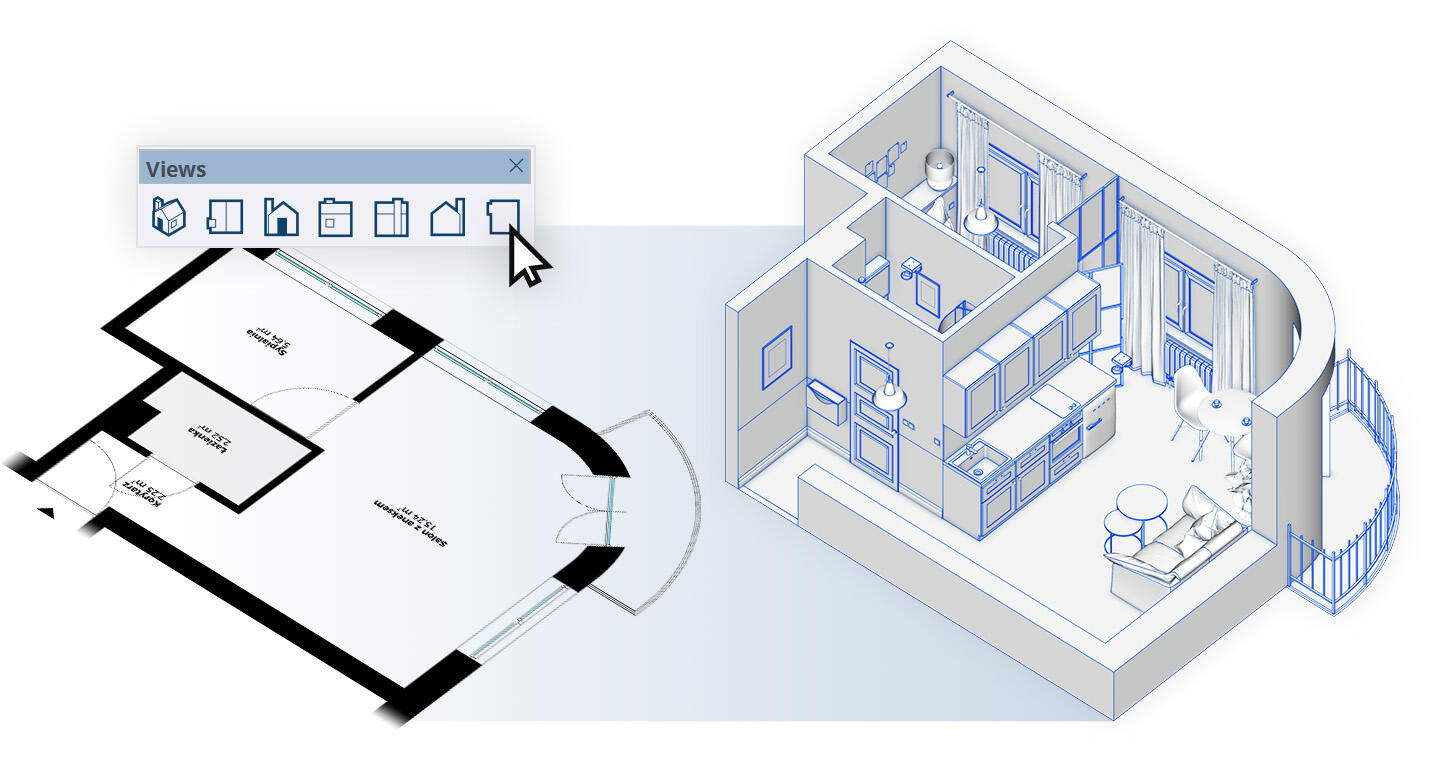
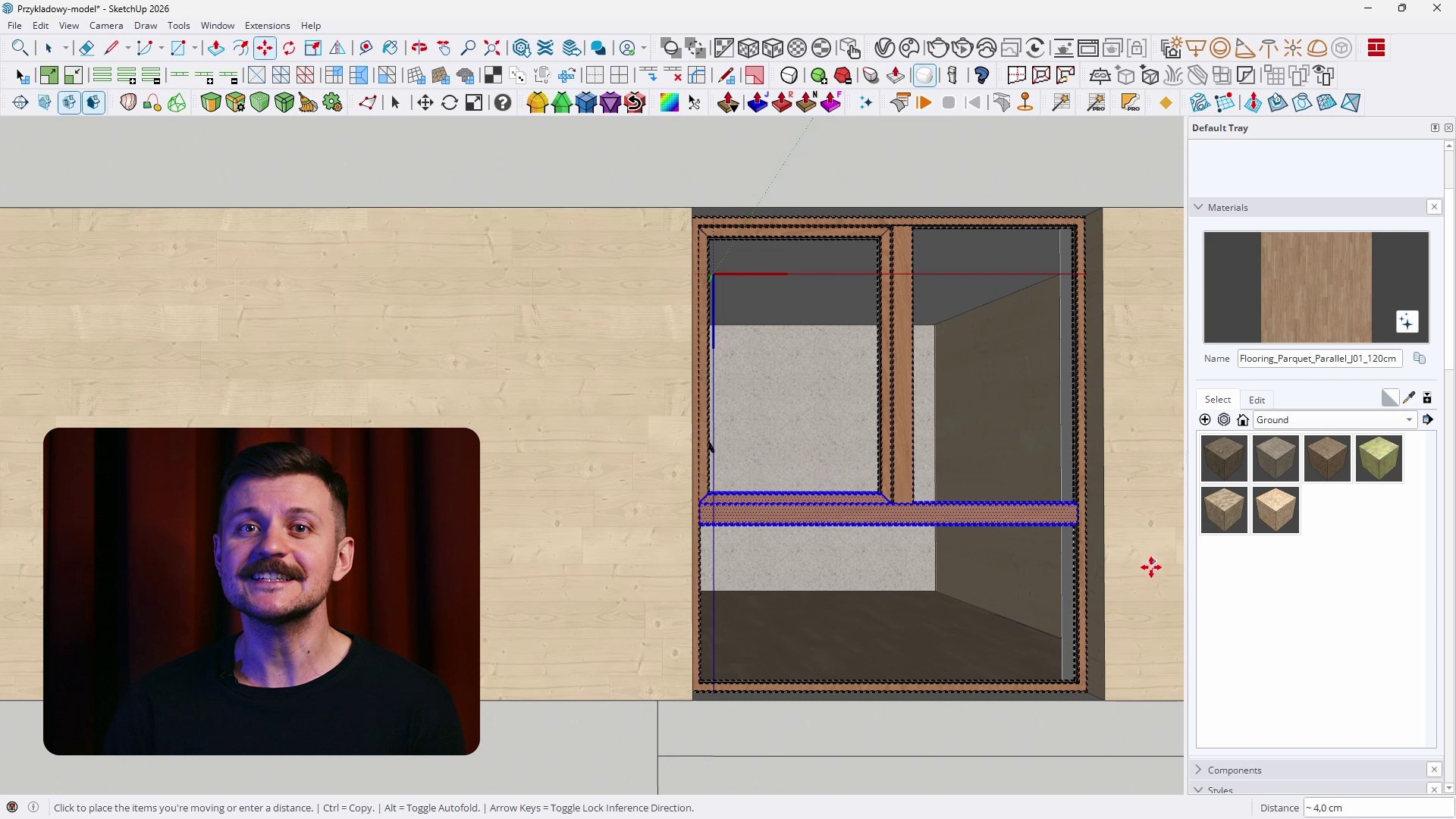
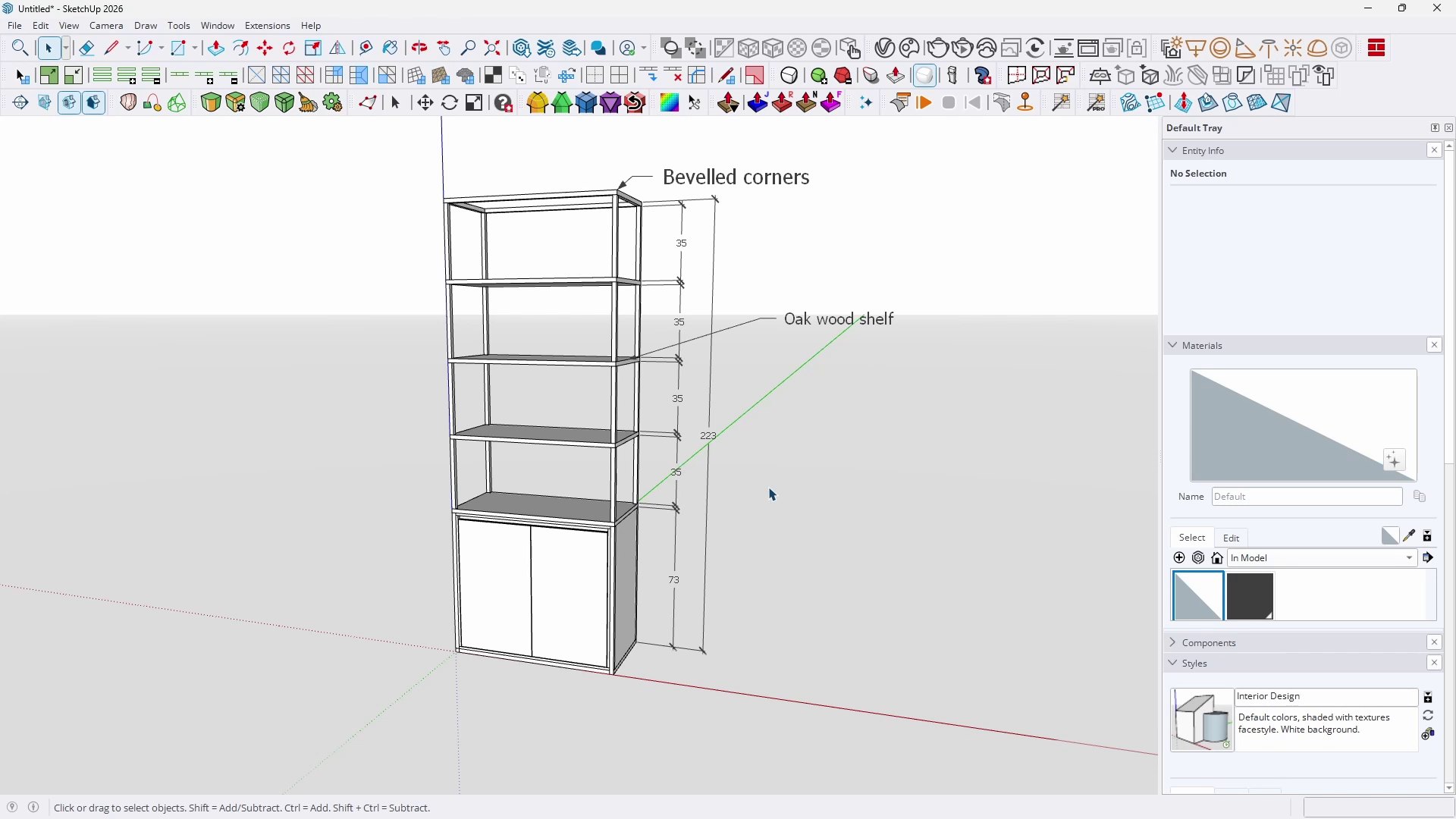
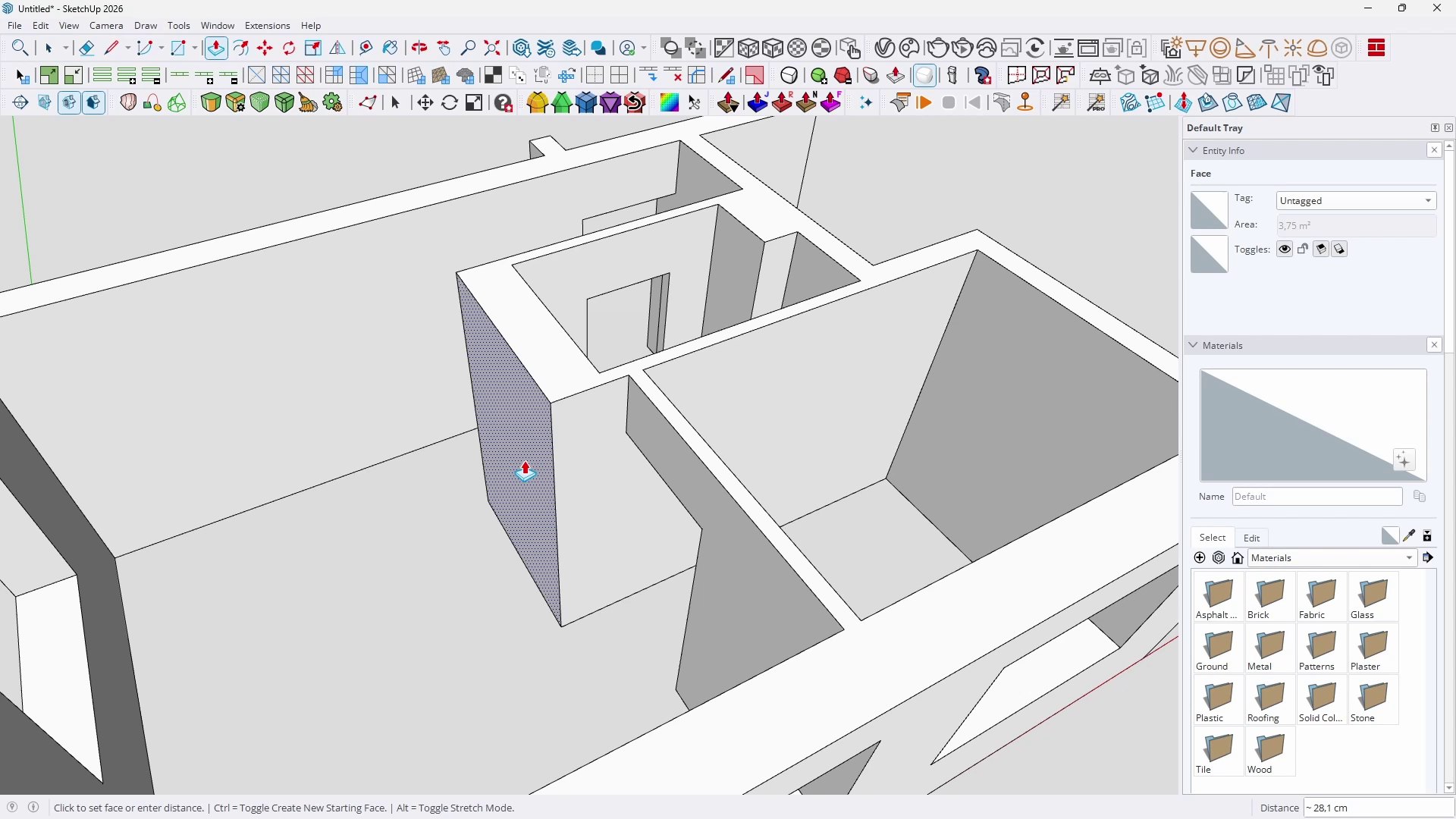
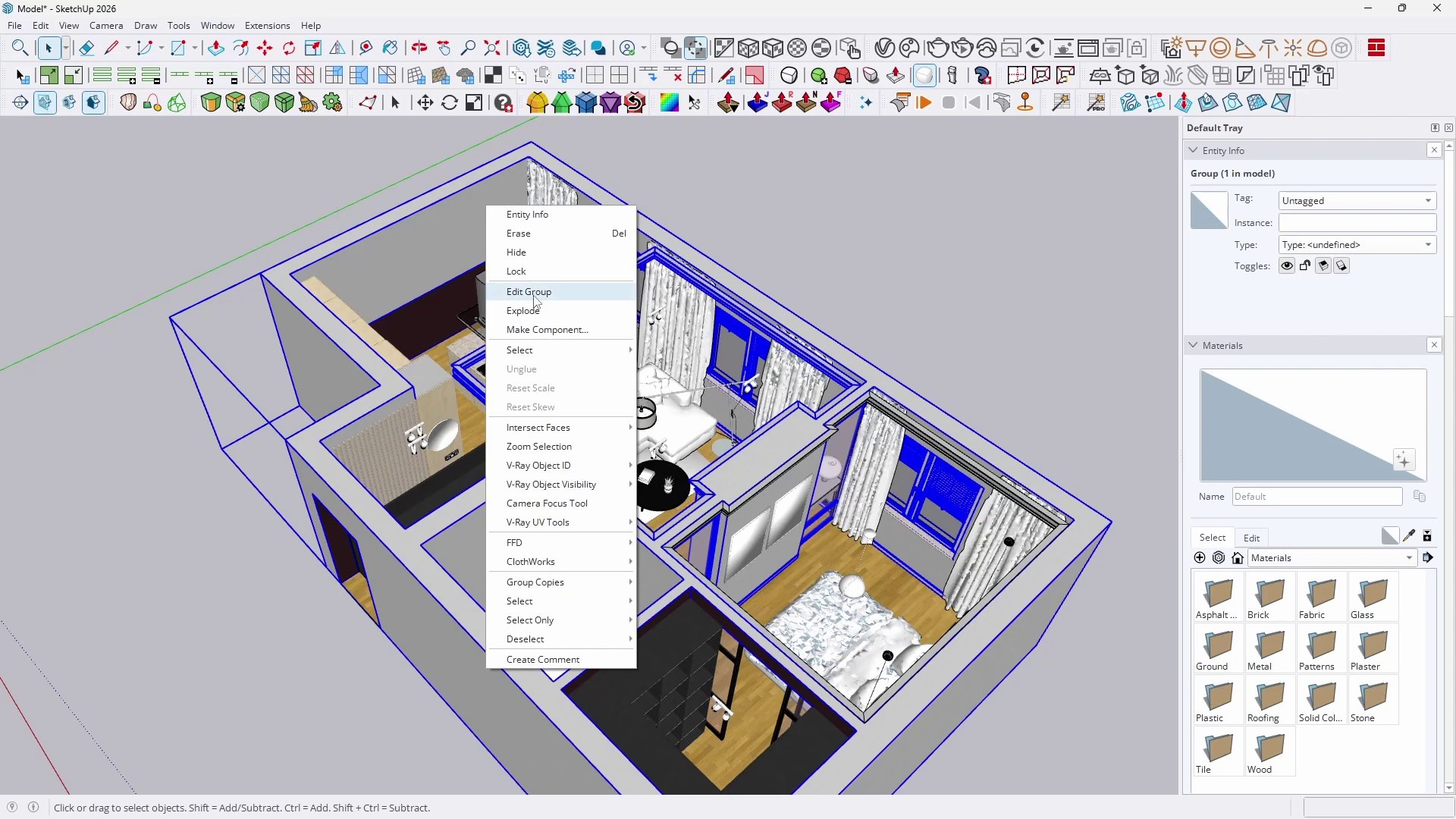
Creating a complete 3D model from a flat plan in SketchUp

The emphasis is placed not only on the ability to "click" but, above all, on a thorough explanation of the logic behind how individual tools work in 3D space. The course discusses in detail, among other things, why there are no actual curves in SketchUp, presents the principles of free camera navigation (allowing you to avoid troublesome model clipping), and demonstrates flawless use of the core functions. Everything has been designed to enable a fast and precise transition from flat documentation to a three-dimensional form.

SketchUp - learning from scratch - for beginners and experts

The program was designed with people starting from absolute zero in mind. Nevertheless, it also challenges users who are convinced of their excellent knowledge of SketchUp. Systematically reinforcing knowledge and eliminating old habits that slow down your work are key to achieving success.
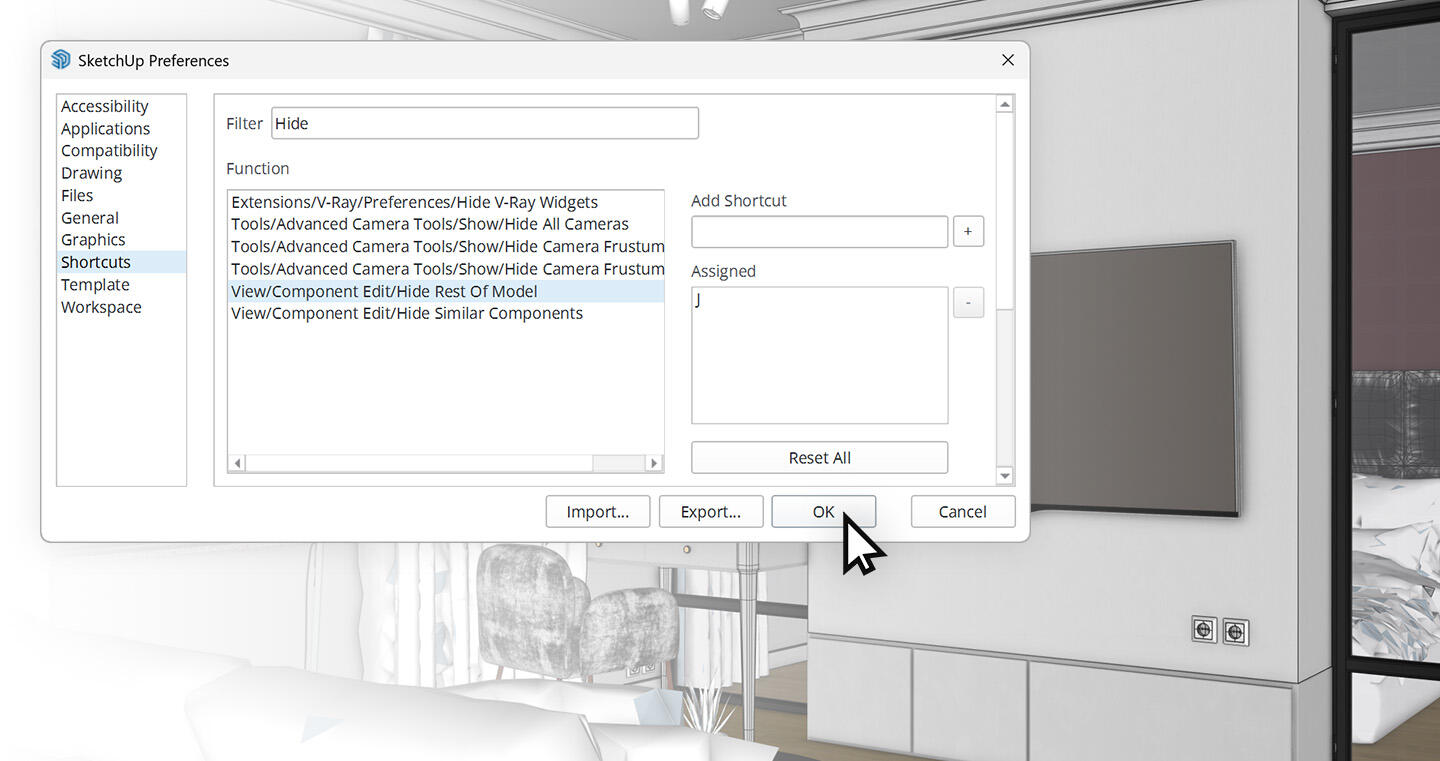
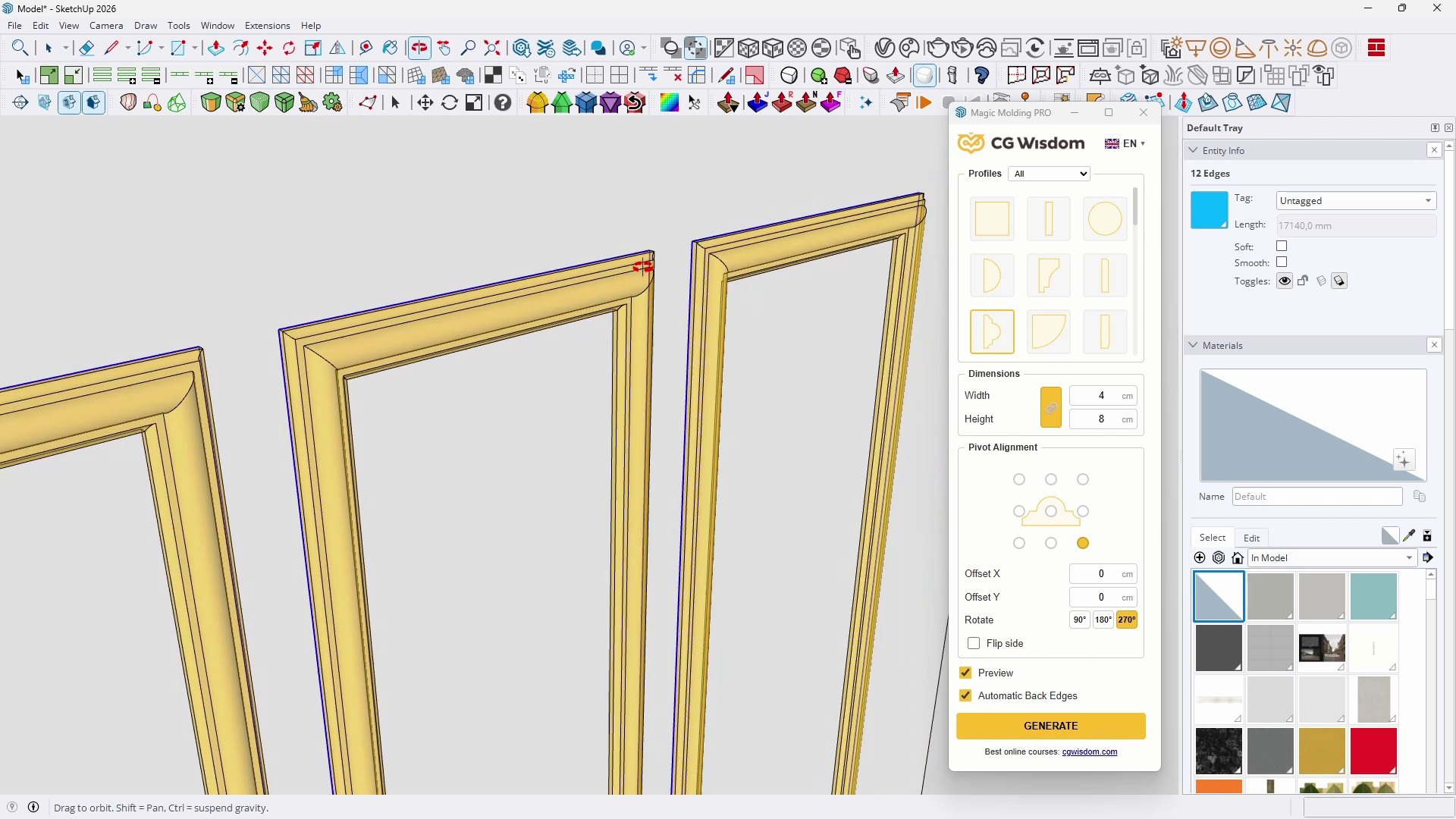
Managing advanced geometry in SketchUp with custom keyboard shortcuts

Understand the importance of good workflow habits. Learn how to avoid sticky geometry, manage groups and components wisely, optimize your workspace using custom keyboard shortcuts, and reduce file sizes by regularly cleaning up unused geometry. All this will ensure that even the most complex models run smoothly and efficiently.

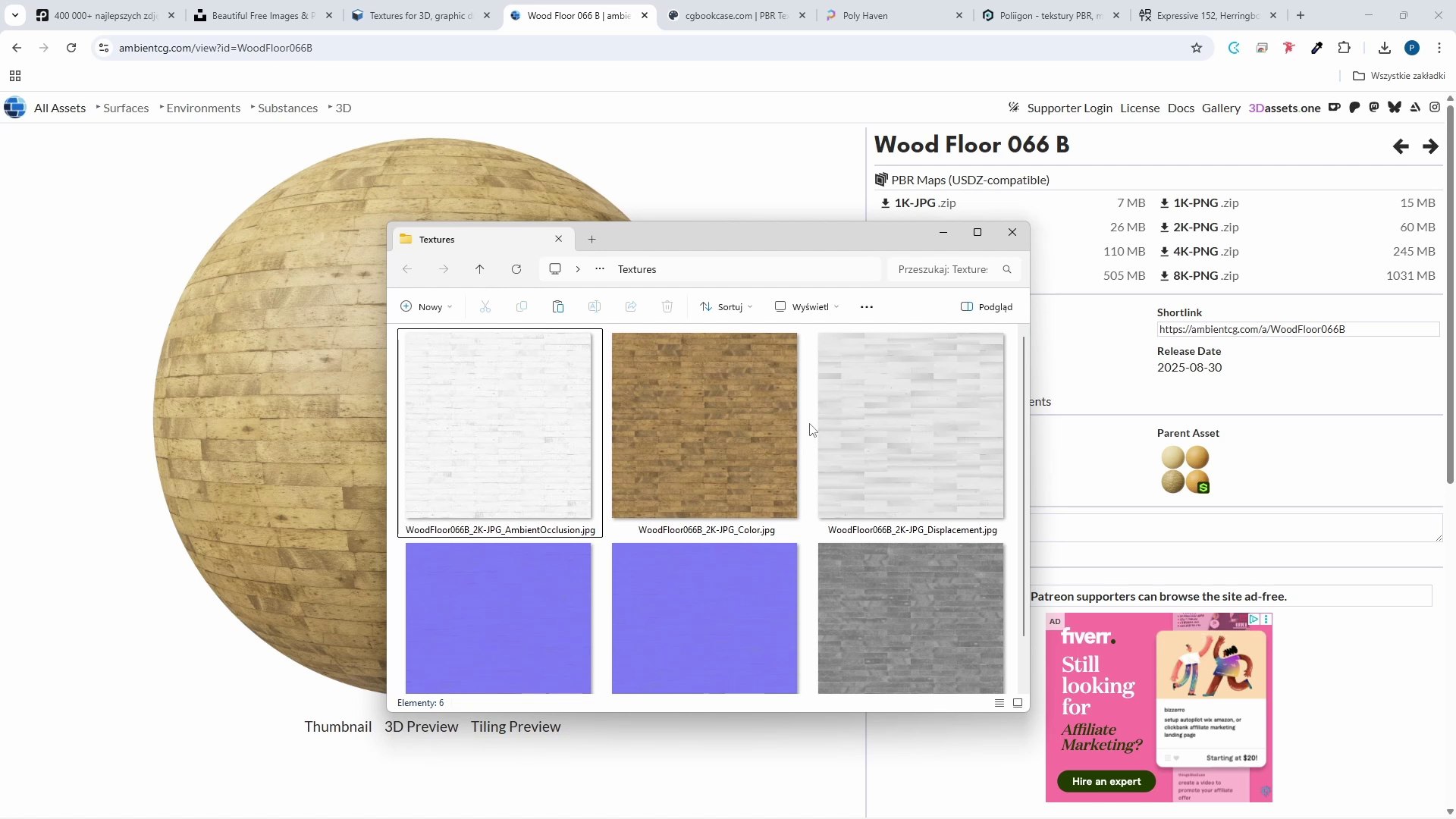
Photorealistic PBR materials and advanced texturing in SketchUp

The new SketchUp Pro revolutionizes how projects are presented thanks to native support for PBR (Physically Based Rendering) materials. In a separate chapter, you will learn how to create photorealism directly in the software, without the need to launch external rendering engines.
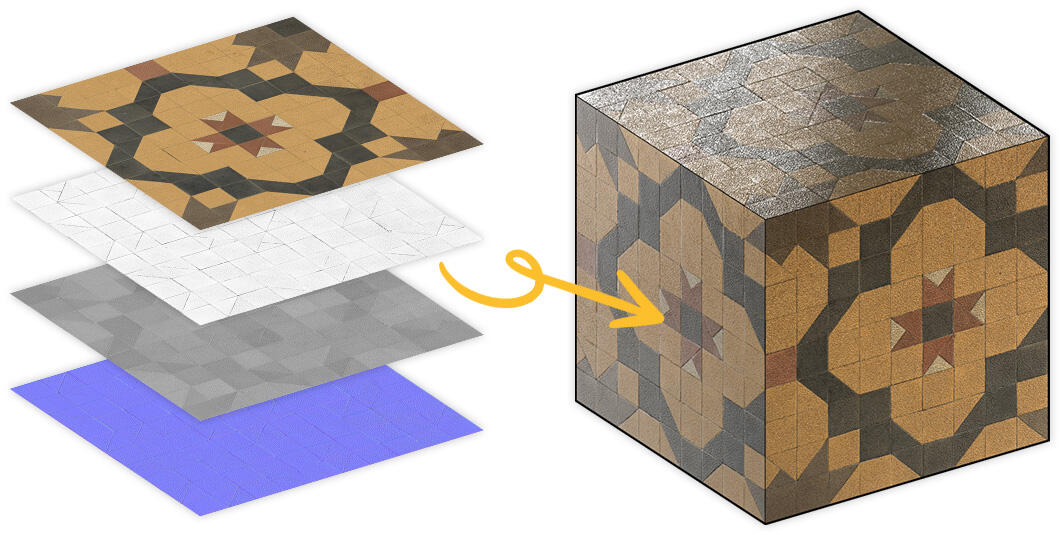
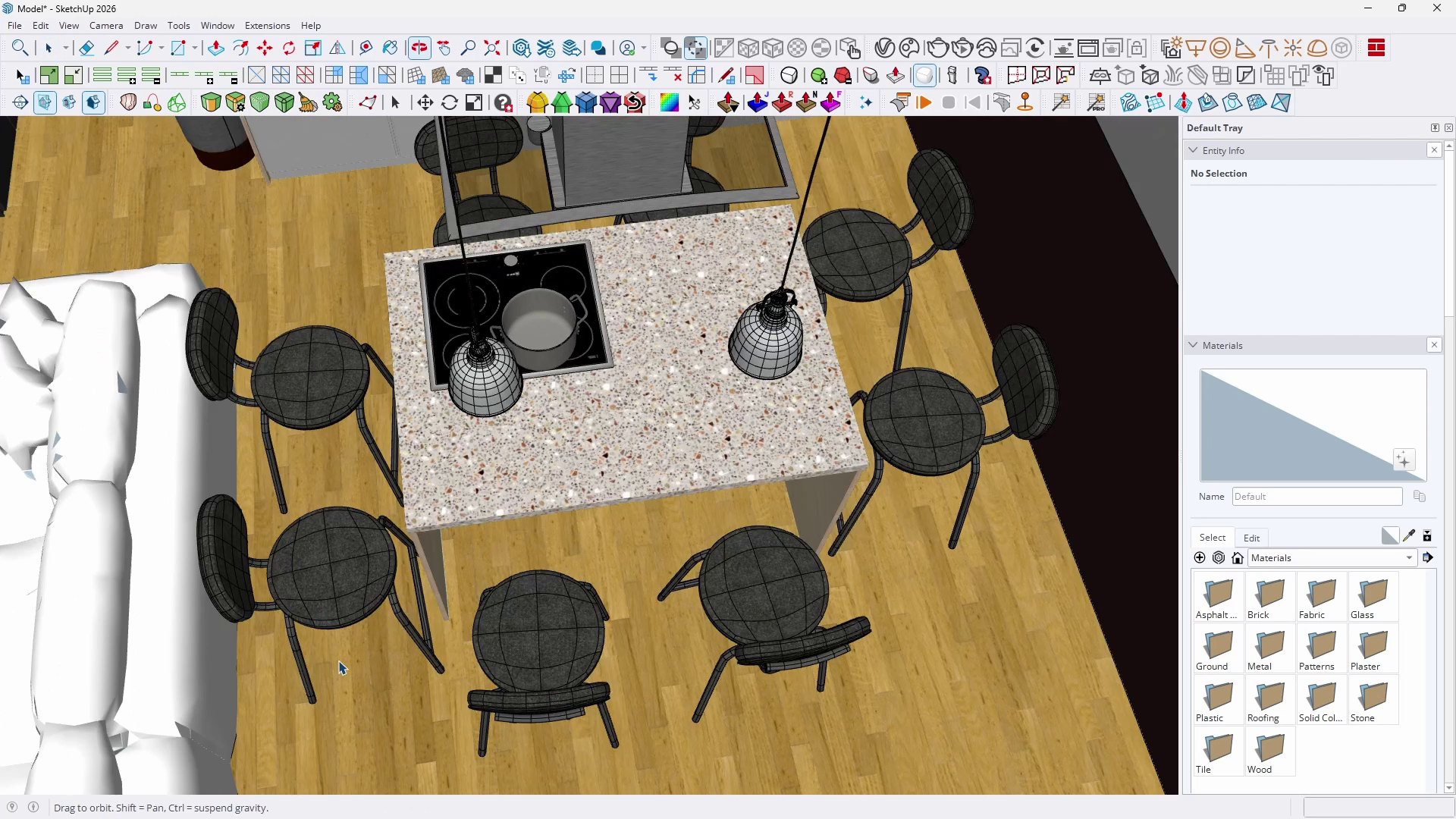
Creating photorealistic PBR materials in SketchUp

See how to give surfaces realistic reflections, roughness, and structure through proper mapping and texture positioning. As a result, your interior designs, architectural surfaces, and furniture details will gain unprecedented depth and visual quality already at the modeling stage.

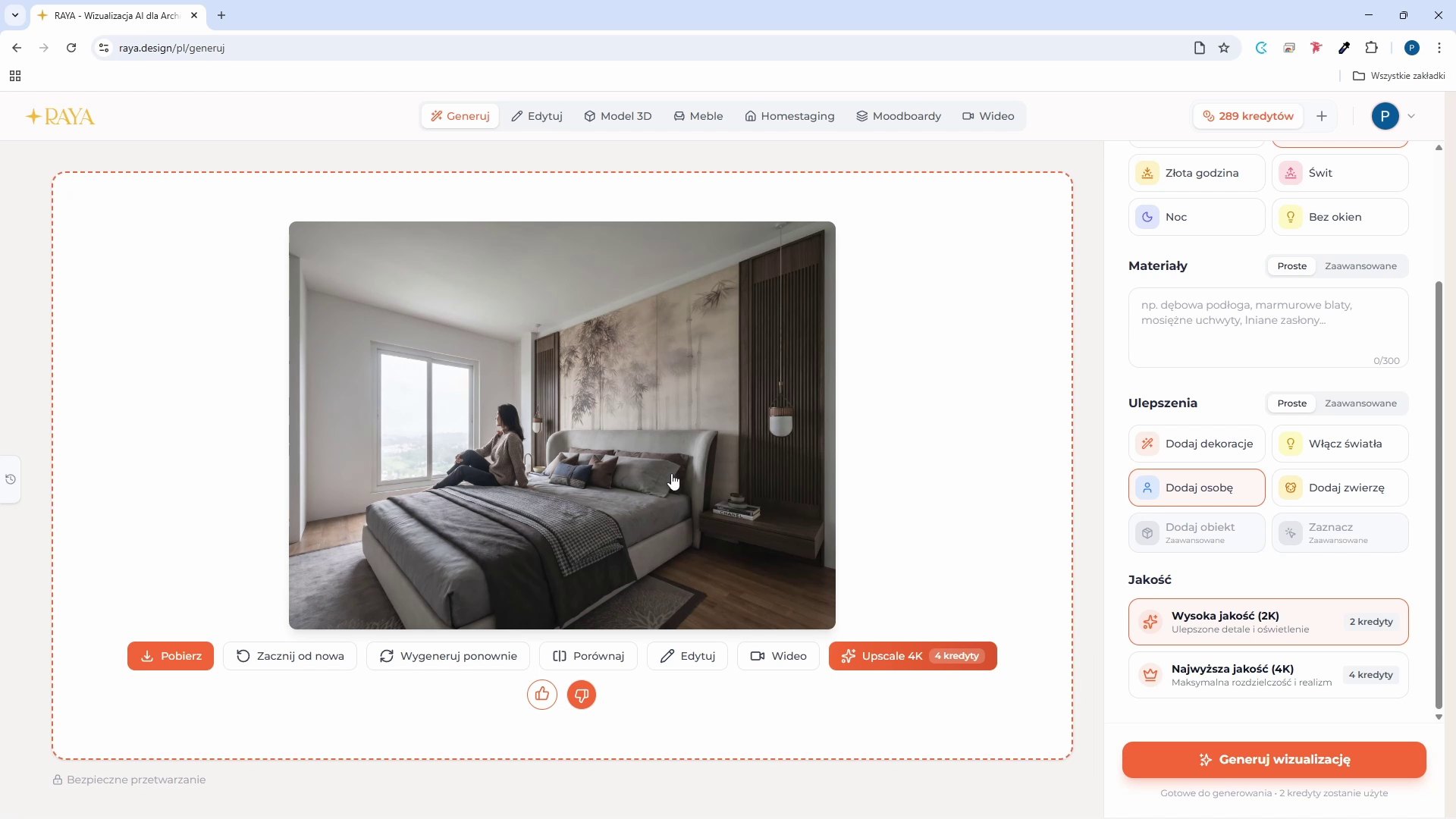
AI visualizations and animations in SketchUp - the future of project presentations

The dream of creating stunning, photorealistic visualizations is now becoming reality. Thanks to the power of artificial intelligence, this process is becoming much more accessible – it no longer requires years of specialized experience.
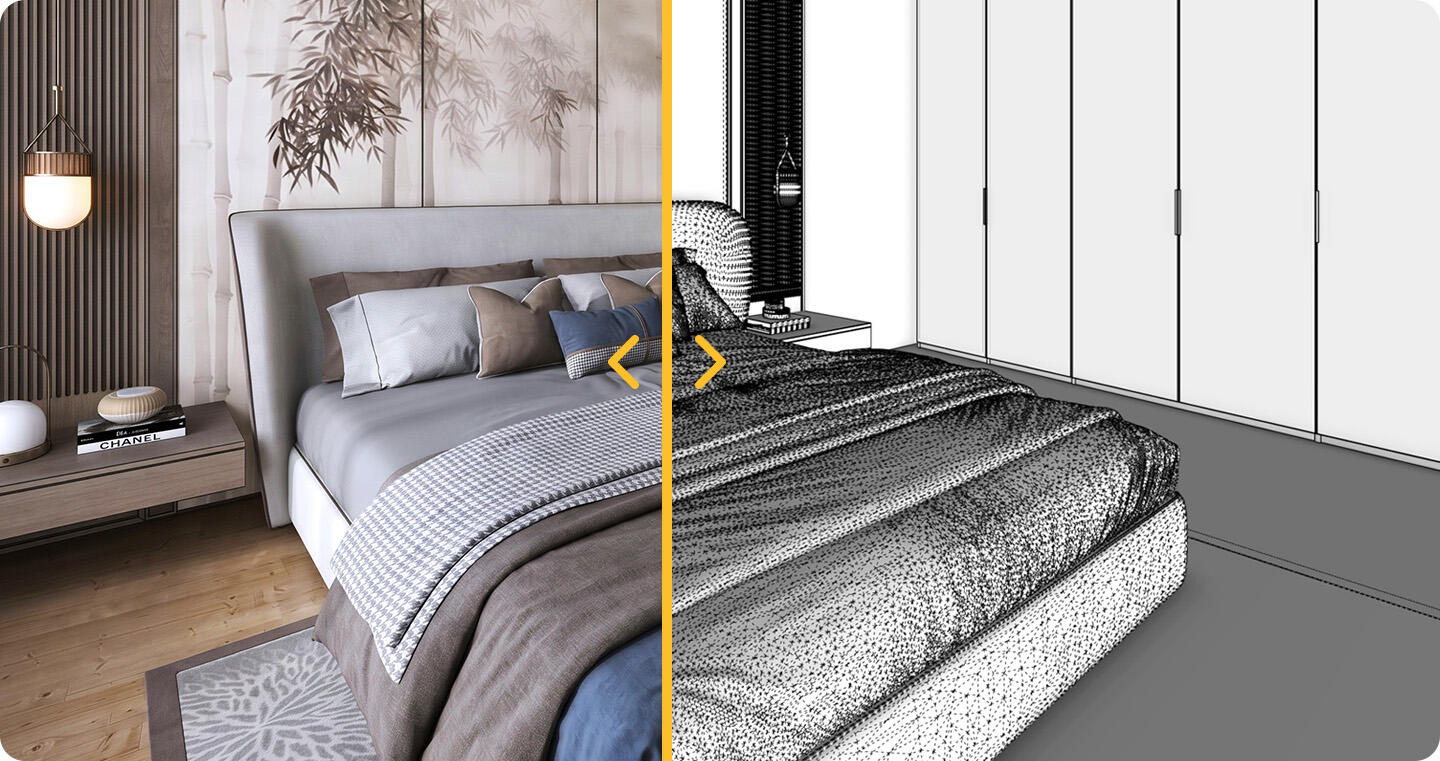
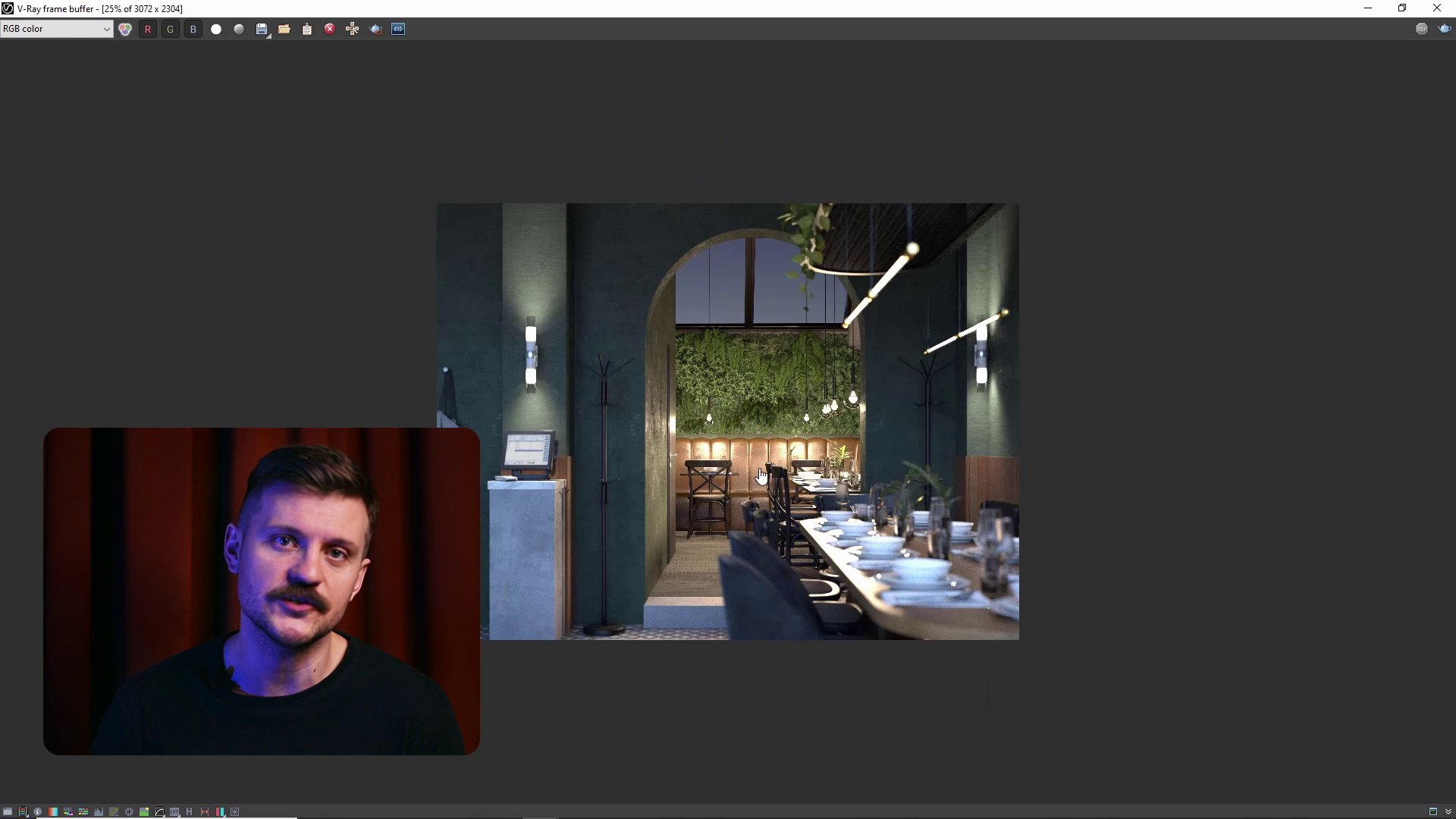
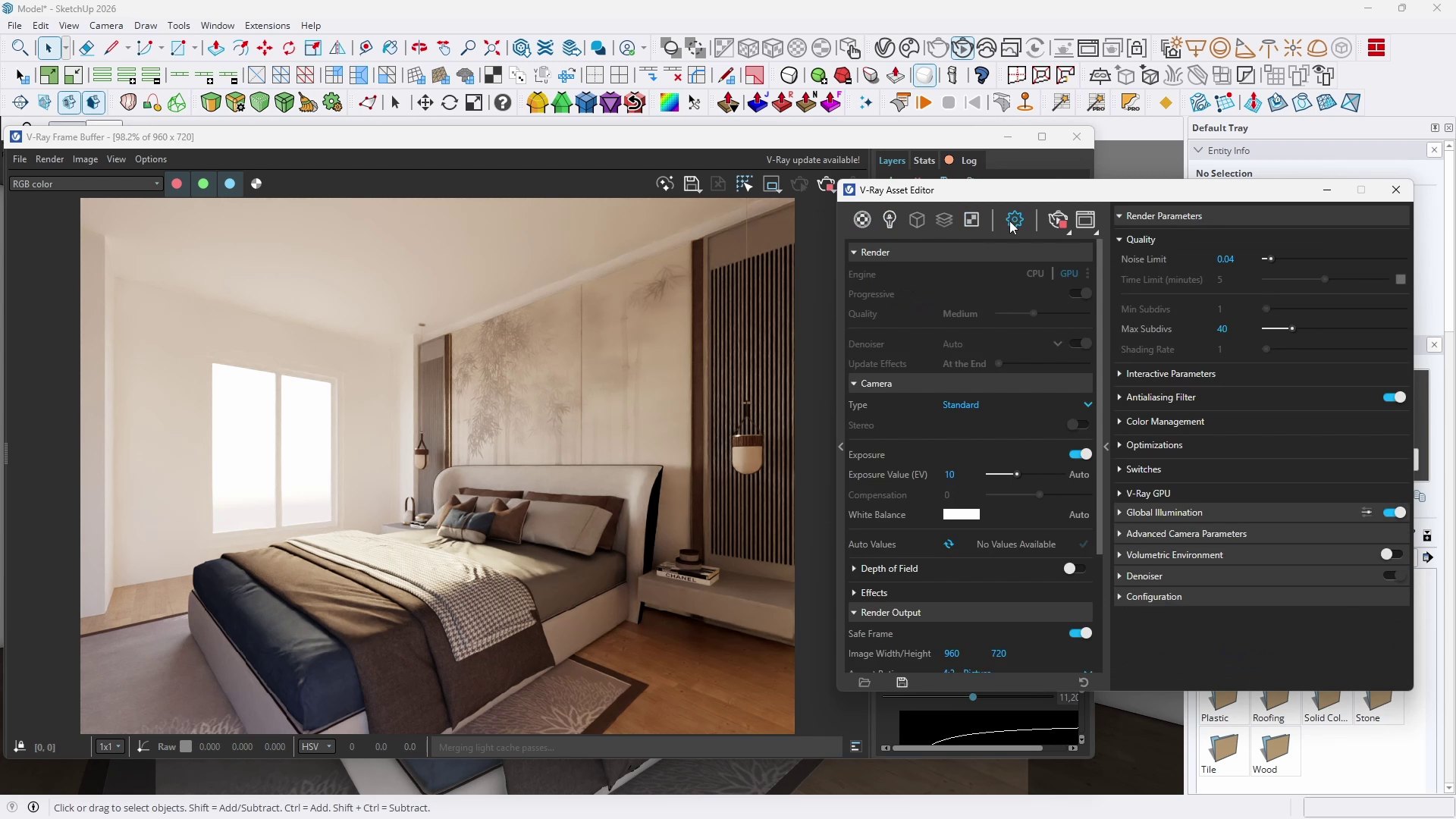
AI visualization created from a 3D scene in SketchUp

In the section devoted to AI visualizations, you will see how a raw model from SketchUp transforms into a spectacular image or a dynamic video sequence. Harness the potential of proven artificial intelligence-based tools to present your concepts to clients virtually in real time, without having to wait hours for the results of a traditional rendering engine.

Smart design: AI Assistant, 3D meshes, and image search

Beyond visualizations, the new SketchUp offers a range of intelligent tools that support everyday design tasks. In a separate module, you will discover the built-in AI Assistant, which helps solve problems directly within the software, as well as the image-based model search function, which drastically reduces the time needed to find the right equipment in 3D Warehouse.
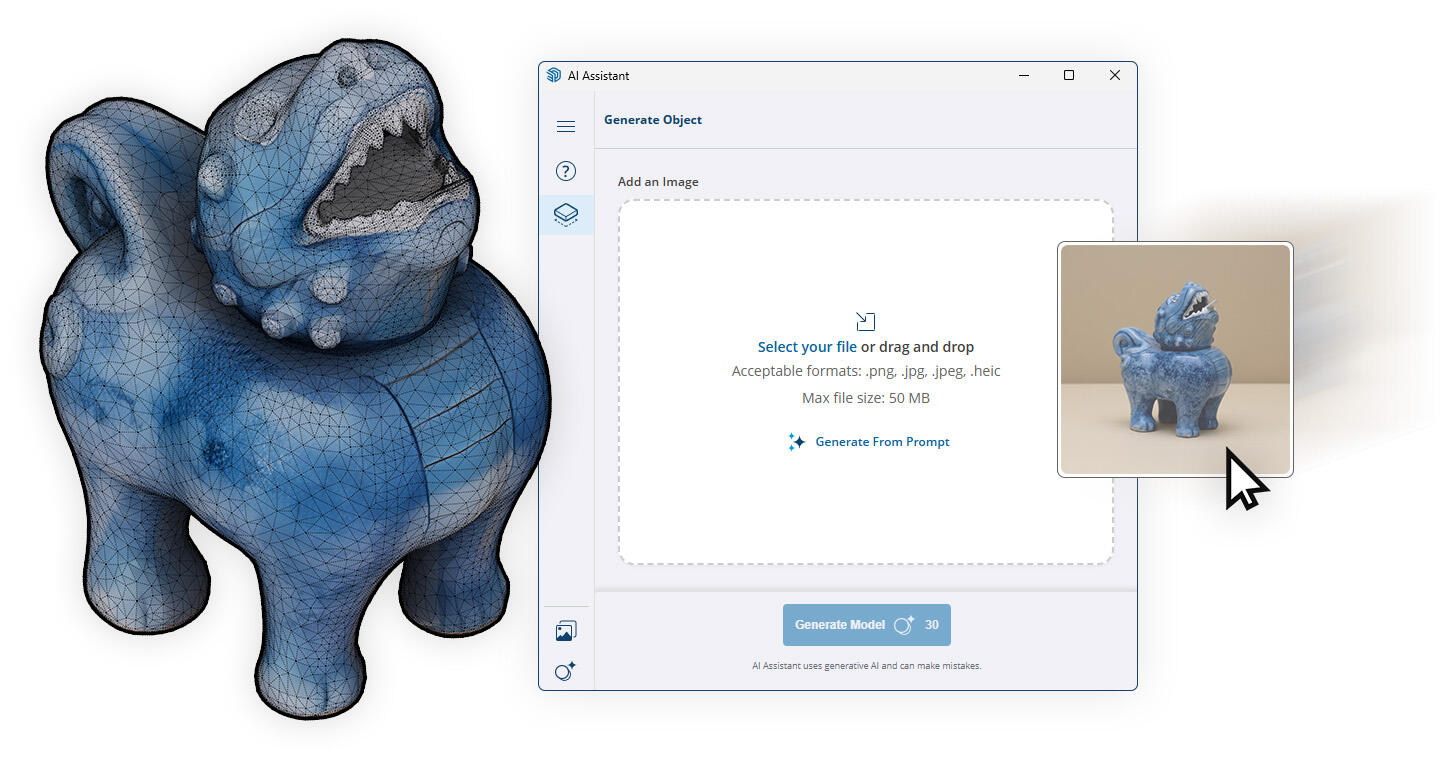
Generating 3D meshes in SketchUp using artificial intelligence

You will also learn how to generate 3D meshes and unique material maps using artificial intelligence algorithms directly in SketchUp. These features make it the most innovative tool in its class.

Your development path: professional challenges at academic standards

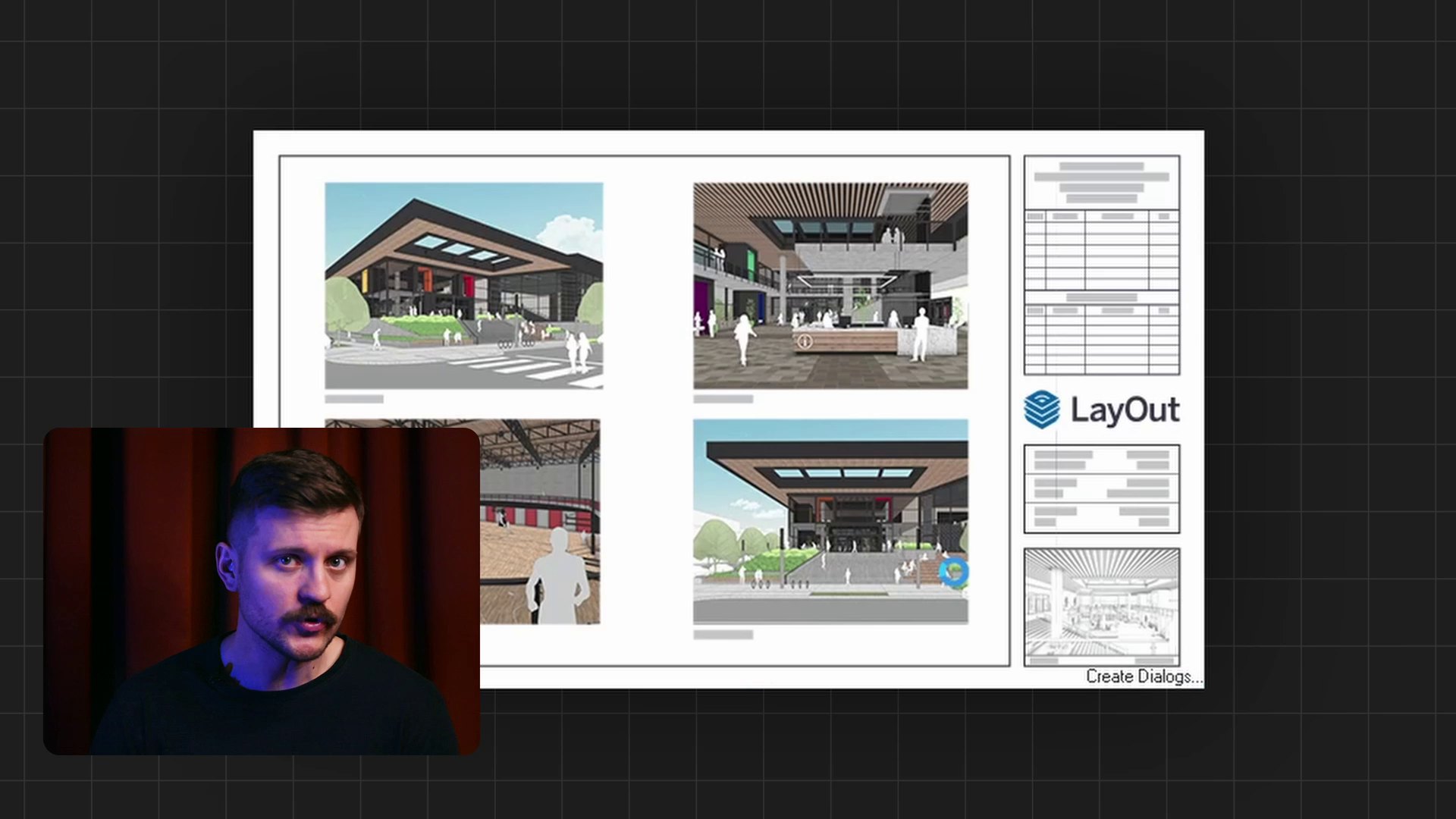
The main goal of the course is to provide complete design freedom and efficient navigation within the three-dimensional ecosystem. The training prepares participants for subsequent stages of professional work – from creating professional technical documentation in LayOut to further development using classic rendering engines or advanced artificial intelligence models.

By maintaining academic standards, the course provides a solid foundation for taking on the most demanding challenges in the architecture and design industry.
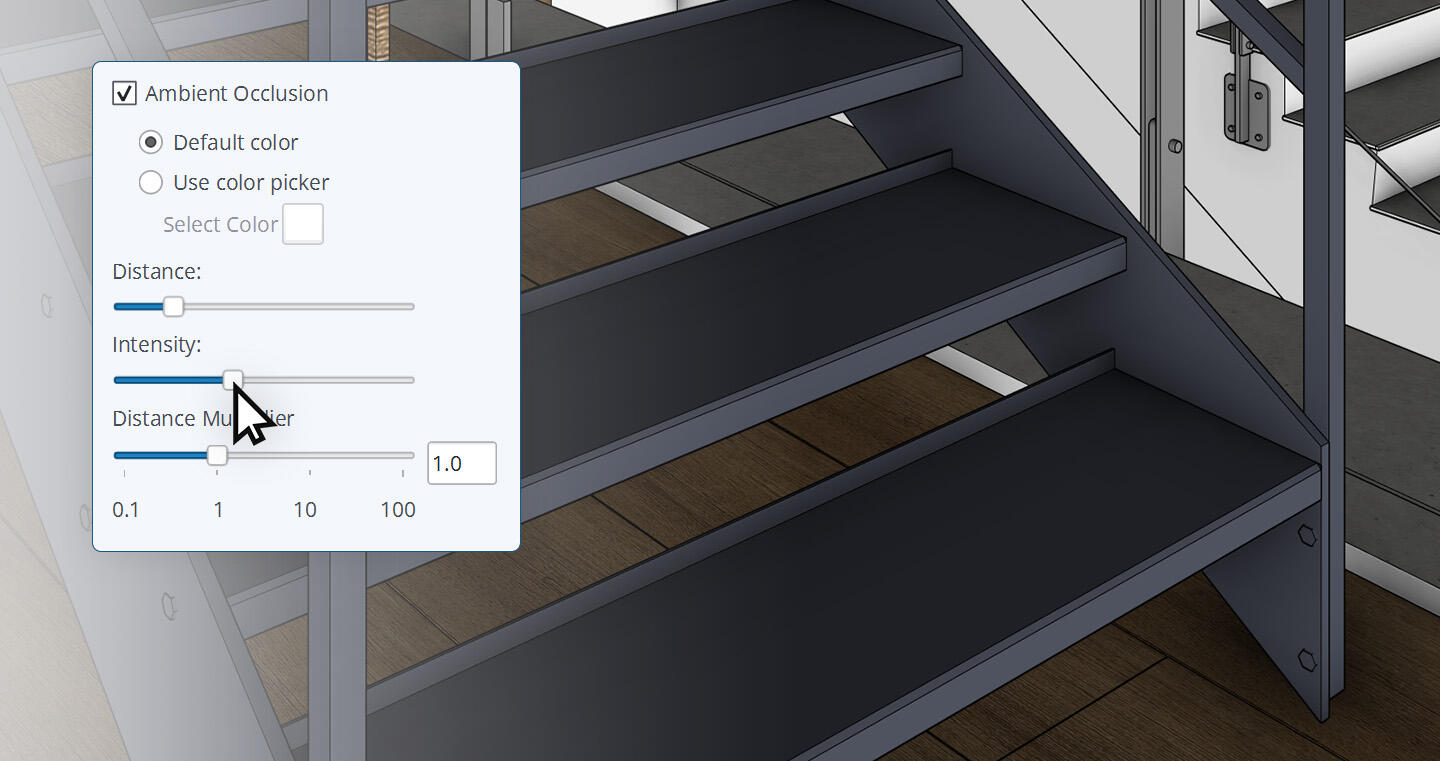
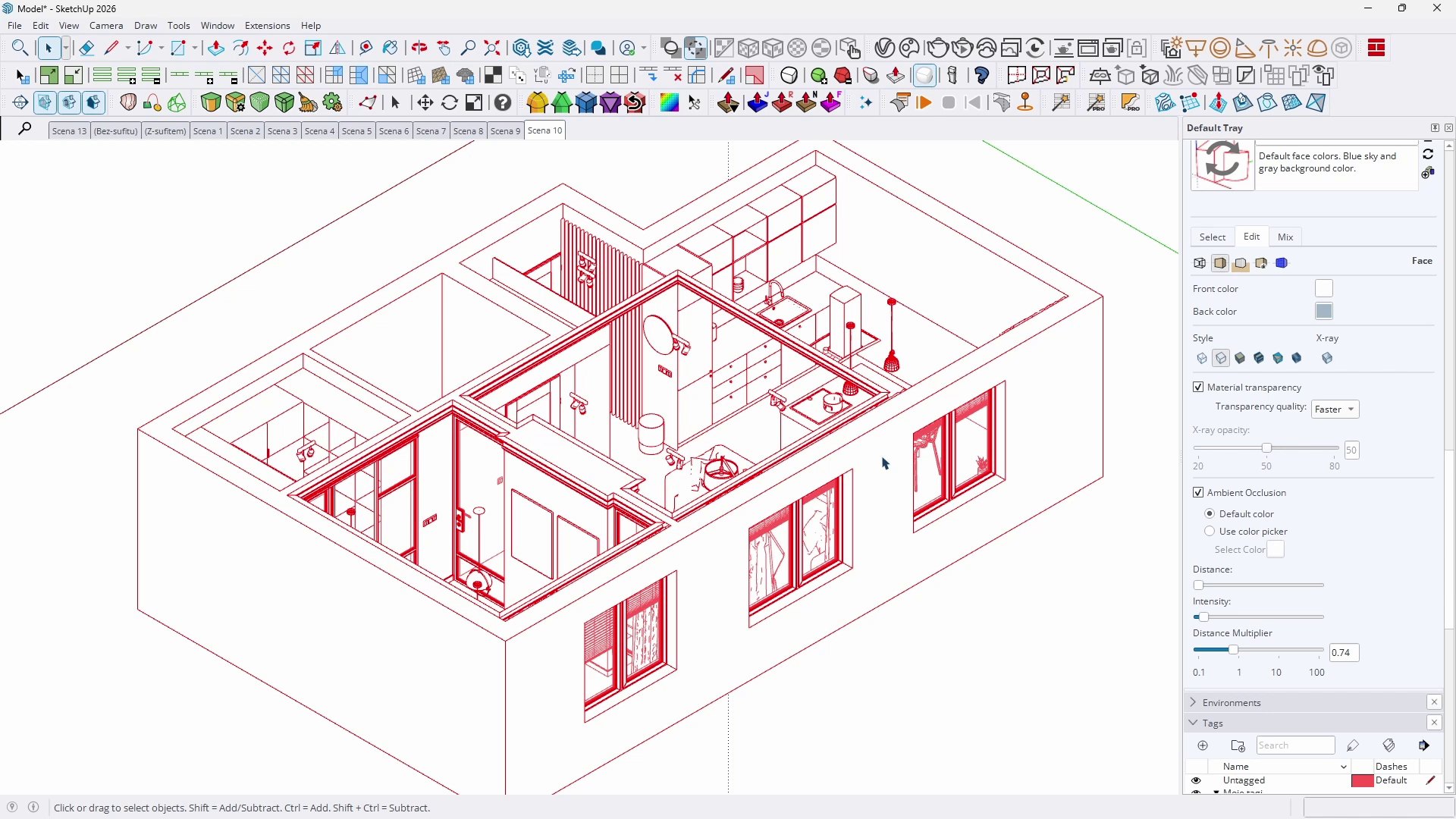
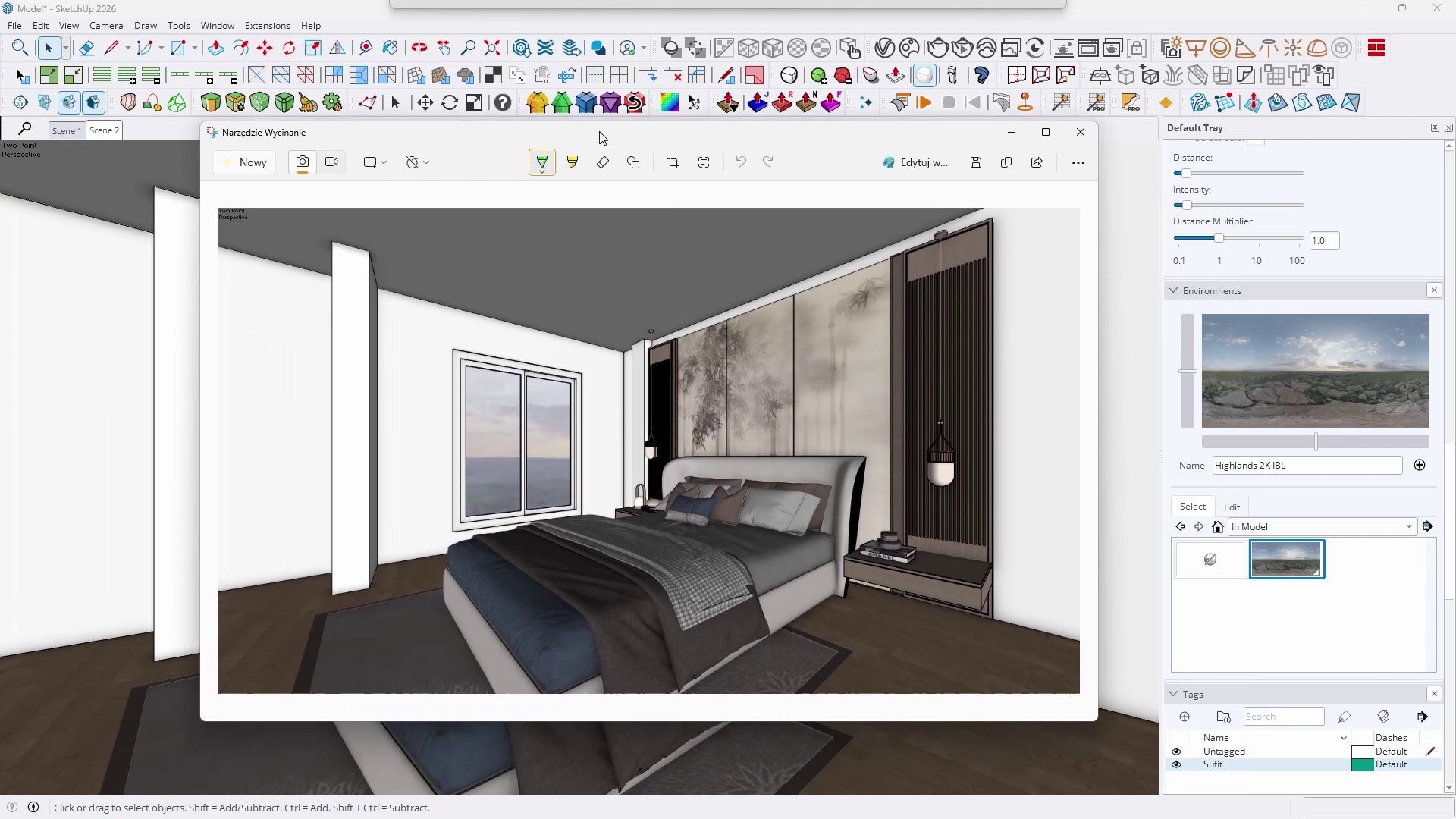
Ambient Occlusion function settings in SketchUp Pro 2026

SketchUp training format, duration, and certification

The course has been prepared in a modern microlearning format, allowing you to learn effectively at your own pace. It includes over seventy video lessons with a total duration of 5 hours and 14 minutes. The material is divided into short, focused modules, making it easy to revisit topics that interest you during independent work.

After completing all the material, an official course completion certificate will be generated in your student panel, serving as formal confirmation of the professional skills you have acquired. CG Wisdom is an official Chaos education partner and a distributor of the educational SketchUp license.

Reviews of the previous SketchUp fundamentals course

SEE MORE COLLAPSE

Video list

  • Introduction
  • 01.01 - Course Introduction 2 min 33 s
  • 01.02 - What Is SketchUp 5 min 52 s
  • 01.03 - How to Install SketchUp 3 min 1 s
  • Setup and Interface
  • 02.01 - First Launch of the Program 2 min 34 s
  • 02.02 - Saving Files 3 min 47 s
  • 02.03 - Interface and Workspace 3 min 13 s
  • 02.04 - Navigating in 3D Space 5 min 4 s
  • 02.05 - Basic Camera Options 5 min 26 s
  • 02.06 - AI Assistant 2 min 17 s
  • 2D Drawing
  • 03.01 - Lines 5 min 58 s
  • 03.02 - Rectangles and Squares 5 min 49 s
  • 03.03 - Circles and Polygons 4 min 46 s
  • 03.04 - Arcs 5 min 1 s
  • 03.05 - Selecting 3 min 38 s
  • 03.06 - Erasing 1 min 58 s
  • Measurements
  • 04.01 - Tape Measure and Guides 4 min 24 s
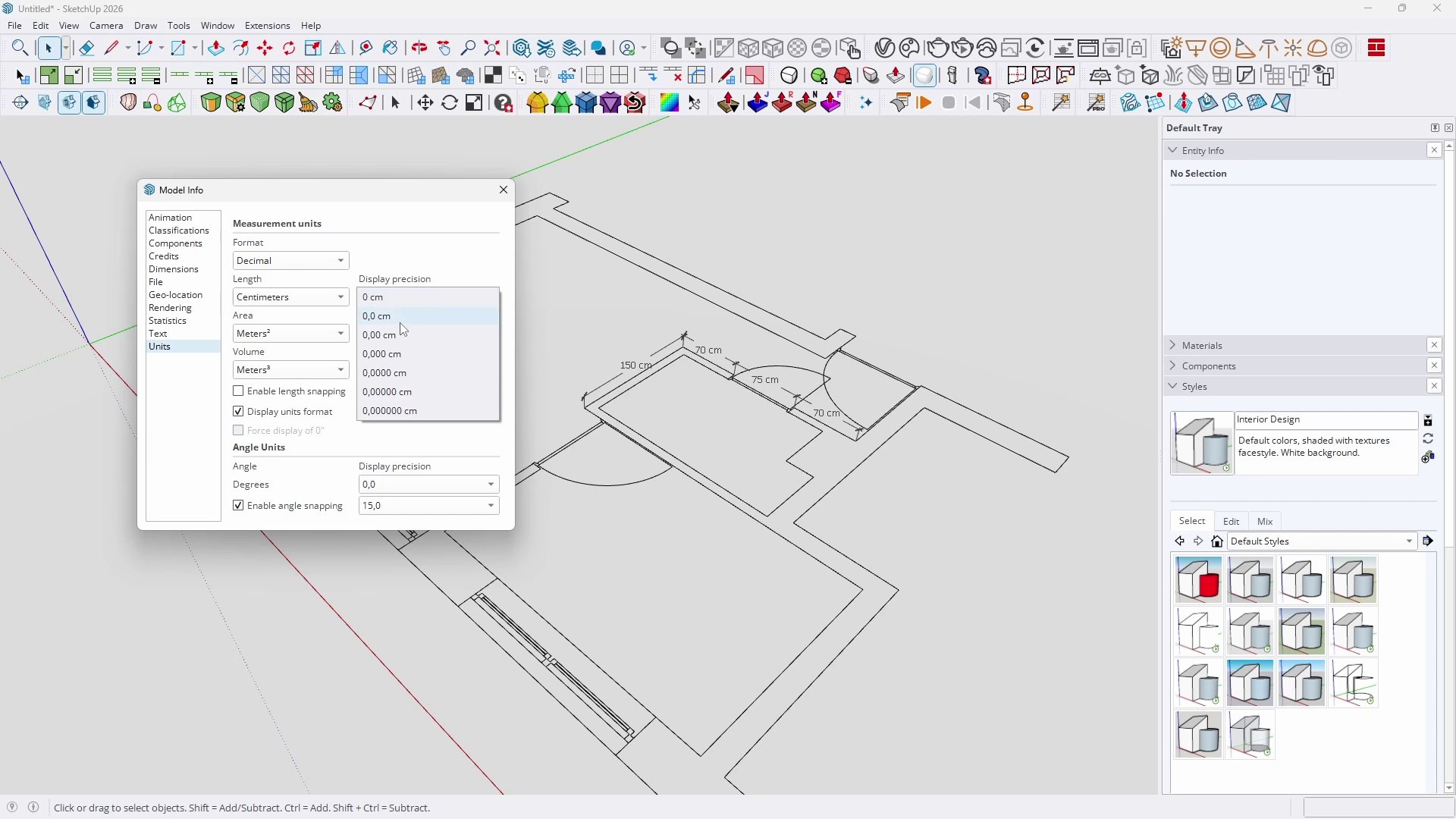
  • 04.02 - Dimensions 2 min 34 s
  • 04.03 - Text Annotations 1 min 59 s
  • Transformations
  • 05.01 - Move 6 min 18 s
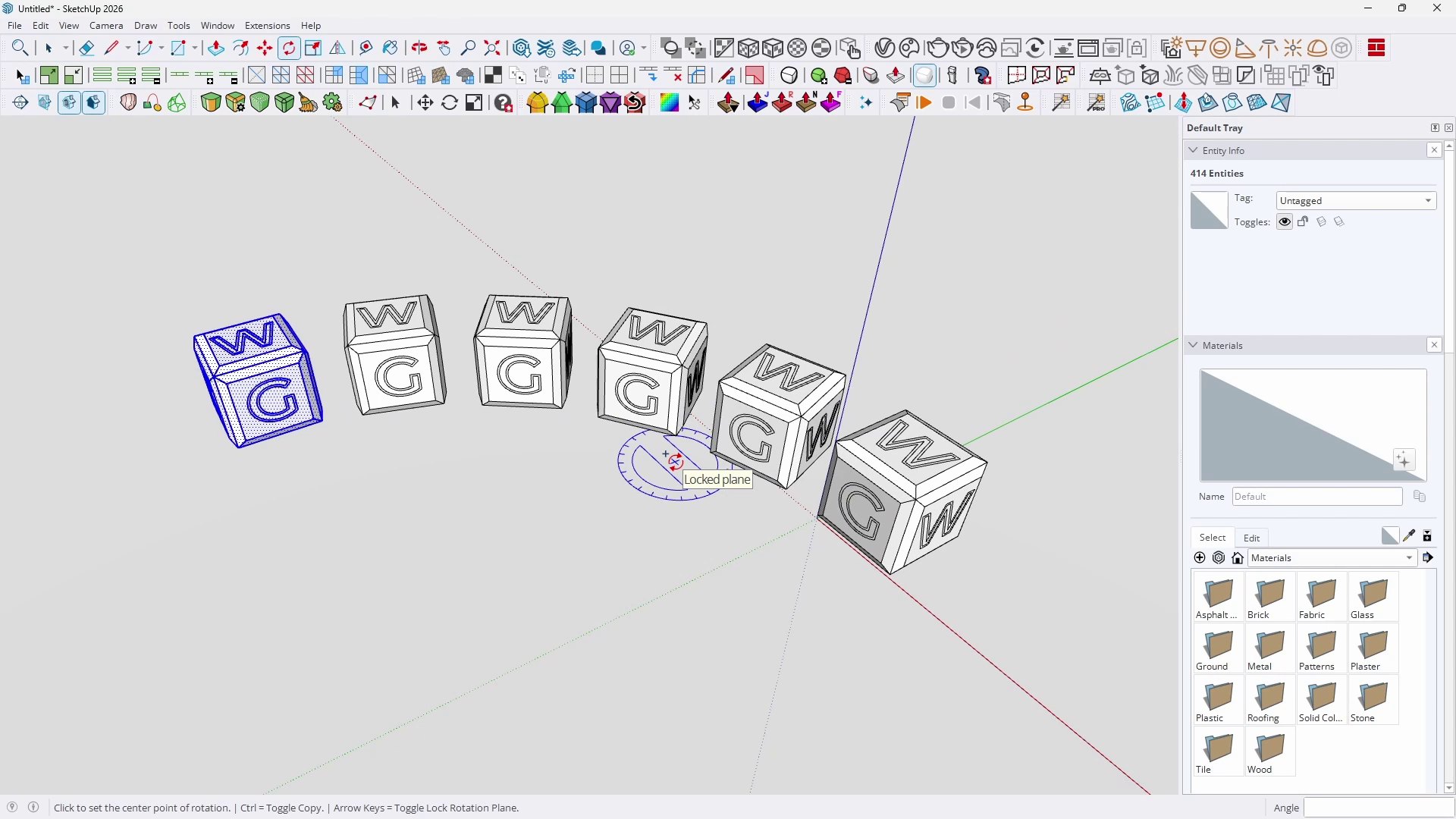
  • 05.02 - Rotate 4 min 21 s
  • 05.03 - Scale 4 min 35 s
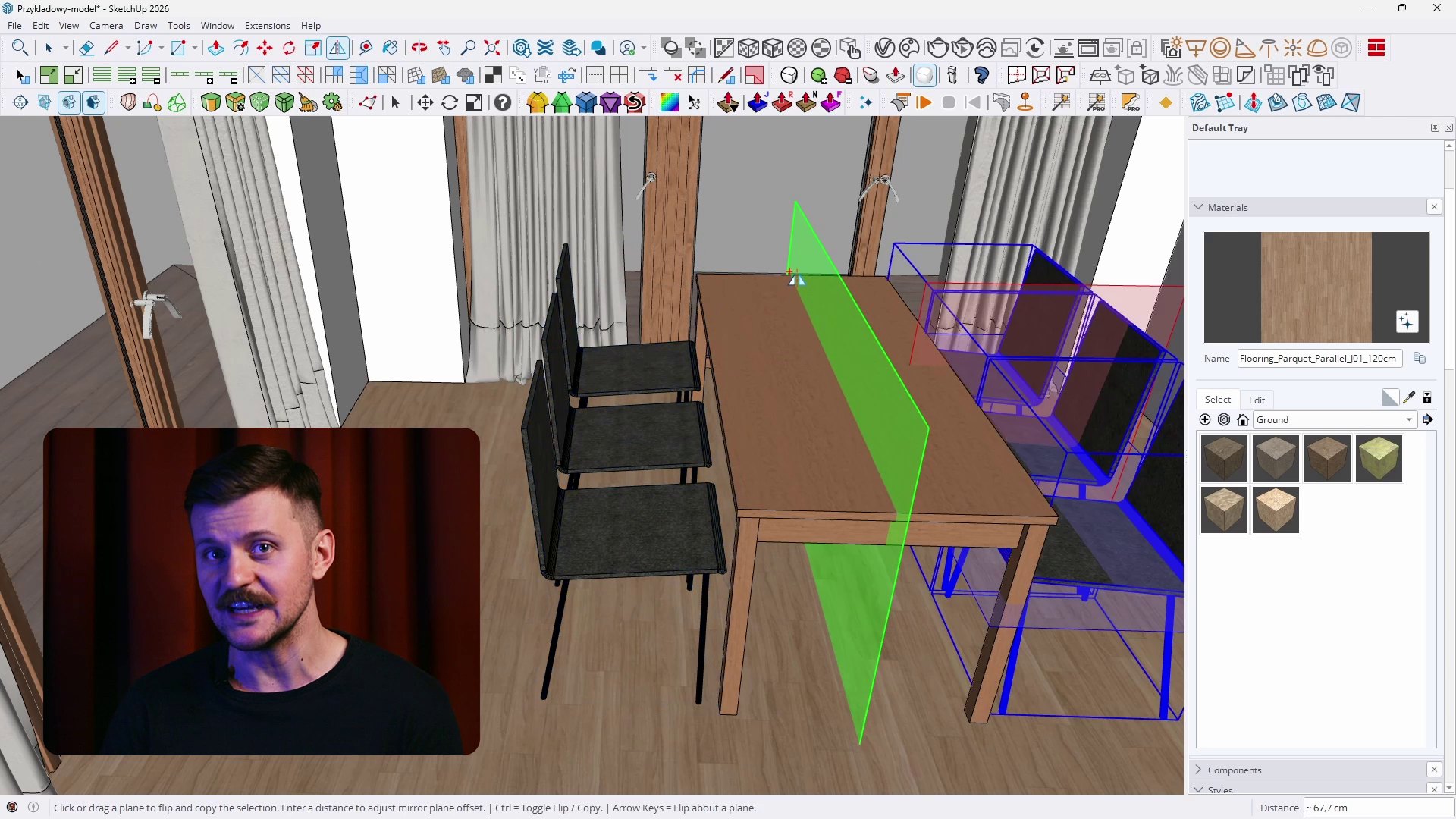
  • 05.04 - Mirror 2 min 25 s
  • 05.05 - Offset 2 min 47 s
  • 05.06 - Creating Arrays 3 min 35 s
  • 3D Modeling
  • 06.01 - Push Pull 5 min 20 s
  • 06.02 - Follow Me 3 min 4 s
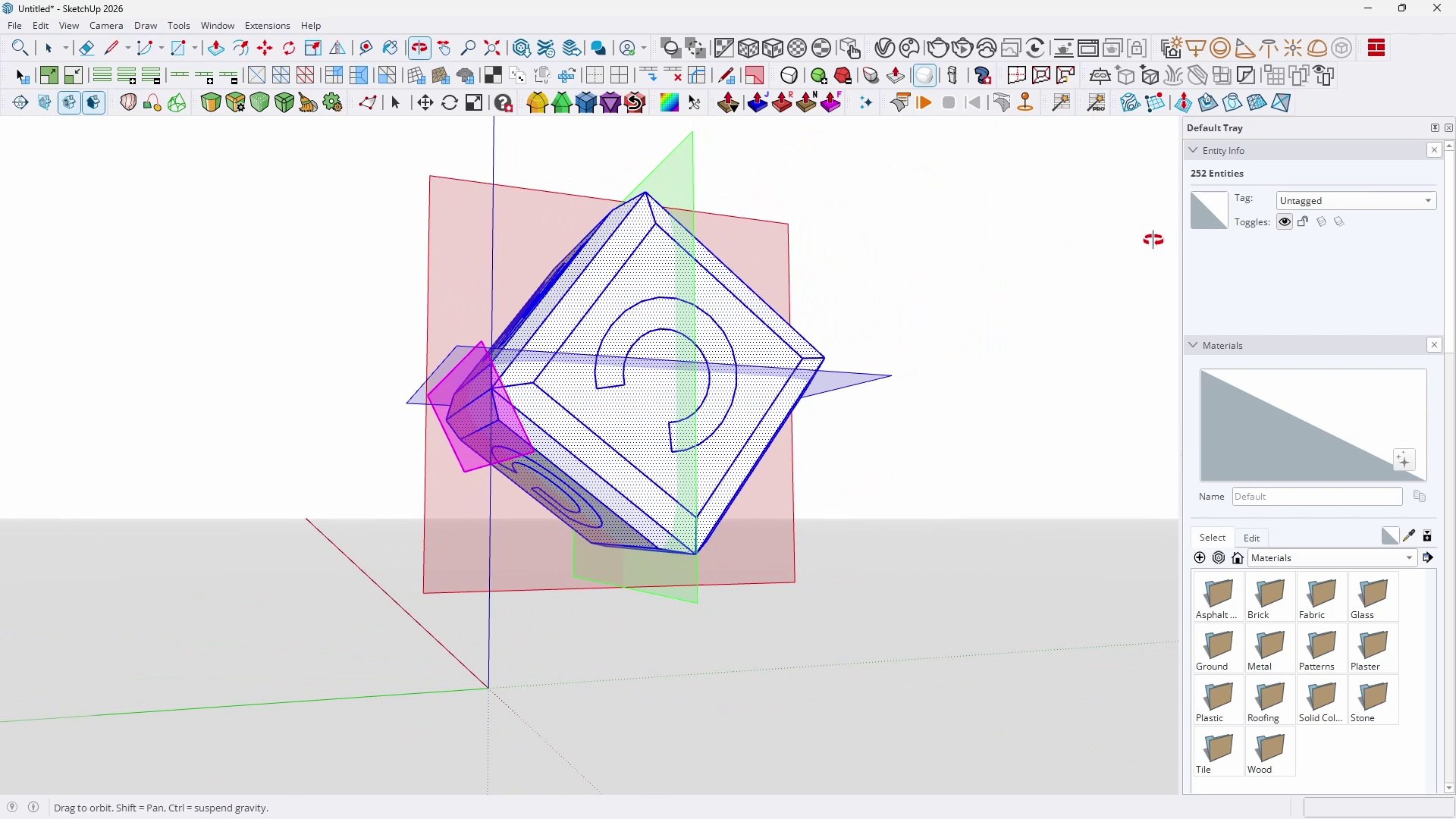
  • 06.03 - Solids of Revolution 2 min 37 s
  • 06.04 - Creating a Sphere 1 min 44 s
  • 06.05 - 3D Text Tools 3 min 23 s
  • Model Organization
  • 07.01 - Groups 5 min 45 s
  • 07.02 - Components 6 min 7 s
  • 07.03 - Live Components 3 min 34 s
  • 07.04 - Outliner 1 min 18 s
  • 07.05 - Tags 3 min 26 s
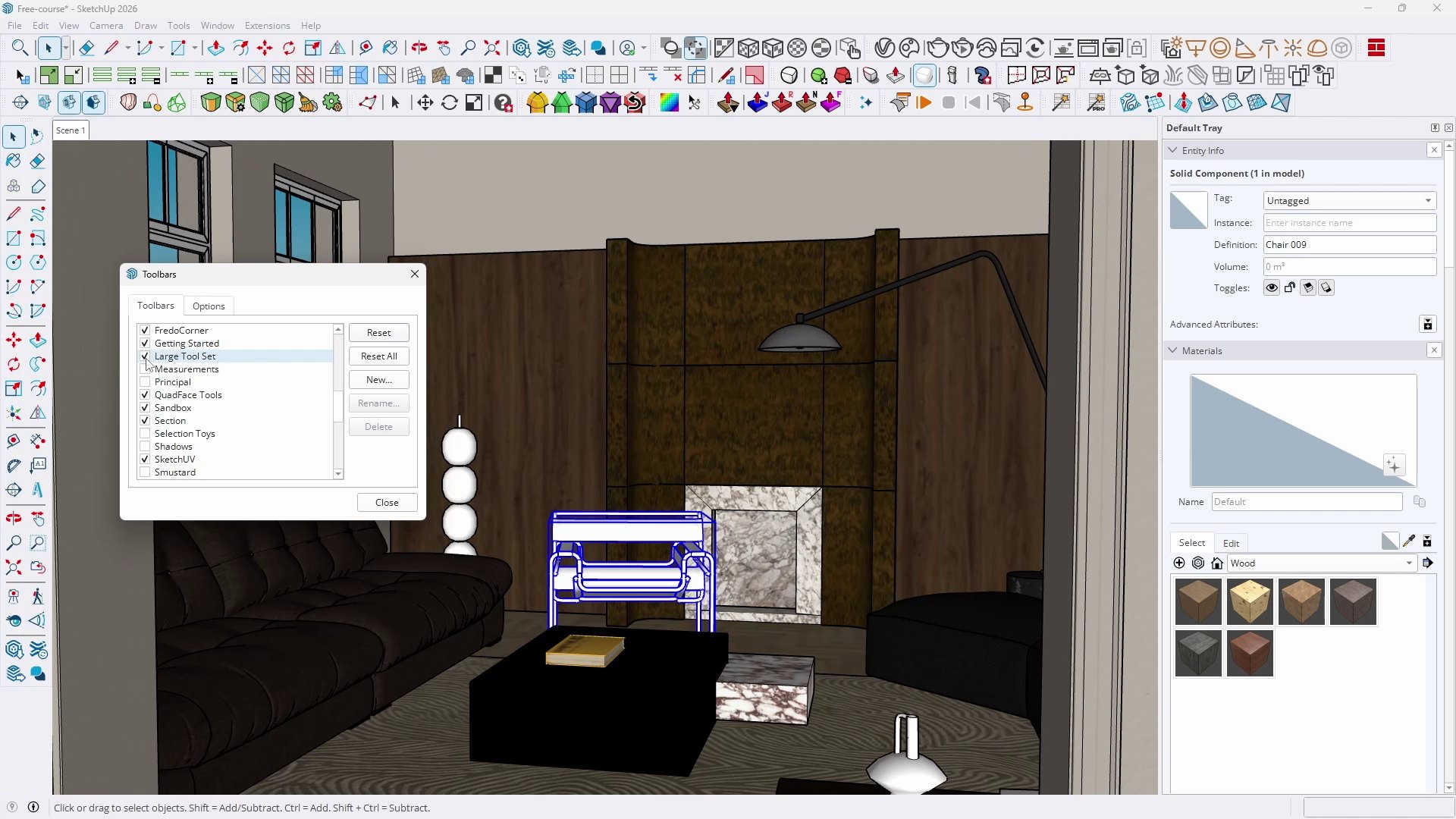
  • 07.07 - Custom Keyboard Shortcuts 3 min 37 s
  • 07.06 - Hidden Geometry vs Hiding Objects 5 min 34 s
  • Advanced Geometry
  • 08.01 - Solid Tools 3 min 35 s
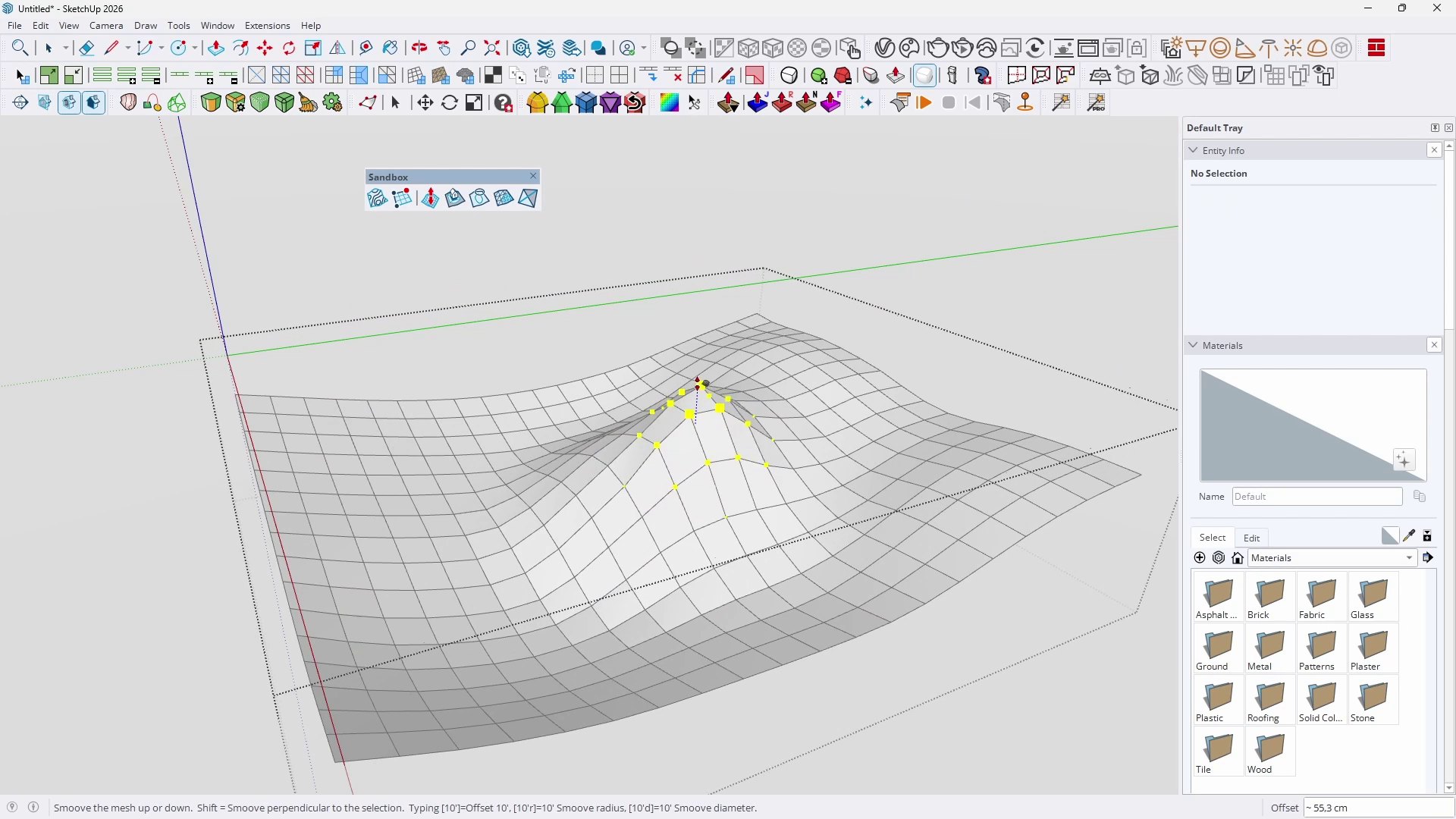
  • 08.02 - Sandbox 3 min 1 s
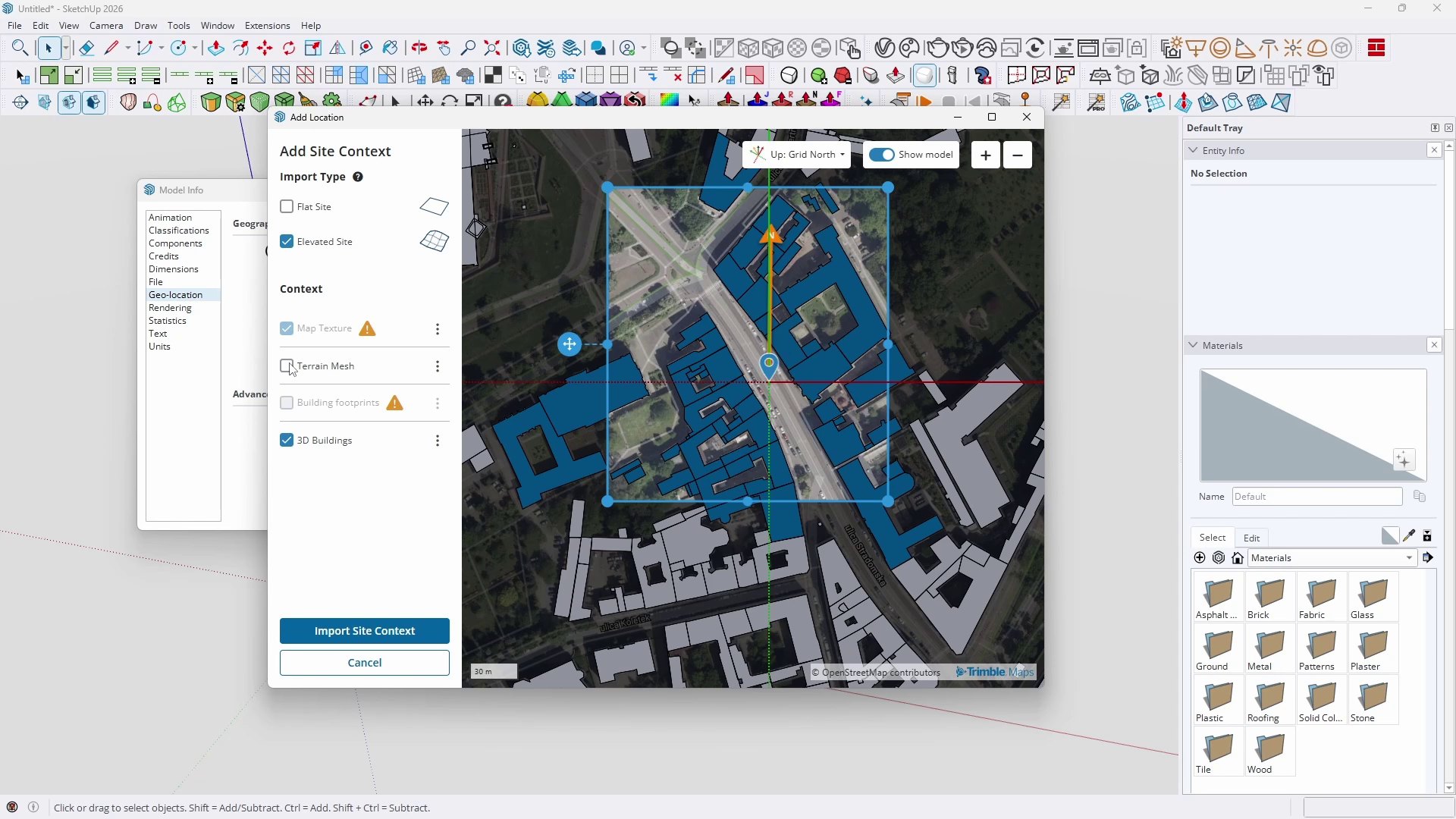
  • 08.03 - Terrain Import 3 min 1 s
  • Material Basics
  • 09.01 - Filling with Color 6 min 2 s
  • 09.02 - Creating a Custom Material 3 min 25 s
  • 09.03 - Textures 3 min 16 s
  • 09.04 - Positioning 3 min 36 s
  • 09.05 - Seamless Textures 2 min 49 s
  • 09.06 - Where to Download Textures 3 min 42 s
  • Advanced Materials
  • 10.01 - PBR Workflow 2 min 12 s
  • 10.02 - PBR Maps 3 min 9 s
  • 10.03 - Creating PBR Materials 3 min 4 s
  • 10.04 - Advanced Positioning 3 min 1 s
  • 10.05 - Generate Textures (AI) 2 min 20 s
  • Extensions
  • 11.01 - Where to Download Extensions 3 min 2 s
  • 11.02 - Extension Manager and Installation 1 min 54 s
  • 11.03 - Custom Ground Wizard 4 min 39 s
  • Libraries and Resources
  • 12.01 - 3D Warehouse 5 min 55 s
  • 12.02 - Searching for Objects by Image 2 min 6 s
  • 12.03 - External Model Libraries 3 min 36 s
  • 12.04 - Generating 3D Models with AI 4 min 9 s
  • Views
  • 13.01 - Sections 4 min 19 s
  • 13.02 - Scenes 5 min 16 s
  • 13.03 - Positioning the Camera 2 min 29 s
  • 13.04 - Match Photo 4 min 5 s
  • Presentation
  • 14.01 - Styles 5 min 44 s
  • 14.02 - Shadows 3 min 1 s
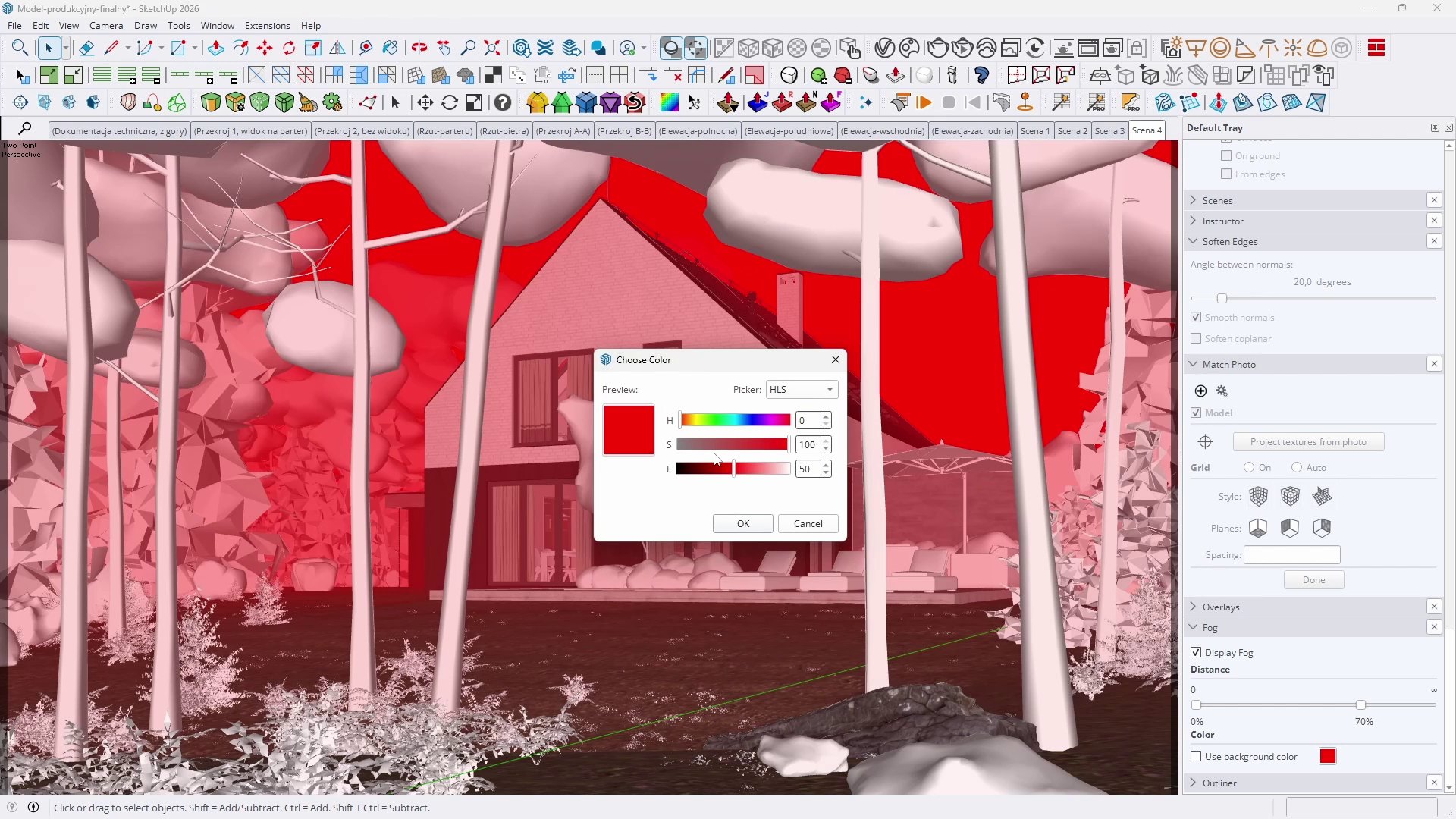
  • 14.03 - Fog 1 min 44 s
  • 14.04 - Optimal Settings 4 min 31 s
  • 14.05 - Environments 3 min 48 s
  • Visualizations
  • 15.01 - 2D Graphics Export 5 min 45 s
  • 15.02 - Animation Export 2 min 32 s
  • 15.03 - AI Render in SketchUp 3 min 29 s
  • 15.04 - AI Visualizations 4 min 20 s
  • 15.05 - Rendering Engines 5 min 18 s
  • Summary
  • 16.01 - Paths for Further Growth 2 min 27 s
  • 16.02 - Conclusion 1 min 24 s
  • The Complete SketchUp Pro Course for Beginners - Files

SEE MORE ZWIŃ

The course covers topics such as:

  • Efficient navigation in the workspace
  • Using basic SketchUp tools
  • Principles of proper work hygiene
  • Avoiding issues with "sticky" geometry
  • Creating, editing, and managing Groups and Components
  • Flawless creation of three-dimensional models of interiors and architecture
  • Solving the most common beginner problems
  • File optimization and cleanup
  • Customizing keyboard shortcuts to speed up your work
  • Using PBR materials
  • Organizing complex models
  • Practical use of the built-in AI Assistant
  • Searching for models using images
  • Basics of texture generation using artificial intelligence
  • Setting appropriate Visual Styles
  • Working with the camera and composition
  • Exporting 2D graphics
  • Creating simple animations
  • Transforming raw solids into photorealistic AI visualizations

Author

Piotr Kurpiewski Architect, Graphic designer rating: 5  

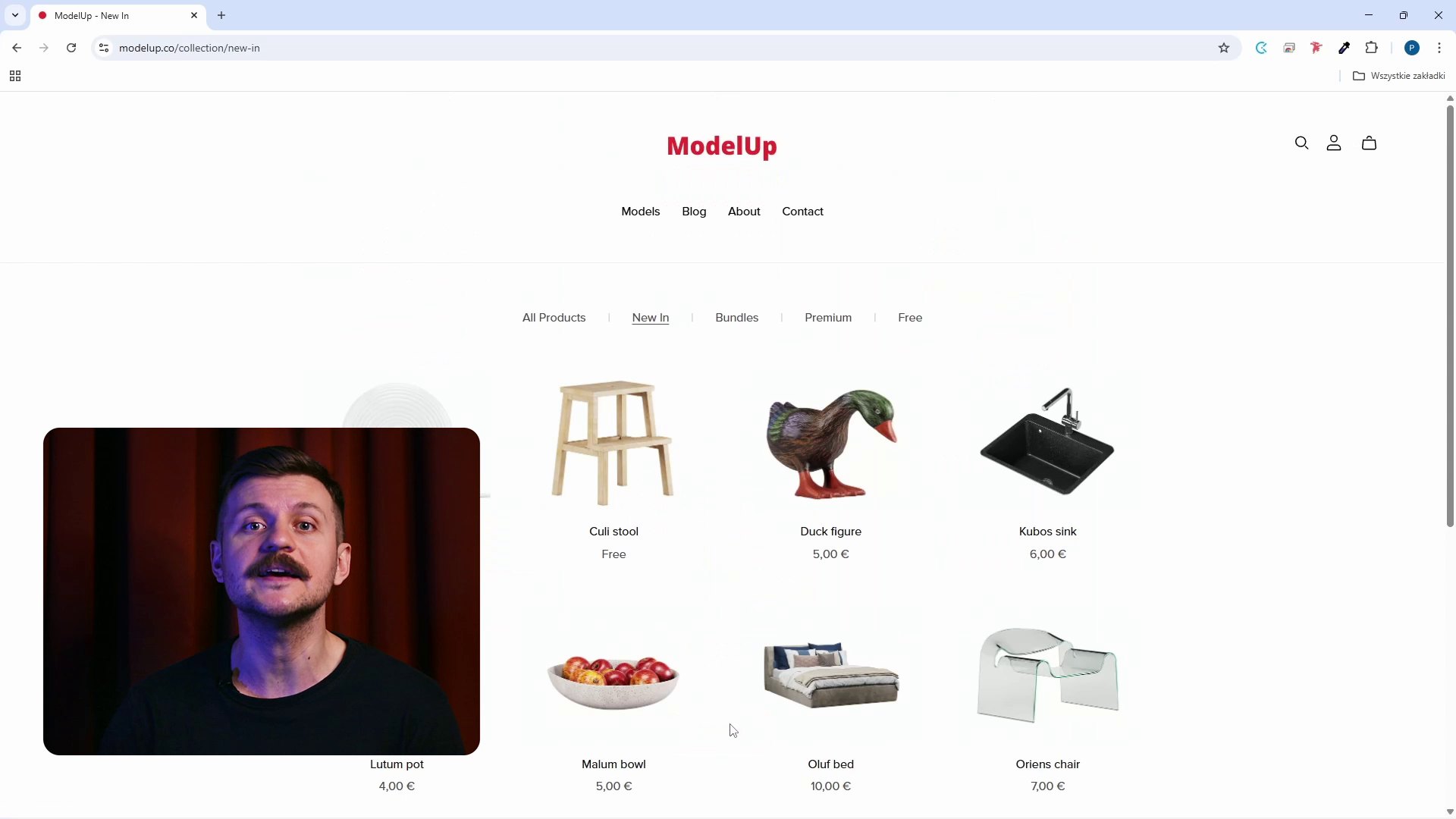
Graduated in architecture and urban planning from the Faculty of Architecture at the Gdańsk University of Technology. A graphic designer and educator passionate about new technologies. Founder of the visualization studio niuanse, where he undertakes projects in the field of architecture, graphic design, and industrial design. Creator of the ModelUp platform offering advanced 3D models for use in SketchUp.


Frequently Asked Questions

Will I receive a certificate after completing the course?
Yes, after completing the course, you can download a PDF certificate, which you can save on your computer. Each course comes with a separate certificate, which is visible in the top right corner of the course's subpage in the customer panel.
Are the courses available in DVD format or only digitally?
The courses are available only in digital format. This allows for instant access after the payment is processed.
How quickly will I get access to the course?
You will receive access to the course within a few minutes after making the payment.
I have chosen a course I want to buy. How do I proceed?
To make a purchase, you need to create an account where the course will be made available. Then, select the course you are interested in and add it to the cart. To view the cart's contents, click on "My cart". Here, you can review your order, check if everything is correct, select whether you want a VAT invoice, and choose a payment method. After accepting the terms and conditions and clicking "Order", you will be redirected to the PayU service, where you can make the payment.

Once the payment is processed, the course will be available in the "My Courses" section of the account used to place the order.
How can I pay for the selected course?
You can make a payment via PayPal or credit card.
How long will the purchased course be available in my account?
Purchased materials will be available in your account without a time limit.
Can I download a purchased course?
No, downloading courses is not possible. Courses can only be accessed online. However, you can download additional files attached to the courses.

Read more about SketchUp on our blog

Are you wondering why SketchUp is the most popular software among interior designers and architects? Do you want to learn about its greatest advantages, limitations, and full capabilities? Visit our blog and discover more articles that will clear up your doubts!

Go to the blog

What other SketchUp courses are worth considering?


Success! The course has been added to your cart.

Go to cart

Aby dodać opinię, zaloguj się na swoje konto