EN
EN PL
PL ES
ES


Publication date: 03-06-2025 | Update date: 03-06-2025 | Author: Mateusz Ciećwierz

-
Online courses
- All
 3ds Max
 AI - Artificial Intelligence
 Blender
 Corona renderer
 GstarCAD
 LayOut
 Photoshop
 Interior Design
 Revit
Revit Sketchup
 Stable Diffusion
 V-ray
V-ray
"Online courses" are comprehensive online training programs that will help you quickly master the software you are interested in.
- Plugins
- 3D Models
- Help
- Articles
Chat GPT: Where to find and how to use? Free access, apps, and more
Artificial intelligence has become a permanent part of our lives, and one of its most fascinating and accessible tools is ChatGPT. This advanced language model can generate text, answer questions, create content, translate languages, and much more. If you're wondering where to use GPT, where is Chat GPT, or Chat GPT where to find it, this article will dispel your doubts and show you how to fully utilize its capabilities.

Index
```html Where to find ChatGPT? Platform availability
Let's start with the basics: where can you actually find and start using ChatGPT?
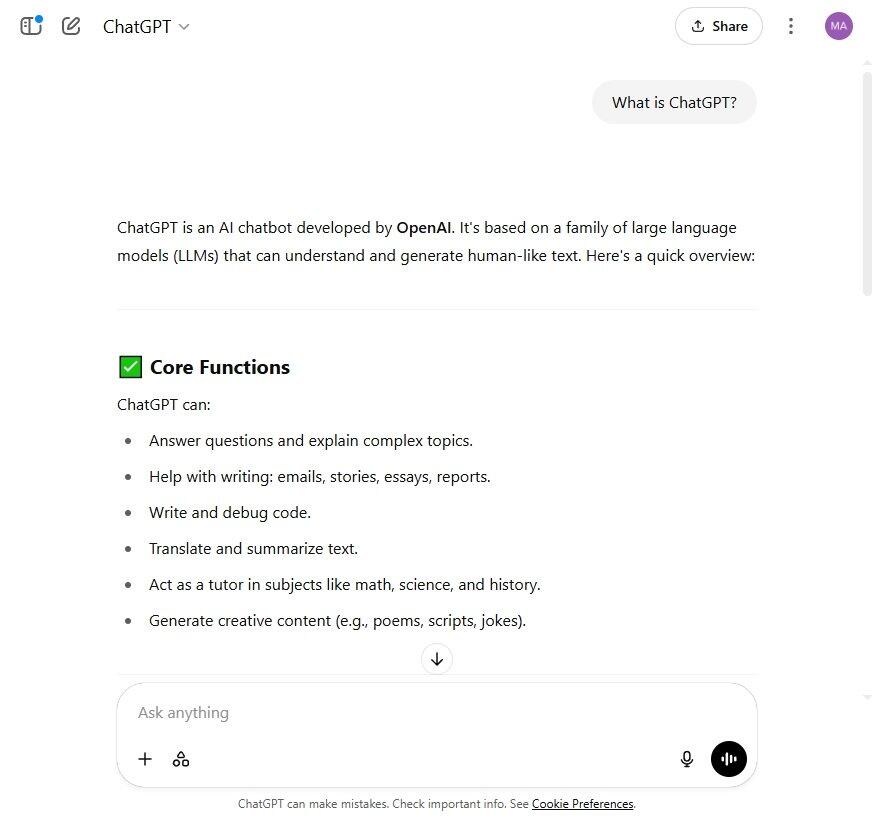
- Web browser: The easiest way to access ChatGPT is via a web browser. Simply navigate to OpenAI's official website: https://chat.openai.com/. This is where the interface for interacting with the model resides.
Answering popular questions:
- Where to use GPT? – The easiest is through a web browser on the OpenAI website.
- Where is ChatGPT? – At https://chat.openai.com/.
- Where to find ChatGPT? – Just enter the address https://chat.openai.com/ in your browser.
Is GPT paid? Availability of the free version
One of the most frequently asked questions is about fees. The good news is that you can use GPT for free without logging in, although there are some limitations.
- Free use without logging in: OpenAI provides the ability to interact with ChatGPT without creating an account. By visiting the site, you can start asking questions and generating text right away. This is a great option to quickly try out the tool's capabilities. However, keep in mind that conversations in this mode are not saved. Currently, when using the free version, we do not have the option to choose which GPT model to use. By default, the GPT-4o model is used at the moment.
- Free account with history: If you want access to your conversation history and to use additional features, it's worth creating a free account. Registration is simple and fast, and having an account allows you to track your previous interactions with ChatGPT. As with using without logging in, the GPT-4o model is used by default in the free account without the option to choose a different model.
What about how to enable GPT-4o? Currently, free users are using GPT-4o. There is no need to "enable" GPT-4o – it is available by default.
Answering the question: where to buy ChatGPT 4? – You don't "buy" ChatGPT 4 separately. Access to advanced features and potentially dedicated models may be part of a paid subscription offered by OpenAI.
CHECK ONLINE COURSES DEDICATED TO ARTIFICIAL INTELLIGENCE
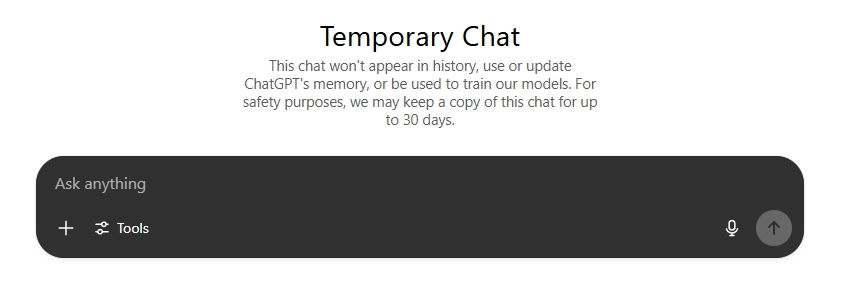
Temporary Mode: Your Privacy First
OpenAI also cares about user privacy. There is an option to ask questions in "temporary" mode, ensuring that the conversation is not saved in your account history. By activating this mode, you can be sure that this chat will not appear in your history, and OpenAI will not use or update ChatGPT's memory based on this conversation. Furthermore, conversations in temporary mode cannot be used to train their models, which further increases your privacy. This is especially useful when working with confidential information or when you simply don't want the interaction to be permanently recorded. However, keep in mind that for security reasons, OpenAI may store a copy of this chat for up to 30 days.
ChatGPT on your phone: Mobility and convenience
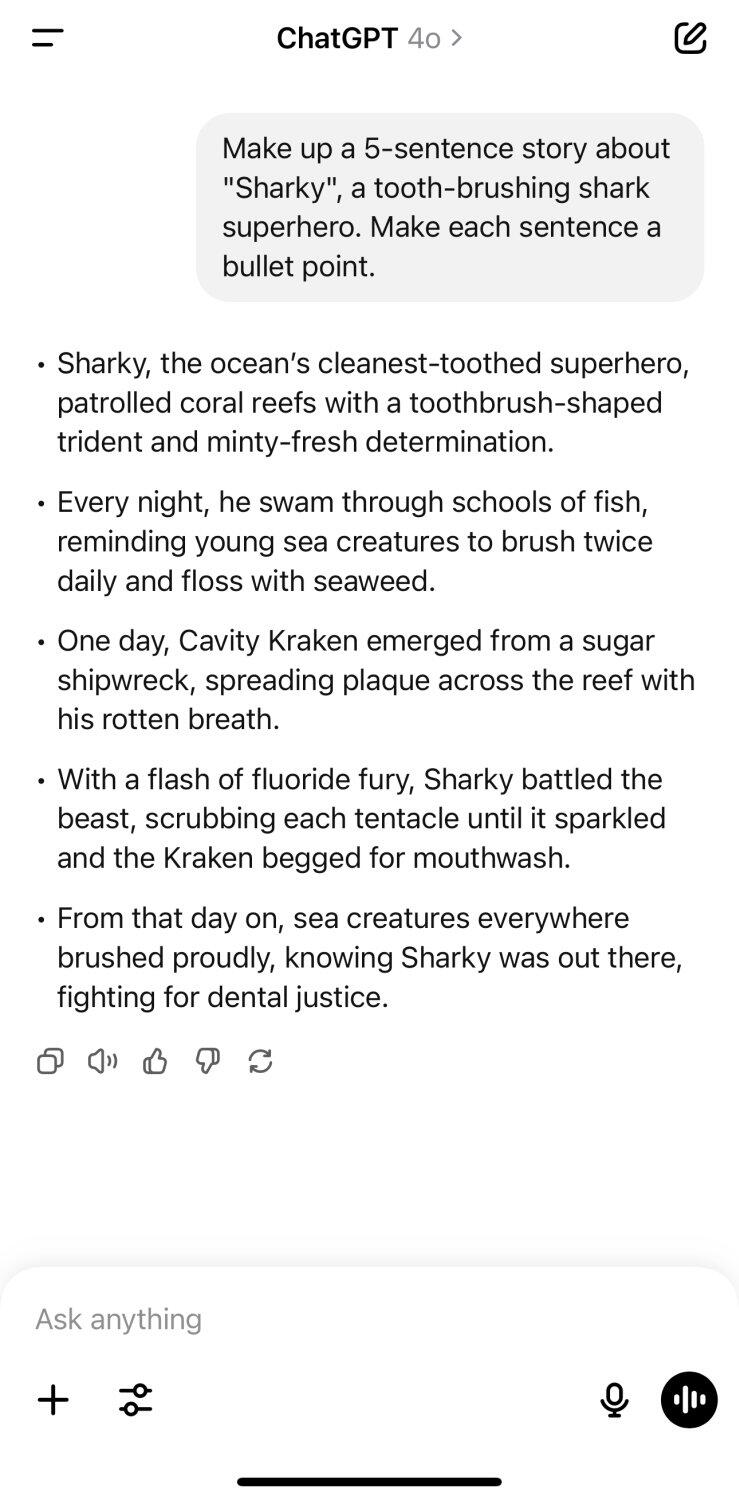
For those who value mobility, it is possible to use ChatGPT on your smartphone.
- Mobile app: OpenAI provides the ChatGPT mobile app available for both Android and iOS. You can download it from the Google Play Store and the App Store. The app offers similar functionality to the web version, tailored to the mobile interface.
Desktop app: Convenience on your computer
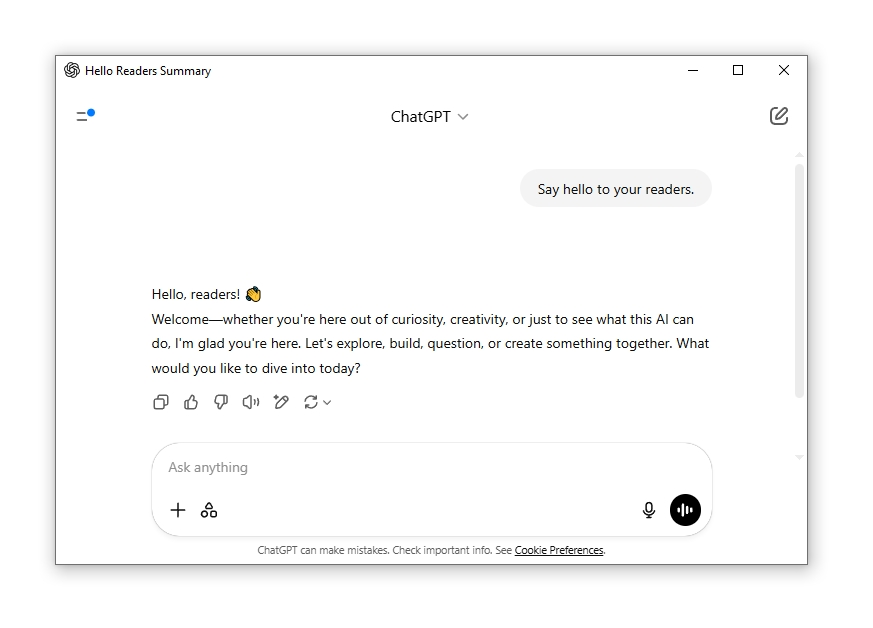
A dedicated app is also available for desktop and laptop users.
- Desktop app: You can install the ChatGPT desktop app on Windows and Mac. Similar to the mobile app, you need to log in to your account – which can be either free or paid. The desktop app provides quick access to ChatGPT without having to open a browser.
Summarizing answers to questions about enabling:
- How to enable GPT-4o? – Access to advanced features is tied to a paid subscription. Currently, free users use the GPT-4o model. It does not require separate "enabling".
- How to enable ChatGPT? – Just go to https://chat.openai.com/ in your browser or launch the mobile/desktop app and log in (if you have an account).
Advanced capabilities: Access via API
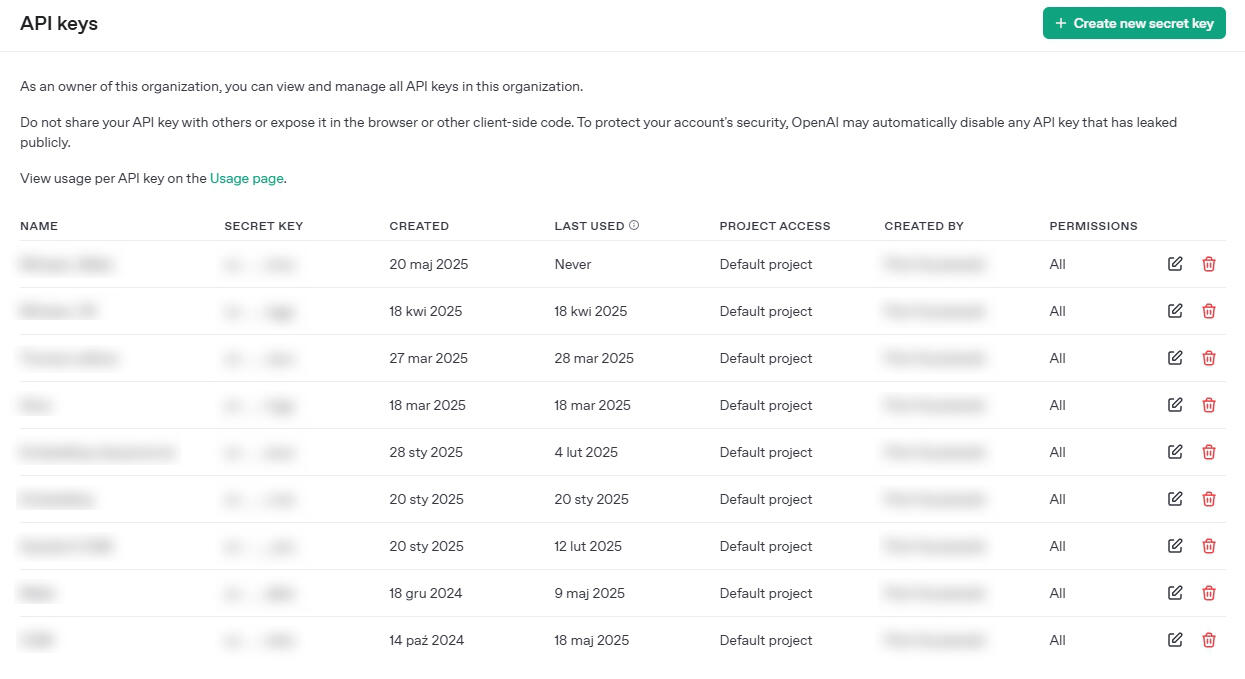
Advanced users have the option to use GPT models via the API (Application Programming Interface). This offers entirely different possibilities for integrating AI with your own applications and systems. In this case, billing is based on tokens consumed and a ChatGPT Plus subscription is not required. Access to the API opens the door to creating customized solutions leveraging the power of OpenAI's language models.
How else can you use ChatGPT?
The possibilities with ChatGPT are almost limitless. Here are a few additional ways you can use it:
- Content generation: Create articles, social media posts, product descriptions, scripts, and even poems and short stories.
- Language translation: Translate texts between different languages with high accuracy.
- Text summarization: Ask for summaries of long articles, documents, or books to quickly grasp their key points.
- Code writing: Generate code snippets in various programming languages, explain existing code, or seek help with debugging.
- Brainstorming: Use ChatGPT to generate ideas, find creative solutions to problems, or plan projects.
- Learning and education: Ask questions on various topics, request explanations of complex concepts, or generate study materials.
- Email and letter drafting: Compose professional emails, cover letters, or other forms of correspondence.
- Personal assistant: Ask for help organizing tasks, creating shopping lists, or planning trips.
Looking for inspiration on how to use ChatGPT? Check out our article - What can you use Chat GPT for? 10 brilliant ideas for everyone
Expert's opinionPiotr KurpiewskiArchitekt, Grafik, Wykładowca PJATK w Warszawie
In my work as an architect, designer, and graphic artist, ChatGPT is an invaluable support. It helps me generate fresh concepts, create project descriptions, and even inspire visualizations. The availability on different platforms – from the browser to apps – means that I can use it at any moment of the creative process. It is a tool that truly expands my design capabilities!
Summary: Your virtual assistant awaits
ChatGPT is a powerful tool that can greatly simplify many daily tasks and free up your time. Whether you want to quickly get an answer to a question, create creative text, or need help with a more complex project, ChatGPT is at your disposal. You can use it for free in the browser without logging in, create a free account for access to history, use temporary mode for privacy, and enjoy the convenience of mobile and desktop apps after logging in. More advanced users can explore the possibilities via API.
Try ChatGPT today and see how much this intelligent assistant can offer you!
```Author

Przeczytaj o programie AI - Artificial Intelligence na naszym blogu
-
![Virtual staging and AI photos in real estate listings - what does the AI Act change?]()
Virtual staging and AI photos in real estate listings - what does the AI Act change?
The AI Act vs real estate. Does virtual staging require an AI label? Find out how to avoid legal pitfalls and properly label photos. -
![How to Label AI Content According to the Law? Ready-Made Formulas for Designers and Archviz Studios.]()
How to Label AI Content According to the Law? Ready-Made Formulas for Designers and Archviz Studios.
How to Legally Label AI Visualizations? Check When a Label Is Mandatory and Copy Ready-Made Formulas for Your Projects. -
![Do you have to label visualizations as AI? What does the AI Act really say and what changes on August 2, 2026?]()
Do you have to label visualizations as AI? What does the AI Act really say and what changes on August 2, 2026?
AI Act from August 2! Do you have to label 3D visualizations as AI? Check where the legal boundary lies between concept and deepfake. -
![AI for furniture manufacturers - See how to create furniture packshots and catalog arrangements with raya.design]()
AI for furniture manufacturers - See how to create furniture packshots and catalog arrangements with raya.design
Packshots without time-consuming sessions? Discover Raya Design. Change upholstery and create arrangements with AI in moments. See how it works!