EN
EN PL
PL ES
ES


Publication date: 26-11-2025 | Update date: 26-11-2025 | Author: Mateusz Ciećwierz

-
Online courses
- All
 3ds Max
 AI - Artificial Intelligence
 Blender
 Corona renderer
 GstarCAD
 LayOut
 Photoshop
 Interior Design
 Revit
Revit Sketchup
 Stable Diffusion
 V-ray
V-ray
"Online courses" are comprehensive online training programs that will help you quickly master the software you are interested in.
- Plugins
- 3D Models
- Help
- Articles
Alternative to AutoCAD - Discover GstarCAD with a Perpetual License
Looking for a cheaper alternative to AutoCAD that provides you with similar functionality? GstarCAD is professional CAD software that can save you significant financial resources, without sacrificing the most important design tools. In this article, we'll show why you should consider GstarCAD as an AutoCAD replacement, what benefits this choice brings, and how quickly you can retrain.
Index
Why Is GstarCAD a Good Alternative to AutoCAD?
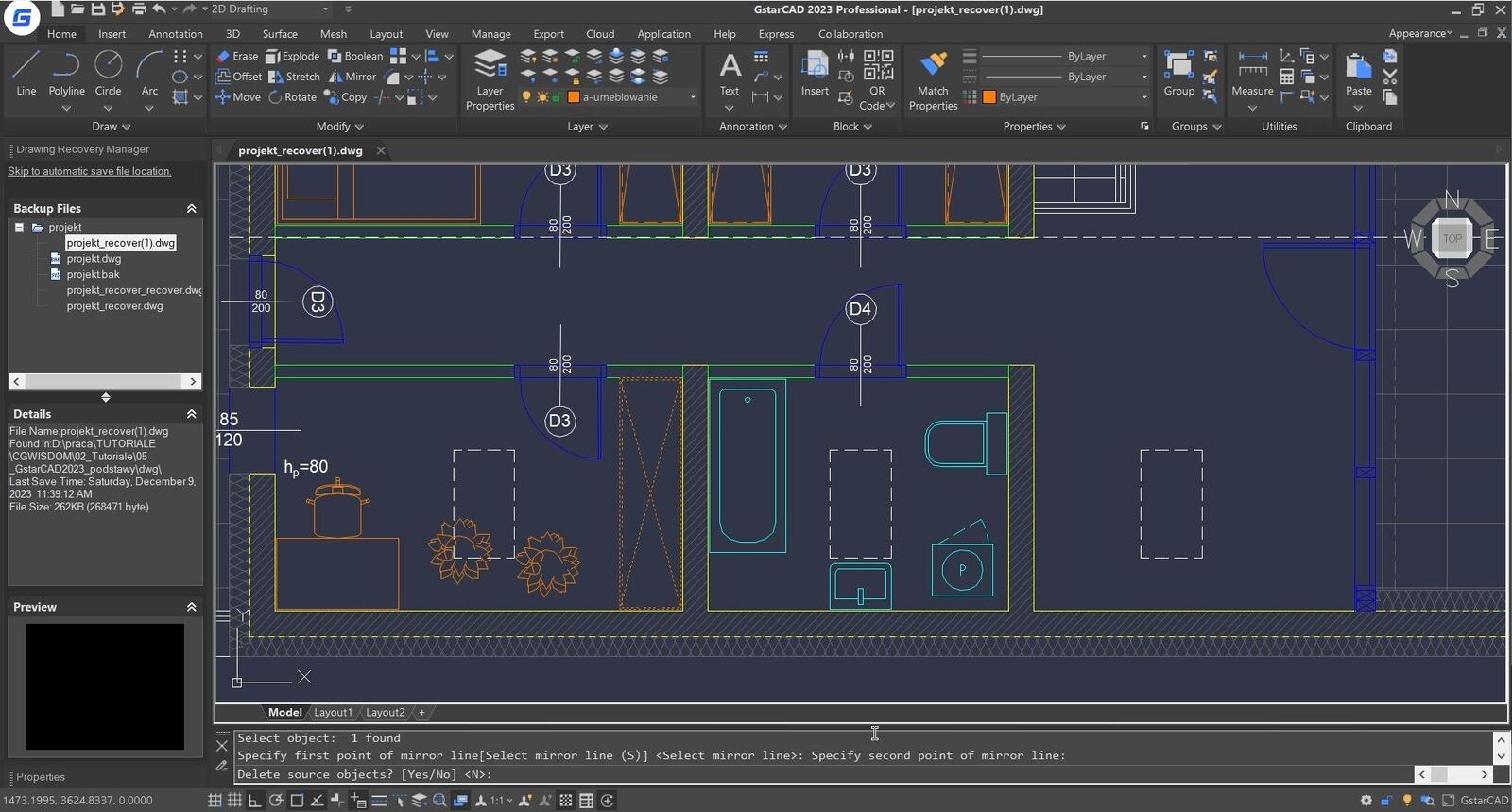
GstarCAD is a Chinese CAD program that has gained worldwide recognition for its advanced features and affordable price. The software was designed with AutoCAD users in mind – the interface, keyboard shortcuts, and operating logic are almost identical. Thanks to this, the transition from AutoCAD to GstarCAD is incredibly smooth and does not require a long adaptation period.
The most important advantage of GstarCAD is its price. A GstarCAD license costs up to several times less than AutoCAD, making it an ideal solution for small design offices, freelancers, and companies looking to optimize costs. With similar functionality, the budget difference can be truly significant.
Moreover, GstarCAD offers full compatibility with the DWG format, which is the industry standard. This means you can easily open, edit, and save files created in AutoCAD. You don’t have to worry about data exchange with contractors or colleagues using other programs.

What Features Does GstarCAD Offer?
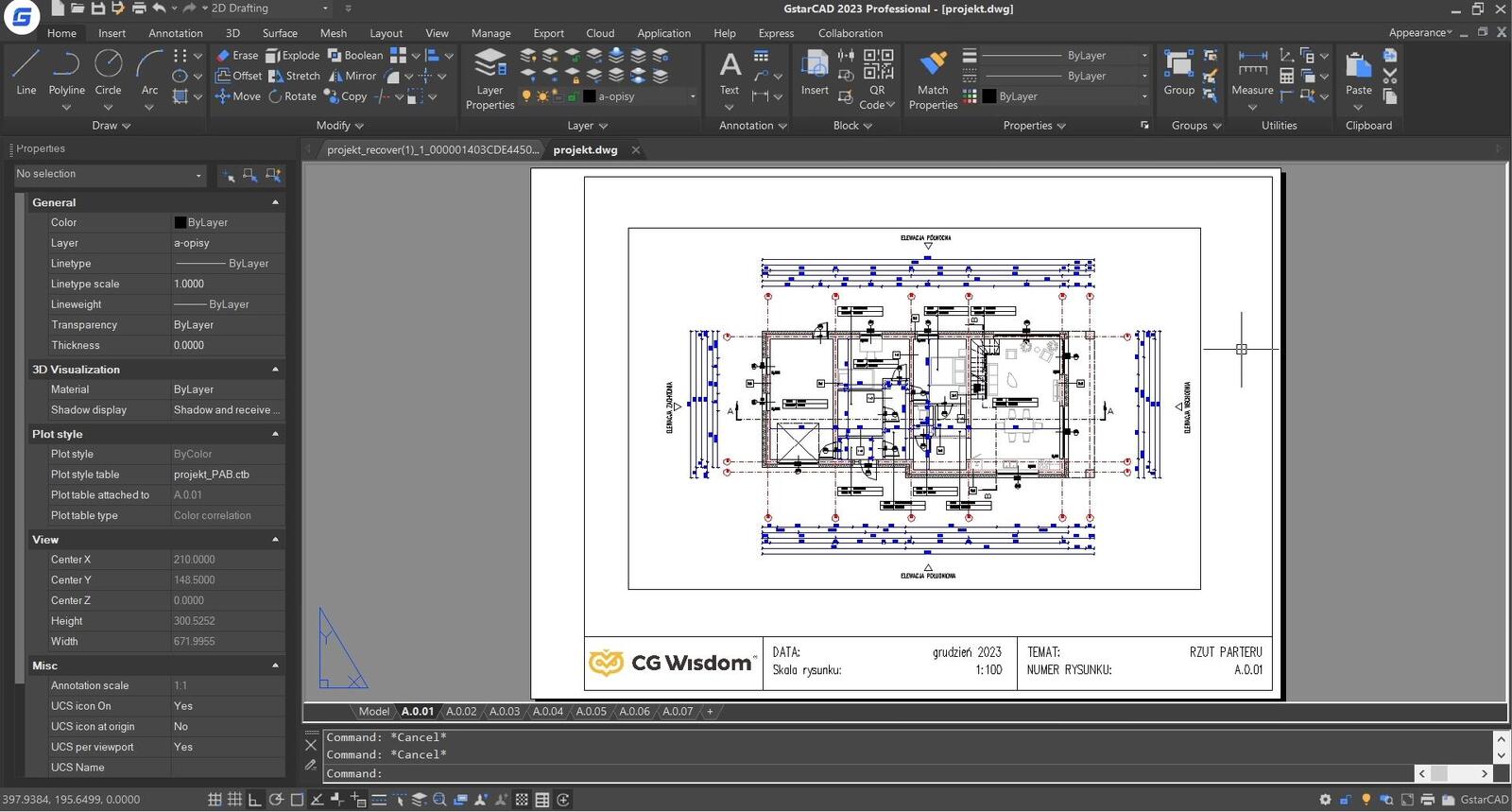
GstarCAD provides a wide range of design tools that enable professional technical documentation creation. The program supports both 2D drafting and 3D modeling, making it a versatile tool for architects, engineers, and designers.
Among the basic features of GstarCAD are geometry creation and editing tools, block libraries, layer systems, dimensioning, text annotations, and advanced printing options. The program also allows work with external references (Xref), which is crucial for large projects requiring collaboration among multiple people.
GstarCAD also stands out for its high performance – it runs smoothly even on mid-range computers, and handling large files is not an issue. This is a significant advantage in daily work, where every second counts.
CHECK OUT THE GstarCAD BASIC COURSE FOR BEGINNERS
Who Is GstarCAD For?
GstarCAD is perfect for any industry that requires creating precise technical documentation. Architects, civil engineers, installation designers, mechanics, and surveying specialists will find all the necessary tools to carry out their work.
The program is especially recommended for small and medium design firms looking to reduce licensing costs without sacrificing professional capabilities. Freelancers will also appreciate the affordable price and no need for high subscription fees.
If you have worked in AutoCAD before, transitioning to GstarCAD will be extremely easy. With an identical interface and familiar keyboard shortcuts, you don’t have to learn everything from scratch. For details on the program’s capabilities, check out the article: GstarCAD - What is this program, what is it for and who can use it?
Learning GstarCAD – How to Get Started?
One of the biggest advantages of GstarCAD is that you don’t need much time to learn it. If you know AutoCAD, you’ll immediately feel comfortable in the GstarCAD environment. The interface, tool palettes, and context menus – everything looks familiar and works the same.
For those just starting with CAD programs, GstarCAD is also a good choice. The program is intuitive, and basic functions can be mastered in a relatively short time. However, it is worth taking a professional course that will let you discover all the program’s capabilities and teach you effective workflows.
If you want to learn GstarCAD from scratch or expand your knowledge with advanced design techniques, you’ll find a wide range of GstarCAD courses taught by experienced specialists.
Cost Comparison – GstarCAD vs AutoCAD
Cost is one of the most important factors influencing the choice of CAD software. AutoCAD requires a subscription – an annual license costs around PLN 10,000 net, and the monthly payment is approximately PLN 1,200 net. For small companies or self-employed professionals, that’s a significant recurring expense.
GstarCAD offers a much more affordable pricing model. A perpetual license currently costs around PLN 2,300 net, and an annual license is only about PLN 1,200 net. The difference is huge – for the price of one month’s AutoCAD subscription, you get a year of GstarCAD access, and for a slightly higher amount, you can purchase a perpetual license. You can invest the savings in other tools, training, or business development.
It’s also worth noting that GstarCAD does not require powerful computer hardware, which further reduces the total cost of ownership. The program runs smoothly on standard configurations, so you don’t need to invest in expensive workstations.
CHECK OUT ONLINE COURSES – GSTARCAD for Beginners and Advanced Users
Is It Worth Switching to GstarCAD?
The decision to change software always involves some risk and requires careful consideration. In the case of GstarCAD, the risk is minimal. The program ensures full compatibility with AutoCAD, so you don’t lose access to your existing projects. You can also collaborate seamlessly with clients and partners using other CAD programs.
Switching to GstarCAD means real cost savings without sacrificing functionality. If your work doesn’t require very specialized tools available only in AutoCAD, GstarCAD will be the ideal solution for you. You gain professional design capabilities at a much lower price.
It’s also worth noting GstarCAD’s growing popularity worldwide. More and more design firms are choosing this software, which speaks to its high quality and reliability. By joining their ranks, you invest in a tool that has a future.
Author

Przeczytaj o programie GstarCAD na naszym blogu
-
![Is GstarCAD as good as AutoCAD? Check out the comparison!]()
Is GstarCAD as good as AutoCAD? Check out the comparison!
Is GstarCAD a good alternative to AutoCAD? We compare the costs, interface, and features of both programs. See the comparison of perpetual licenses vs. subscriptions. -
![Profile Builder 4 or Magic Molding? Comparison of Ornamentation Plugins in SketchUp]()
Profile Builder 4 or Magic Molding? Comparison of Ornamentation Plugins in SketchUp
How does Profile Builder 4 differ from Magic Molding? Scope, pricing, profile libraries, and learning curve. Find out which plugin fits your projects. -
![The Best Free SketchUp Plugins for Interior Designers in 2026!]()
The Best Free SketchUp Plugins for Interior Designers in 2026!
Which SketchUp plugins are really worth having? Discover 7 free extensions for interior designers and find out which ones have just stopped being free! -
![Reversed Faces in SketchUp – why are blue faces showing and how to fix them?]()
Reversed Faces in SketchUp – why are blue faces showing and how to fix them?
Blue faces in SketchUp are flipped faces. Learn where they come from, how to quickly locate and fix them before they mess up your render or model export.