EN
EN PL
PL ES
ES


Publication date: 22-09-2026 | Update date: 25-09-2026 | Author: Piotr Kurpiewski

-
Online courses
- All
 3ds Max
 AI - Artificial Intelligence
 Blender
 Corona renderer
 GstarCAD
 LayOut
 Photoshop
 Interior Design
 Revit
Revit Sketchup
 Stable Diffusion
 V-ray
V-ray
"Online courses" are comprehensive online training programs that will help you quickly master the software you are interested in.
- Plugins
- 3D Models
- Help
- Articles
The Best Free SketchUp Plugins for Interior Designers in 2026!
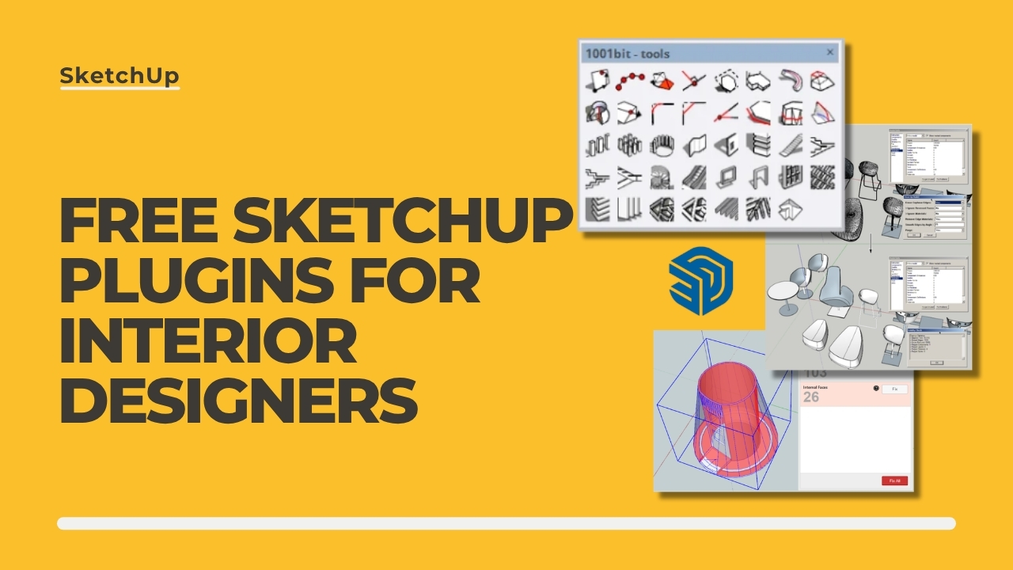
By default SketchUp is fast, intuitive, and enjoyable, but there are tasks that are much more cumbersome to do in it than in other programs. Herringbone floors, baseboards and ornate moldings throughout the entire apartment, stairs, or a model that takes several minutes to open after a month of work are the most painful. I've gathered seven free plugins that are useful in an interior designer's toolbar and don't end up in the trash after a week. For each one I write directly what you get for zero zlotys. At the end I return to popular add-ons that until recently were free, and today unfortunately are no longer.
Index
Custom Ground Wizard - free floor generator for SketchUp
You select a surface, choose a pattern and get a ready layout of planks or tiles, including cuts at the walls. The free version includes the full generation engine, support for curved walls and openings, longitudinal and transverse texture alignment, and edge beveling. Of the patterns you get a regular grid and brick, because herringbone, chevron, hexagon, basketweave and other patterns are available in the PRO version. The commercial license applies to both versions, so you can safely include the floor from the free plugin in a paid project.
See how it looks in practice in the video below:
Read more about the tool itself and how it differs from the now outdated Floor Generator in our article on creating the perfect floor in three clicks.
DOWNLOAD THE FREE FLOOR GENERATOR FOR SKETCHUP
Magic Molding - free molding, trim and cornice generator
The simplest way to get quick moldings! You select the edges, choose a cross-section and click Generate, and the molding runs around the entire room with corner cuts. The free version includes almost everything: live preview before generation, nine anchor points, support for curves and closed loops, and editing of the generated molding at any time. The limitation is the library, as you get one profile from each category instead of the full set of nearly a hundred sections. You also can't create custom shapes.
If this topic interests you, check out the following video:
You can download the plugin from the page dedicated to the Magic Molding molding generator.
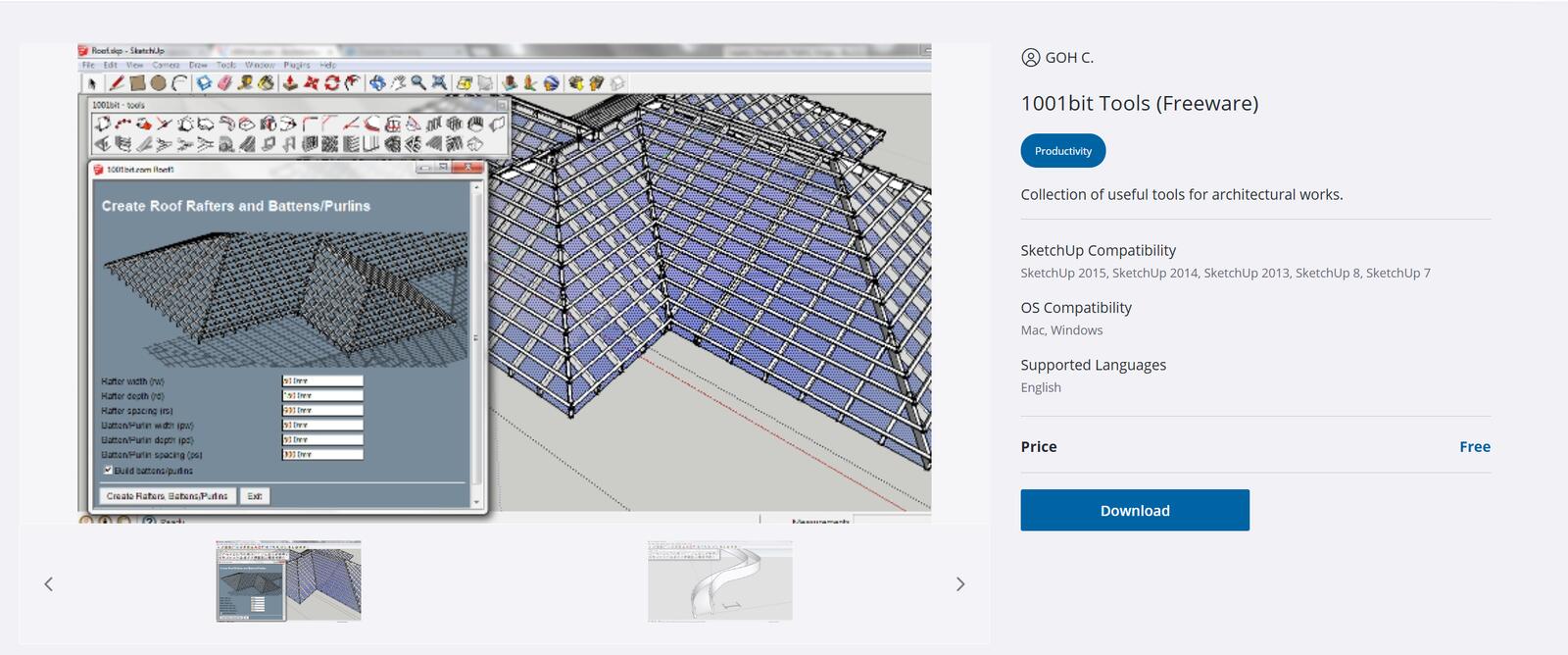
1001bit Tools - ready-made architectural elements
A veteran that still has no good replacement. On Extension Warehouse look for the version labeled 1001bit Tools (Freeware), because next to it is the paid Pro edition. The free version creates stairs, railings, window and door openings with frames, and roofs.
For interior designers the most valuable are stairs and openings. These are two things where manual modeling takes fifteen minutes, while the plugin does it in a few seconds.
Eneroth Upright Extruder - a profile that doesn't twist on a curve
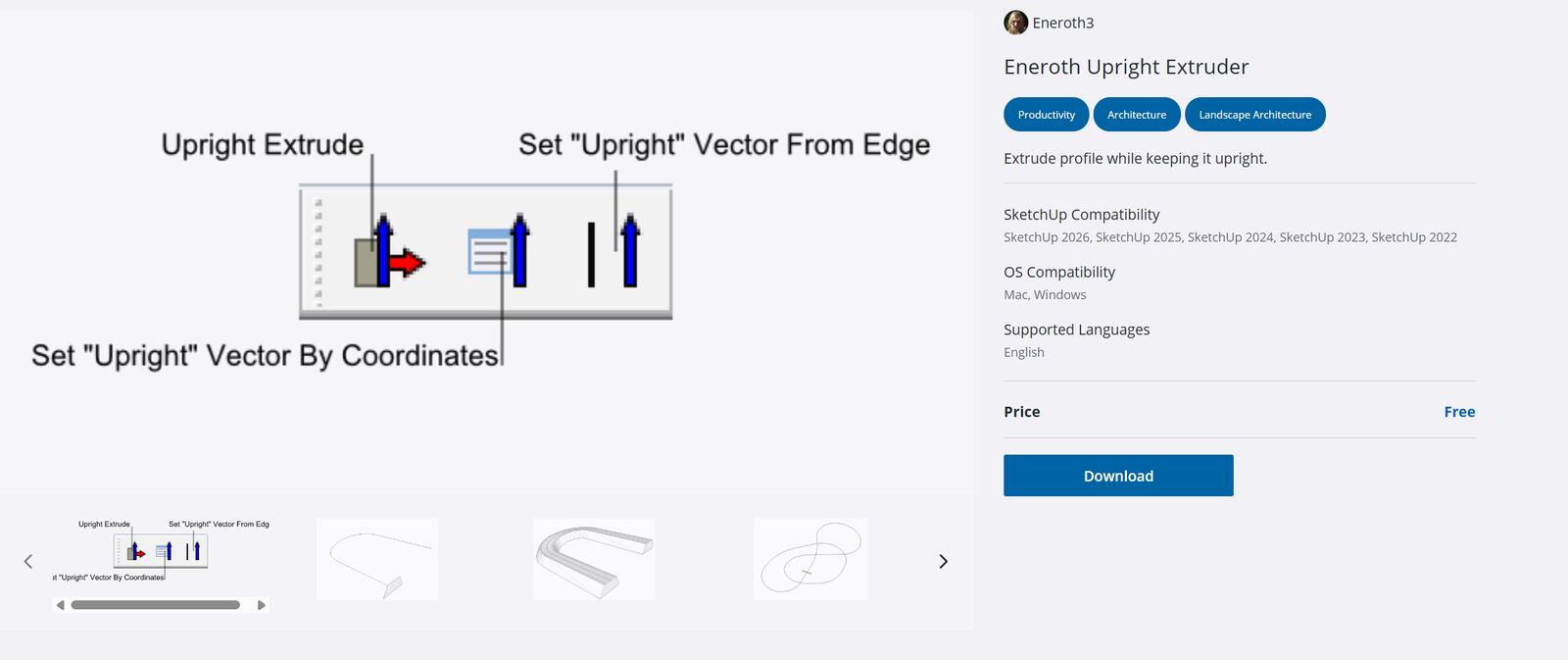
This plugin drags a profile along a path and ensures it doesn't rotate on a curve. It sounds like a minor detail until you try to run a handrail along rounded stairs or a cornice along a bay window, because then the built-in Follow Me starts twisting the section. You don't get any library or texture assistance, but it solves this one problem flawlessly and asks for nothing in return.
CleanUp³ - tidiness in the model and smaller file size
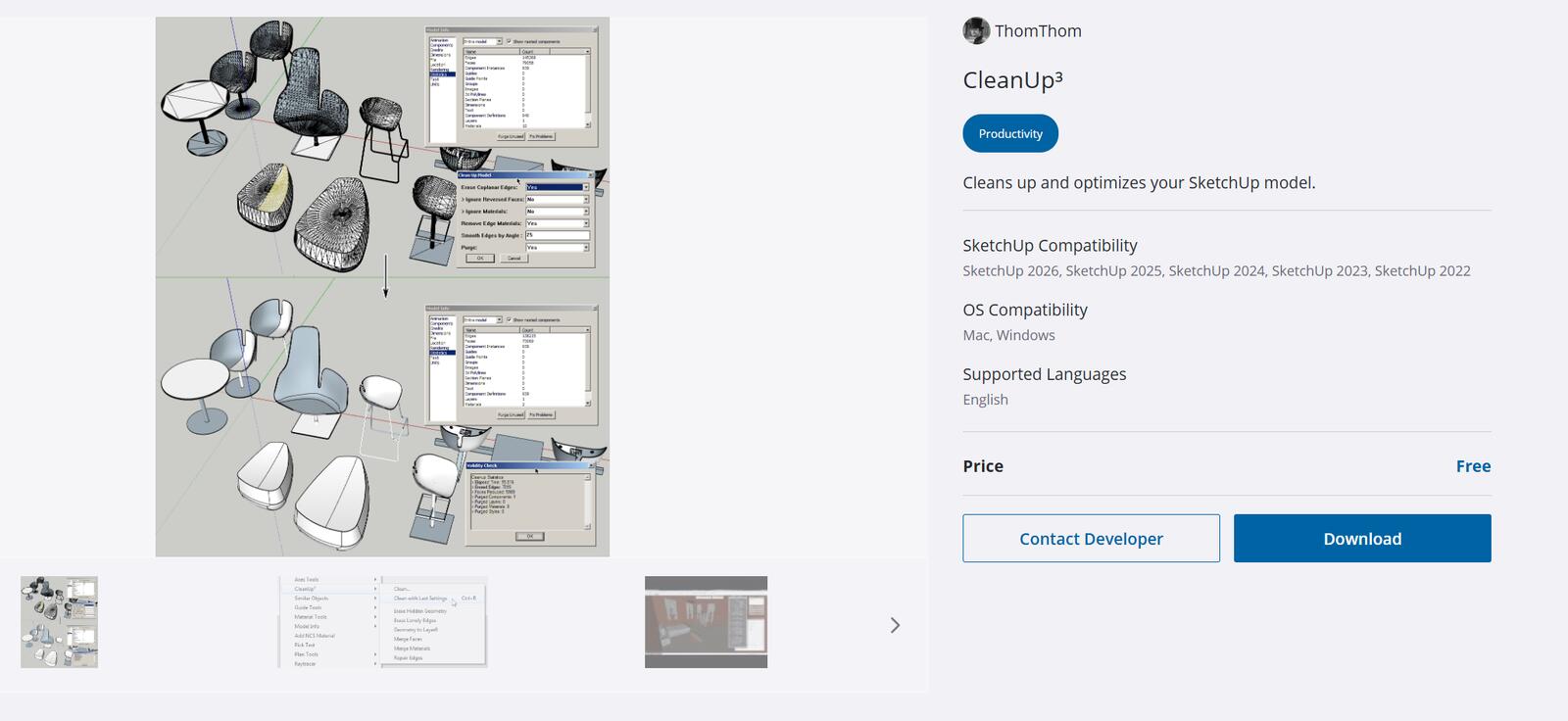
It merges coplanar faces, deletes unnecessary edges, removes duplicate components, and cleans unused materials. You can see the effect in the model statistics and file save time, but this plugin is what determines whether a scene remains rotatable after three weeks of work. I always run it after inserting furniture from external libraries, because that’s where the most clutter is. We broke it down in detail in the article on optimizing ready-made models with the CleanUp plugin.
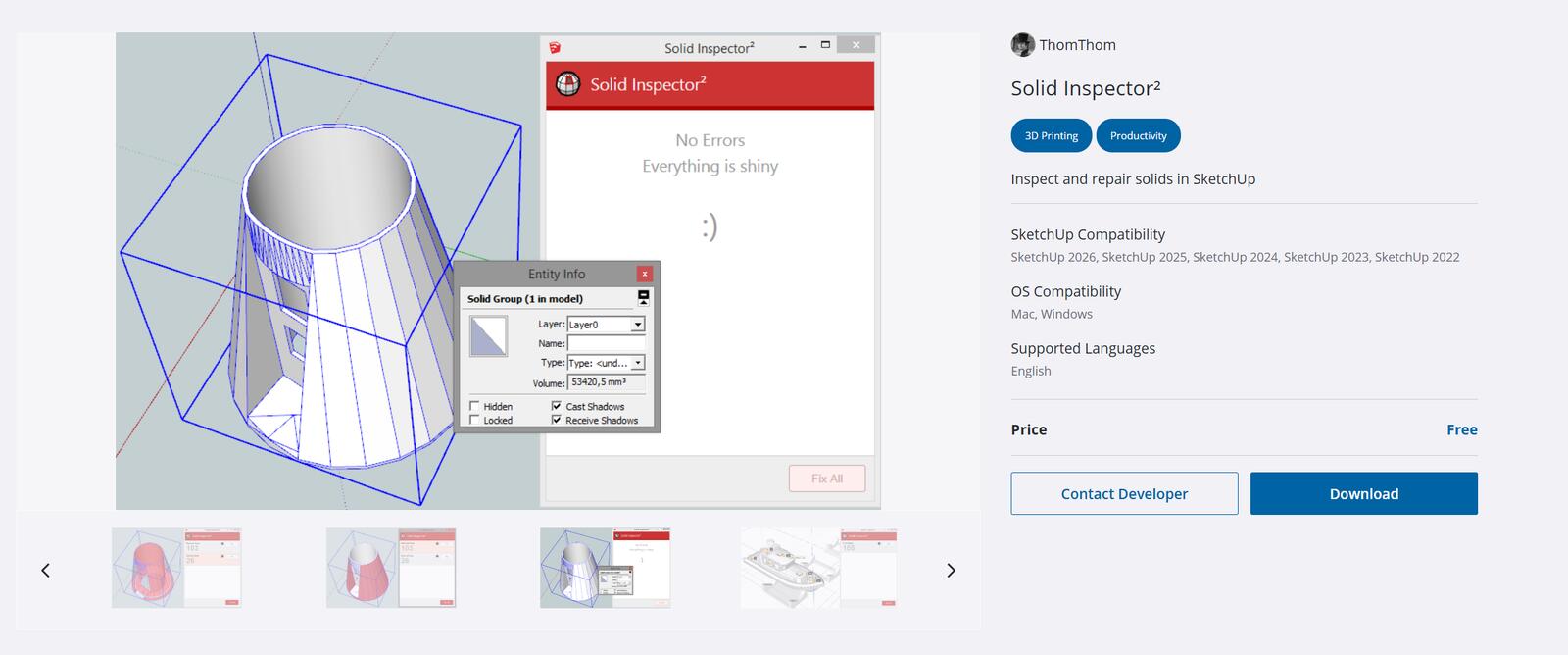
Solid Inspector² - detecting errors in solids
It checks whether a solid is really a solid. It shows holes in the geometry, hidden internal elements, loose edges, and reversed faces that can break a render, and fixes most of these issues with one click. It's useful for boolean operations, CNC export, and anywhere the model goes beyond visualization. You can download it from Extension Warehouse.
Raya - AI renderings without a rendering engine
This extension turns the current SketchUp scene view into a photorealistic rendering without setting up lights and materials. It sounds like magic, and it's hard to believe that the plugin itself is completely free and only requires creating an account. New users receive a starting pool of credits, which they can use to generate images, edit renderings, create 3D models, and even short animations.
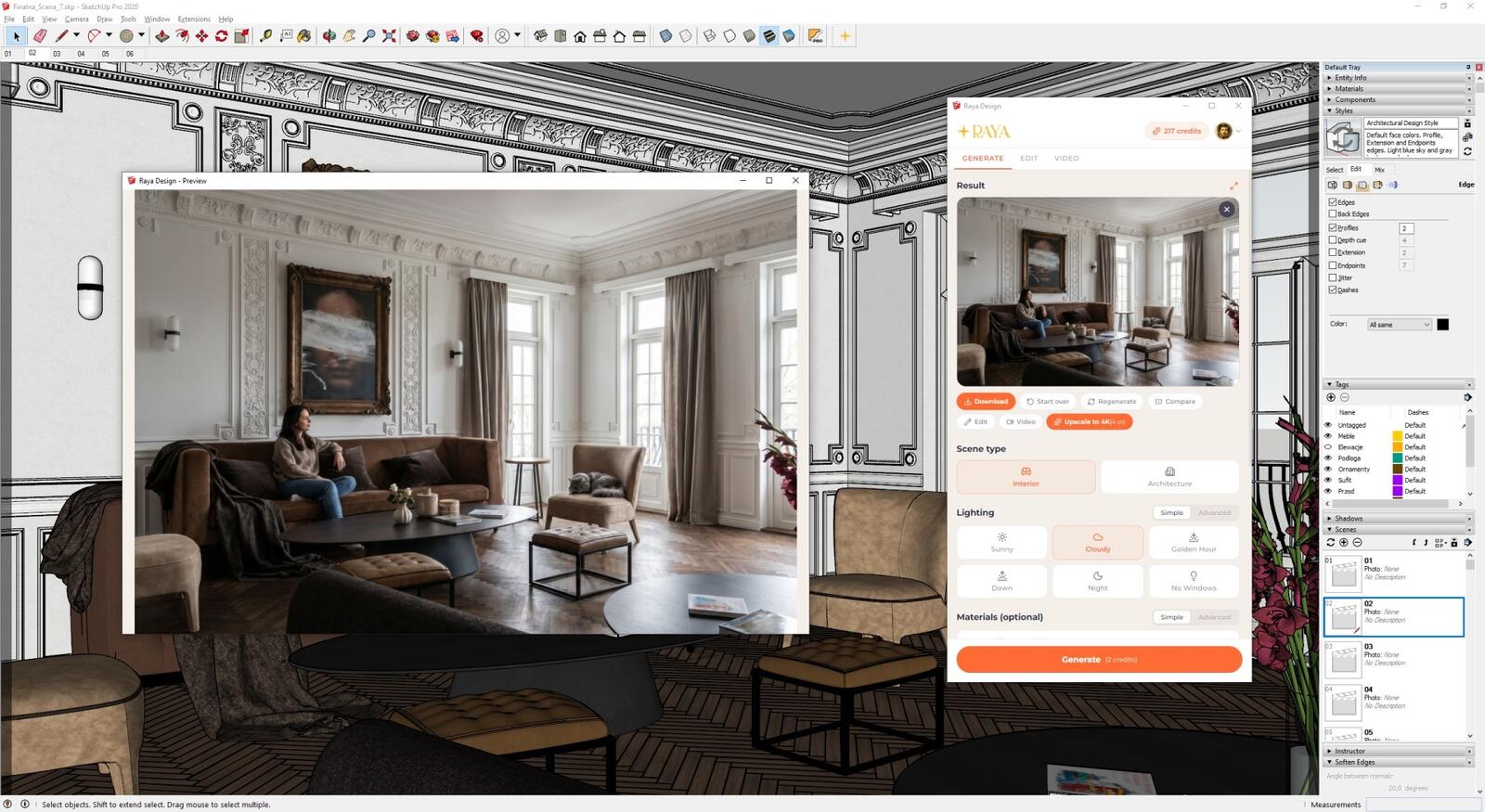
CHECK OUT THE FREE AI RENDERING PLUGIN
Additionally, the Raya extension solves the AI’s previous problem with mirrors. AI usually gets reflections wrong because a mirror in the model is just a flat surface without information about what should be reflected. The plugin lets you mark mirrors and bakes real reflections directly into the model in SketchUp before the view is sent for rendering. It costs nothing, and the difference is visible immediately! The entire procedure for making correct mirror reflections can be found on Raya's blog.
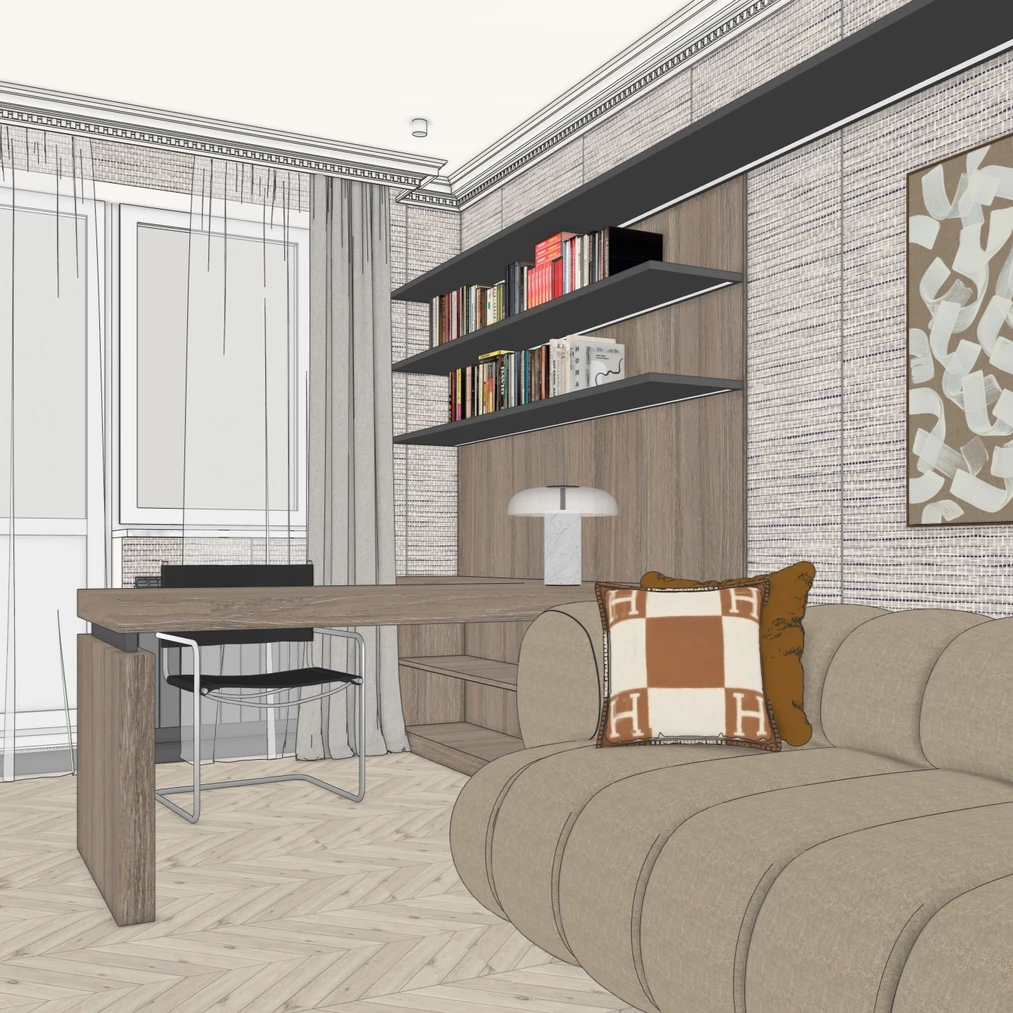

Raya.design generates AI renderings based on the raw SketchUp scene.
RoundCorner, JointPushPull and Curviloft - Fredo6 plugins that are no longer free
If you're looking for free SketchUp add-ons in older guides, sooner or later you'll come across something from the Fredo6 family. And here's the surprise: since March 2022 the eight most popular tools by this author operate on a paid model. After a thirty-day trial period, you must purchase a license on SketchUcation: about $12 for a single plugin or $40 for the complete set of eight.
This list includes RoundCorner, JointPushPull, Curviloft, FredoScale, ToolsOnSurface, TopoShaper, Curvizard and VisuHole. The first three are missed the most because they did things SketchUp can't do on its own. RoundCorner rounded and chamfered edges of a finished solid, which makes a big difference for furniture. JointPushPull added thickness to curved surfaces, i.e. did what the built-in Push/Pull refuses to do. Curviloft built surfaces stretched between curves, from non-rectilinear walls to soft ceiling shapes.
Does that mean you have to buy them? Not always. You can round and chamfer edges with the Follow Me tool, just more slowly and with more care around corners. It's worse with the other two because there's simply no free equivalent with similar capabilities. On the other hand, $40 for a toolset that's with you for years is not an exorbitant price.
However, watch out for one thing. Old versions of these extensions still circulate online as 'free' on sites collecting .rbz files. Installing them is both a licensing issue and a security risk.
Where to download SketchUp plugins and how to install them?
Download extensions only from Extension Warehouse, SketchUcation or directly from the author. A plugin is code with full access to your files, so .rbz files from random free addon sites are asking for trouble.
Another, more prosaic issue is that each installed extension slows down program startup. If SketchUp takes three times longer to open than before, review your plugin list and disable those you haven't used in a while.
Summary
These seven plugins cover four different pain points: repetitive finish details, architectural elements, model tidiness, and rendering. None of them require spending a penny. Three of them have paid versions, though you only need to reach for those if the free ones prove insufficient. Start with one—the one that solves the problem taking the most time this week. Installing all seven at once usually ends up with you using none.
Author

Przeczytaj o programie Sketchup na naszym blogu
-
![Profile Builder 4 or Magic Molding? Comparison of Ornamentation Plugins in SketchUp]()
Profile Builder 4 or Magic Molding? Comparison of Ornamentation Plugins in SketchUp
How does Profile Builder 4 differ from Magic Molding? Scope, pricing, profile libraries, and learning curve. Find out which plugin fits your projects. -
![English wainscoting in SketchUp - how to design wall panels step by step]()
English wainscoting in SketchUp - how to design wall panels step by step
How to design English wainscoting in SketchUp? Learn the rules for panel division, wainscot proportions, and speed up your work with the Magic Molding plugin. -
![Reversed Faces in SketchUp – why are blue faces showing and how to fix them?]()
Reversed Faces in SketchUp – why are blue faces showing and how to fix them?
Blue faces in SketchUp are flipped faces. Learn where they come from, how to quickly locate and fix them before they mess up your render or model export. -
![Follow Me in SketchUp - Complete Guide and 7 Mistakes That Ruin Geometry]()
Follow Me in SketchUp - Complete Guide and 7 Mistakes That Ruin Geometry
Master the Follow Me tool in SketchUp! Check out the complete guide and discover 7 mistakes that ruin 3D model geometry.


Want to learn Sketchup? Check out our free online course!