EN
EN PL
PL ES
ES


Publication date: 15-08-2026 | Update date: 02-08-2026 | Author: Piotr Kurpiewski

-
Online courses
- All
 3ds Max
 AI - Artificial Intelligence
 Blender
 Corona renderer
 GstarCAD
 LayOut
 Photoshop
 Interior Design
 Revit
Revit Sketchup
 Stable Diffusion
 V-ray
V-ray
"Online courses" are comprehensive online training programs that will help you quickly master the software you are interested in.
- Plugins
- 3D Models
- Help
- Articles
Is GstarCAD as good as AutoCAD? Check out the comparison!
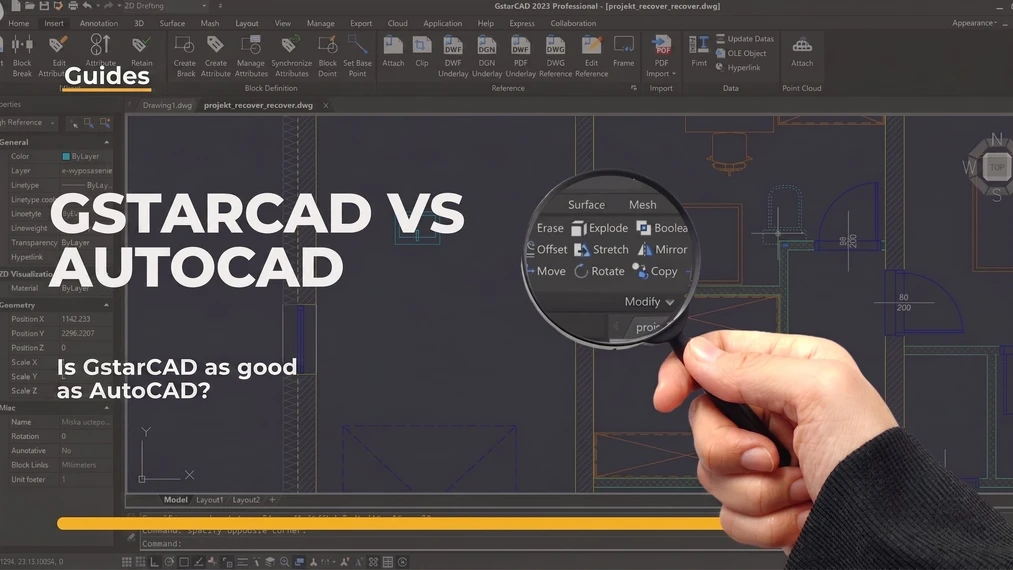
The cost of an AutoCAD license can be a surprise for many studios - especially when you need to equip multiple workstations at once and the budget is not unlimited.The answer to whether GstarCAD can really replace AutoCAD is: yes, for most typical design applications. The software supports the same DWG format, offers a perpetual license instead of a subscription, and lets you work almost identically to Autodesk's software. However, there are situations where migration doesn't make sense - and we cover that too. We look at where GstarCAD excels and where it's best to stick with your current solution.
Index
A few figures before the verdict
Suzhou Gstarsoft - the company behind GstarCAD - has been active in the market for over two decades. This is not a startup that appeared a year ago promising a revolution. The software operates in over a hundred countries and has hundreds of thousands of deployments, mainly in construction, mechanical, and heavy industries. The numbers are impressive, but what truly counts is the file format.
GstarCAD is based on native DWG. You open a file from a project made in AutoCAD and nothing gets messed up – layers stay in place, blocks work, dimensions don’t break. Sounds trivial? Maybe. But those who have tried working on converted files from other formats know how much havoc that can wreak in a project.
Subscription versus one-time payment
Now it gets really interesting. Autodesk has for years stopped selling perpetual licenses – you pay monthly or annually and the software is never formally yours. If you stop paying, you stop working. GstarCAD works differently: you buy a license once, and you only purchase technical support and updates when you want to.
How much does that save in concrete terms? Roughly as much as an annual or two-year AutoCAD subscription would cost. Let’s take an office employing three drafters – with five CAD seats the difference in first-year expenses becomes substantial enough that it’s hard to ignore. A network license is also available, i.e. a pool of licenses flexibly allocated among a larger team, just like in Autodesk’s solutions. We detailed the specific price ranges in our article on what a perpetual GstarCAD license looks like in practice.
CHECK OUT THE COURSE - GSTARCAD TRAINING FOR BEGINNERS FROM THE BASICS ONLINE

What will you really find under GstarCAD’s hood?
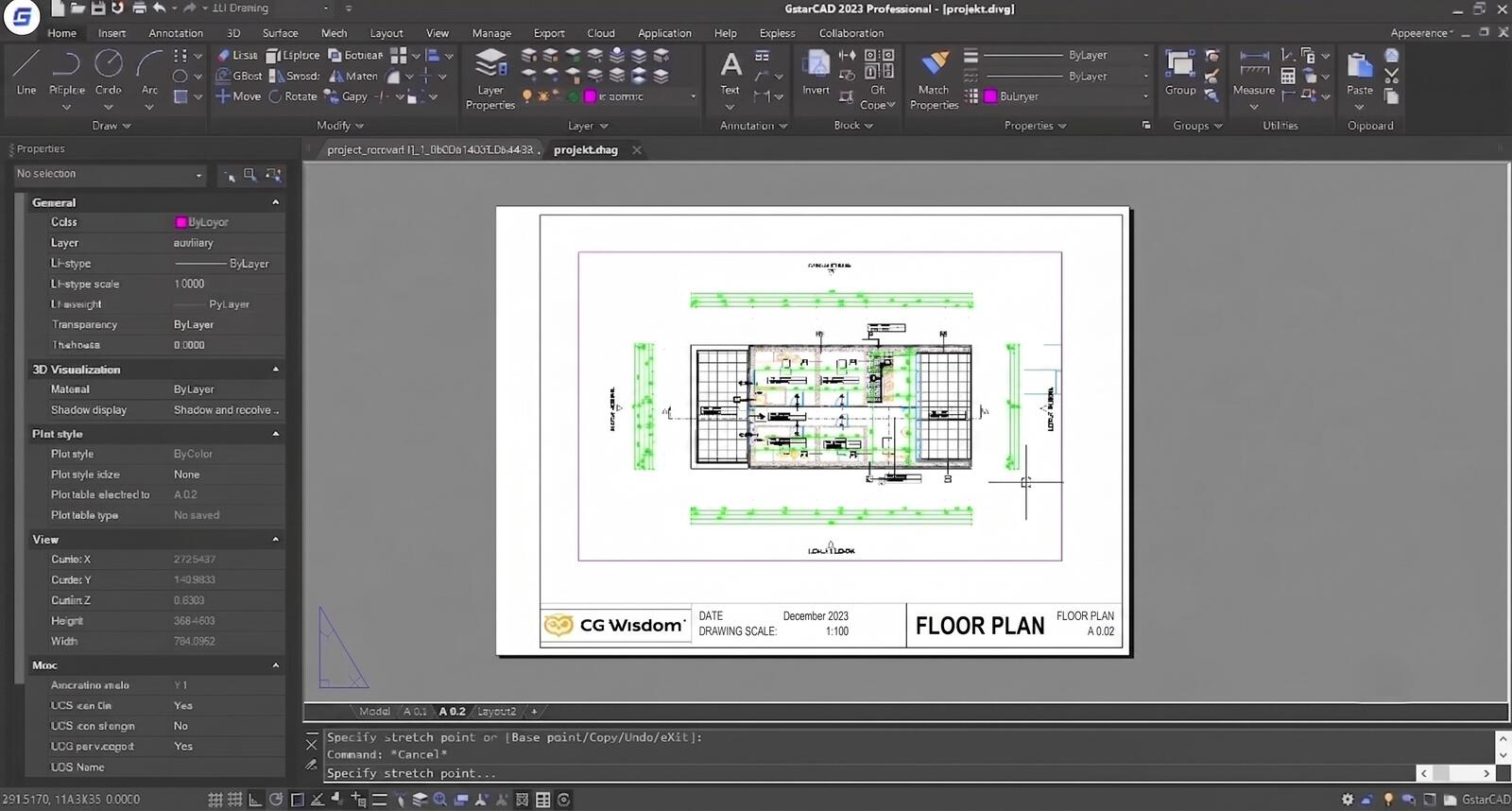
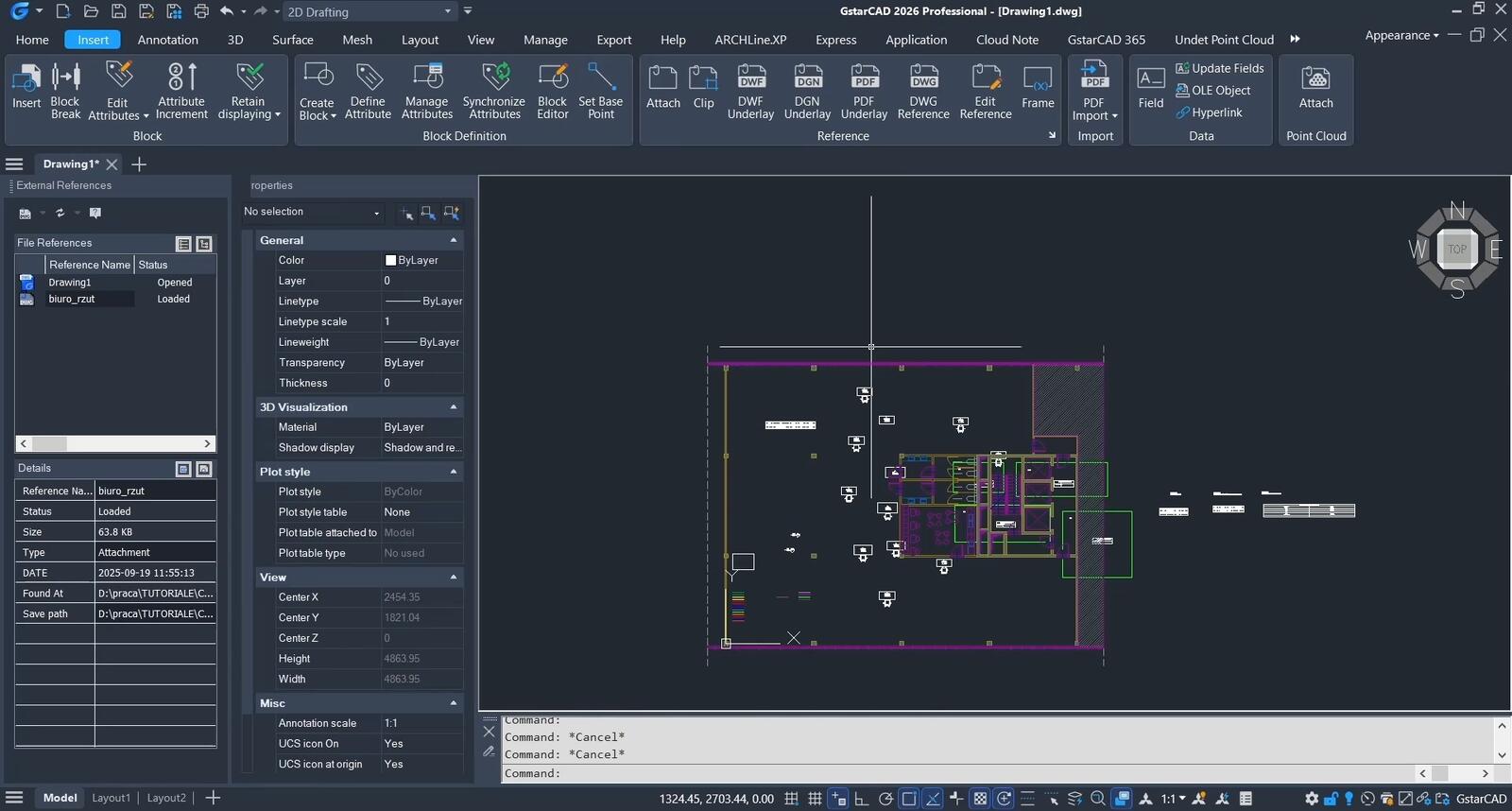
2D drafting and 3D modeling are the basics. Dynamic blocks, external references (Xref), attribute editing, sheet layout preparation for printing – all of that is there, and works exactly as you would expect from a DWG-based program. For anyone who has worked in AutoCAD for years, none of these tools will come as a surprise.
There is also LISP. And this has significant practical importance – macros and automations written for AutoCAD in most cases simply transfer to GstarCAD without rewriting code from scratch. A studio that has over the years built its own script library does not lose that asset when switching. That’s a concrete time saving, not a marketing phrase.
Where does GstarCAD fall short?
Because not everything here is equally good. The ecosystem of plugins and extensions that has grown around AutoCAD over decades simply has no equivalent here. Looking for a replacement for AutoCAD Architecture or MEP? You won’t find one. These industry-specific add-ons are tightly integrated with Autodesk products and have no version in the GstarCAD world.
If your company bases the entire design workflow on specific Autodesk extensions or regularly works in BIM processes, migration ceases to be straightforward. In that case, it’s worth testing the software on a real project before making a decision to switch the whole team.
Who does this change make sense for?
Small and medium studios – architectural, construction, MEP – working mainly in 2D or simple 3D, without reliance on Autodesk extensions. Here the difference in daily work is practically unnoticeable, but the difference in bills is very tangible.
Freelancers and contract workers also have a strong argument on their side here: GstarCAD works offline, without the need to constantly connect to an activation server. You pay once and work whenever you want, wherever you want.
Schools and training companies equipping dozens of stations for technical drawing gain predictable budgeting – and at that scale, it matters more than one might think.
How long does learning take - and for whom is it a problem?
For someone who knows AutoCAD, switching to GstarCAD is a matter of a few hours, not weeks. Seriously! Most people just start drawing and only encounter differences when delving into advanced settings or less common features.
And what about someone starting CAD from scratch? GstarCAD is just as good a starting point as AutoCAD – layers, blocks, dimensioning, print layouts are learned identically in both programs. The workflow logic is the same; only the name of the start window changes. A good introduction to the topic is our guide showing how to start learning GstarCAD step by step.
However, there is one real limitation: there are significantly fewer materials about GstarCAD online than about AutoCAD or Revit. For someone learning on their own, mainly from free YouTube tutorials, this can be frustrating – it’s harder to find answers to specific questions. Before you start cobbling together fragmentary materials, it’s worth checking out our explanation of what exactly GstarCAD is and who it suits – it will save a lot of wandering.
Or maybe something else?
GstarCAD is not the only route to cheaper CAD. FreeCAD is free, but it has a completely different work philosophy and an interface you have to learn from scratch – it’s not a one-to-one replacement. BricsCAD from Bricsys also uses DWG format and enjoys a very good reputation among professionals, though it costs more than GstarCAD. DraftSight used to be free – today, since Dassault Systèmes took it over, it also runs on a subscription model.
Against this competition, GstarCAD wins with a simple argument: sensible price plus a perpetual license. In a world where almost everything is moving to a subscription model, this becomes a rarity worth noticing.
CHECK OUT THE COURSE - GSTARCAD FOR PROFESSIONALS - ADVANCED DESIGN TECHNIQUES
Summary
GstarCAD works well where daily work in 2D and simple 3D without reliance on Autodesk extensions is what matters – and there the cost difference is too great to ignore. However, it will not fully replace AutoCAD Architecture or MEP, so studios deeply embedded in BIM should first test the software on their own project. For the rest – freelancers, small firms, schools – it’s a decision that usually pays for itself within the first year.
Author

Przeczytaj o programie GstarCAD na naszym blogu
-
![Alternative to AutoCAD - Discover GstarCAD with a Perpetual License]()
Alternative to AutoCAD - Discover GstarCAD with a Perpetual License
Looking for a cheaper alternative to AutoCAD? GstarCAD is a professional CAD tool that costs up to 5 times less. See what it offers! -
![Profile Builder 4 or Magic Molding? Comparison of Ornamentation Plugins in SketchUp]()
Profile Builder 4 or Magic Molding? Comparison of Ornamentation Plugins in SketchUp
How does Profile Builder 4 differ from Magic Molding? Scope, pricing, profile libraries, and learning curve. Find out which plugin fits your projects. -
![The Best Free SketchUp Plugins for Interior Designers in 2026!]()
The Best Free SketchUp Plugins for Interior Designers in 2026!
Which SketchUp plugins are really worth having? Discover 7 free extensions for interior designers and find out which ones have just stopped being free! -
![Reversed Faces in SketchUp – why are blue faces showing and how to fix them?]()
Reversed Faces in SketchUp – why are blue faces showing and how to fix them?
Blue faces in SketchUp are flipped faces. Learn where they come from, how to quickly locate and fix them before they mess up your render or model export.