GstarCAD - What is this program, what is it for, and who can use it?

Publication date: 18-07-2025  |  Update date: 18-07-2025  | Author: Mateusz Ciećwierz

GstarCAD is an advanced CAD software (Computer-Aided Design), which offers 2D and 3D design capabilities. It is a popular alternative to other programs of this kind, such as AutoCAD, mainly due to its compatibility with DWG and DXF formats, intuitive interface, and affordable price. In this article, we will take a closer look at this tool, its applications, and the benefits that make it an attractive choice for designers and engineers.

</p>

GstarCAD - What is this program, what is it for, and who can use it?

Index


    Why choose GstarCAD?

    • Compatibility with DWG and DXF formats – Users can easily open, edit, and save files created in other CAD programs, making GstarCAD a versatile and practical tool for team collaboration.
    • Perpetual licenses – Unlike some competing solutions, GstarCAD offers the option to purchase a license outright, eliminating the need for monthly fees.
    • Low cost – GstarCAD is significantly more affordable compared to other CAD software, making it accessible to smaller firms and freelancers.
    • Intuitive interface – GstarCAD is easy to use, making it suitable for both beginners and advanced users.
    • Speed and performance – The software is optimized for performance, handling large projects with ease.
    • Support for industry-specific plugins – The program integrates with additional tools that automate design processes in specific fields such as architecture, engineering, and mechanics.
    • Regular updates – The manufacturer provides technical support and continuous development, adding new features and improvements to keep the software aligned with changing market needs.

    GstarCAD - What is this program, what does it do, and who can use it? - 01

    Is GstarCAD similar to AutoCAD?

    GstarCAD is often compared to AutoCAD as both programs offer similar features and are compatible with DWG and DXF formats. The GstarCAD interface is designed to be intuitive for users accustomed to working in AutoCAD. Both GstarCAD and AutoCAD allow advanced 2D drafting, 3D modeling, and integration with various industry plugins. The main difference lies in licensing and cost – GstarCAD offers perpetual licenses, making it a more economical alternative. Additionally, GstarCAD has lower hardware requirements, enabling it to run smoothly even on older computers.

    What is GstarCAD used for?

    Architecture

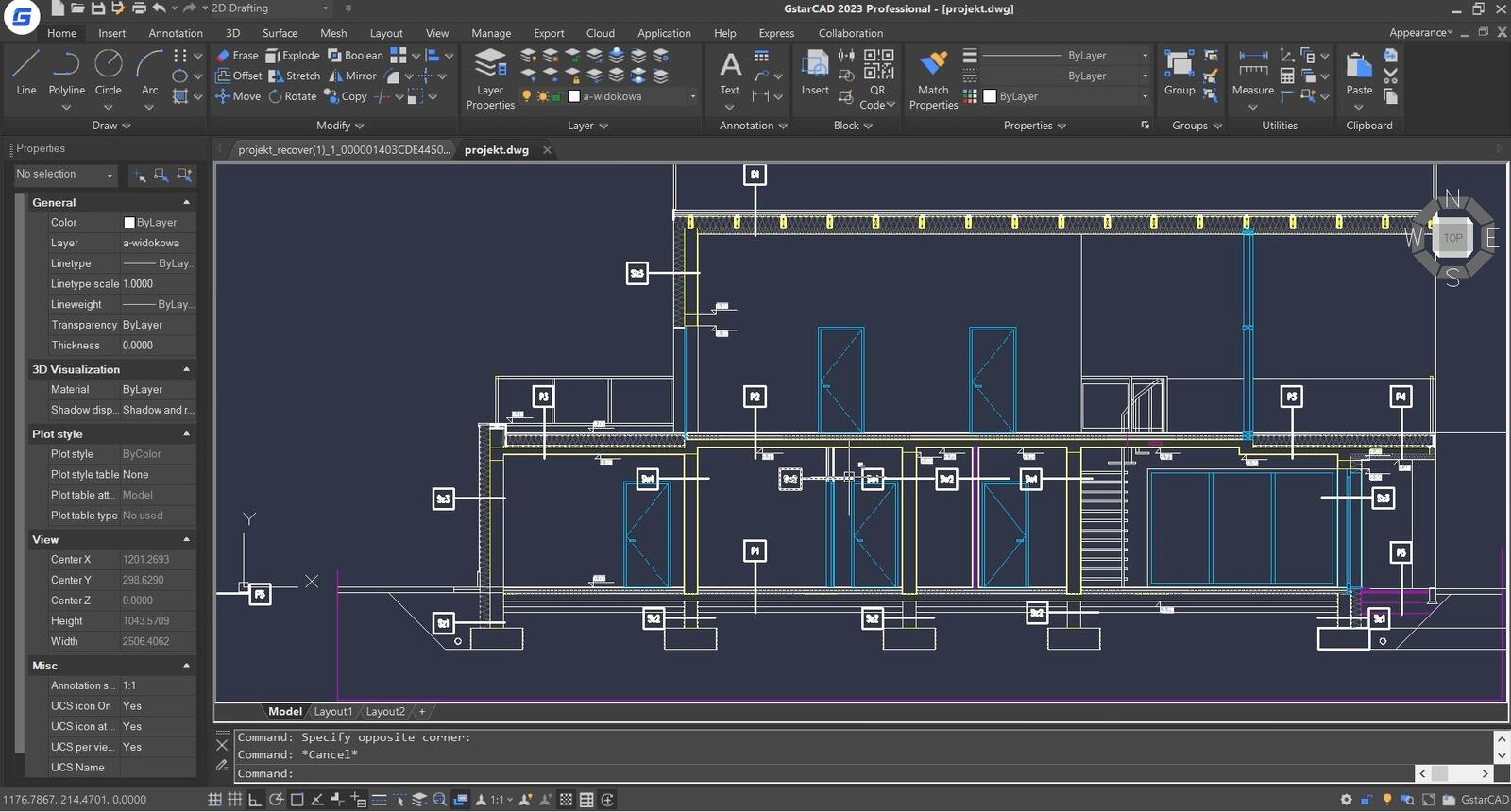
    Architects use GstarCAD to create technical drawings, building plans, and spatial visualizations. The 3D features enable designing complex structures, and integration with DWG formats allows easy sharing of projects with other professionals. Additionally, the ability to use libraries of architectural blocks speeds up the design process.

    Mechanical Engineering

    With precise drawing and modeling tools, mechanical engineers can create machine parts, components, and entire mechanical systems. Support for industry-specific plugins further automates many processes, such as generating technical documentation and performing strength analyses.

    Infrastructure Projects

    Civil engineers use GstarCAD to design roads, bridges, sewer systems, and other infrastructure elements. Measurement tools and team collaboration features greatly simplify work on large projects. GstarCAD also supports importing and exporting geospatial data, which is crucial in engineering projects.

    Interior Design

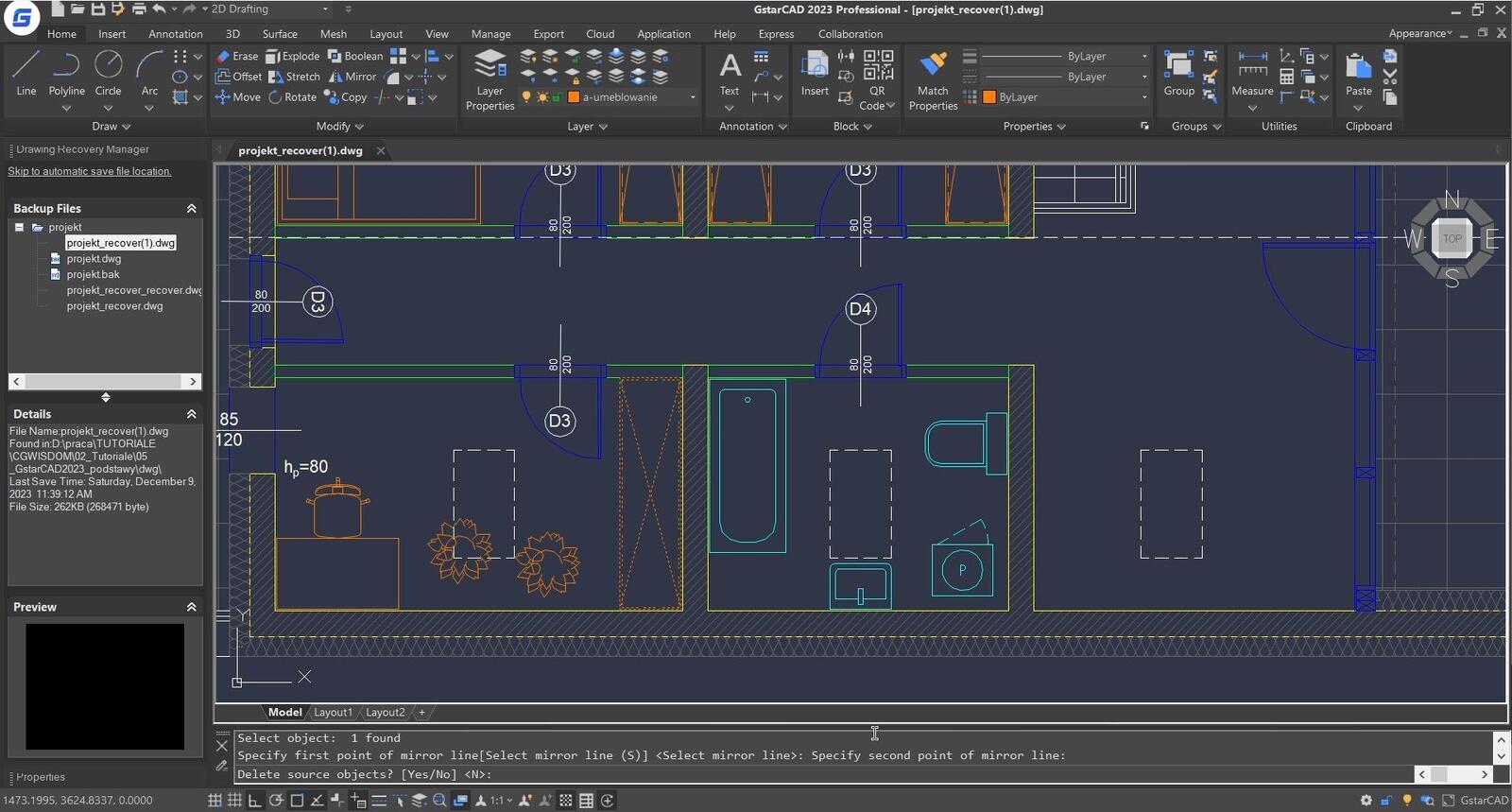
    GstarCAD allows interior designers to create detailed plans and layouts for apartments, offices, or commercial spaces. The ability to work in 2D and 3D makes the tool versatile and efficient. Rendering features enable the creation of realistic visualizations, facilitating communication with clients and presenting ideas.

    Industry

    In the industrial sector, the software is used to design technological layouts, technical drawings, and optimize production processes. BIM data support allows for integrating projects with other tools used in the industry.

    GstarCAD - What is this program, what does it do, and who can use it? - 02

    Key features of GstarCAD

    1. 2D drawing and editing – GstarCAD offers a rich set of tools for creating and editing 2D drawings. Features such as hatching, dimensioning, and block creation enable efficient work on technical projects. Layer tools allow easy management of complex designs.
    2. 3D modeling – The program enables the creation of three-dimensional models, which is particularly useful in designing complex structures and visualizations. Modeling tools allow easy management of geometry and materials. Additionally, the ability to export models to popular 3D formats makes GstarCAD easily integrate with other design tools.
    3. Interface customization – Users can tailor the program interface to their needs, significantly speeding up the workflow. Scripts and macros are available for automating repetitive tasks. The option to create custom keyboard shortcuts is especially useful for advanced users.
    4. Cloud support – GstarCAD offers cloud-based work, which simplifies project management and collaboration with team members. File versioning tools make it easy to track changes and cooperate in real-time.
    5. Measurement tools – The program includes advanced tools for measuring and analyzing projects, which are essential for engineers and architects. Features such as area and volume calculation are invaluable when creating technical documentation.

    Conclusion

    GstarCAD is a versatile CAD software that, thanks to its features, compatibility with popular formats, and affordable price, is an excellent alternative to other programs of its type. It is a tool that works well in both small companies and large enterprises. Whether you are an architect, interior designer, or engineer, GstarCAD can greatly streamline your project work. By choosing GstarCAD, you gain a reliable, fast, and cost-effective tool that meets the needs of modern designers.

    Author

    Mateusz Ciećwierz Architect, 3D designer

    Graduate of the Faculty of Architecture at the Warsaw University of Technology. Founder of CG Wisdom website. Author of over 25 courses on 3ds Max and V-ray software. Fan of games, comics, and vintage cars.

    Read on our blog



