EN
EN PL
PL ES
ES


Publication date: 18-11-2025 | Update date: 18-11-2025 | Author: Mateusz Ciećwierz

-
Online courses
- All
 3ds Max
 AI - Artificial Intelligence
 Blender
 Corona renderer
 GstarCAD
 LayOut
 Photoshop
 Interior Design
 Revit
Revit Sketchup
 Stable Diffusion
 V-ray
V-ray
"Online courses" are comprehensive online training programs that will help you quickly master the software you are interested in.
- Plugins
- 3D Models
- Help
- Articles
What to use instead of Archicad? The best alternatives for architects and designers in 2026
Over the years, Archicad has been one of the most recognized BIM tools for architects. However, not every user feels comfortable with it – the interface, price, work specifics, or market availability may encourage searching for alternatives.If you’re wondering what to replace Archicad with, we have some solid suggestions for you. In this article, we’ll take a look at programs that excel in architectural design – both in BIM technology and in classic 2D drafting and 3D modeling.

Index
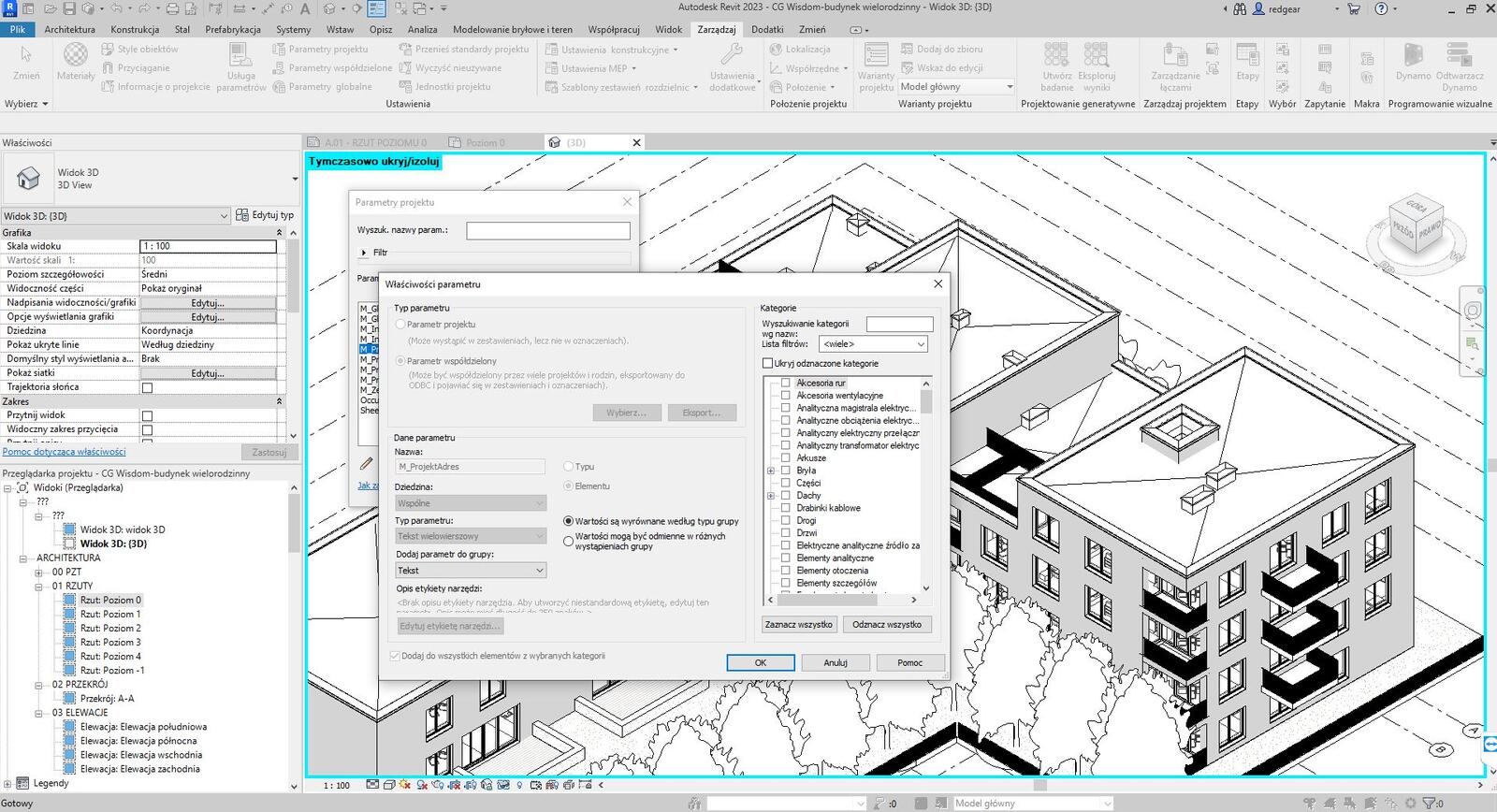
Revit - the power of BIM technology
If you are looking for a full-fledged BIM alternative to Archicad, Revit is the natural choice.This flagship Autodesk tool is dedicated to building information modeling, enabling the creation of comprehensive architectural projects with full documentation.
Revit stands out with its intelligent design approach - all elements are interconnected, meaning that a change in the 3D model automatically updates plans, sections, and schedules.This is a huge time saver and minimizes documentation errors.The program offers extensive family libraries (families), which can be customized to your needs, as well as advanced collaboration tools.
Revit is particularly valued in large projects and multidisciplinary teams.It enables coordination of architects, structural engineers, and MEP engineers in a single environment, significantly improving project quality and reducing clashes.Although the learning curve can be steep, the results fully justify it.
On the cgwisdom.pl platform we offer Revit training from scratch for beginners, which will help you master this powerful tool and fully utilize its capabilities.
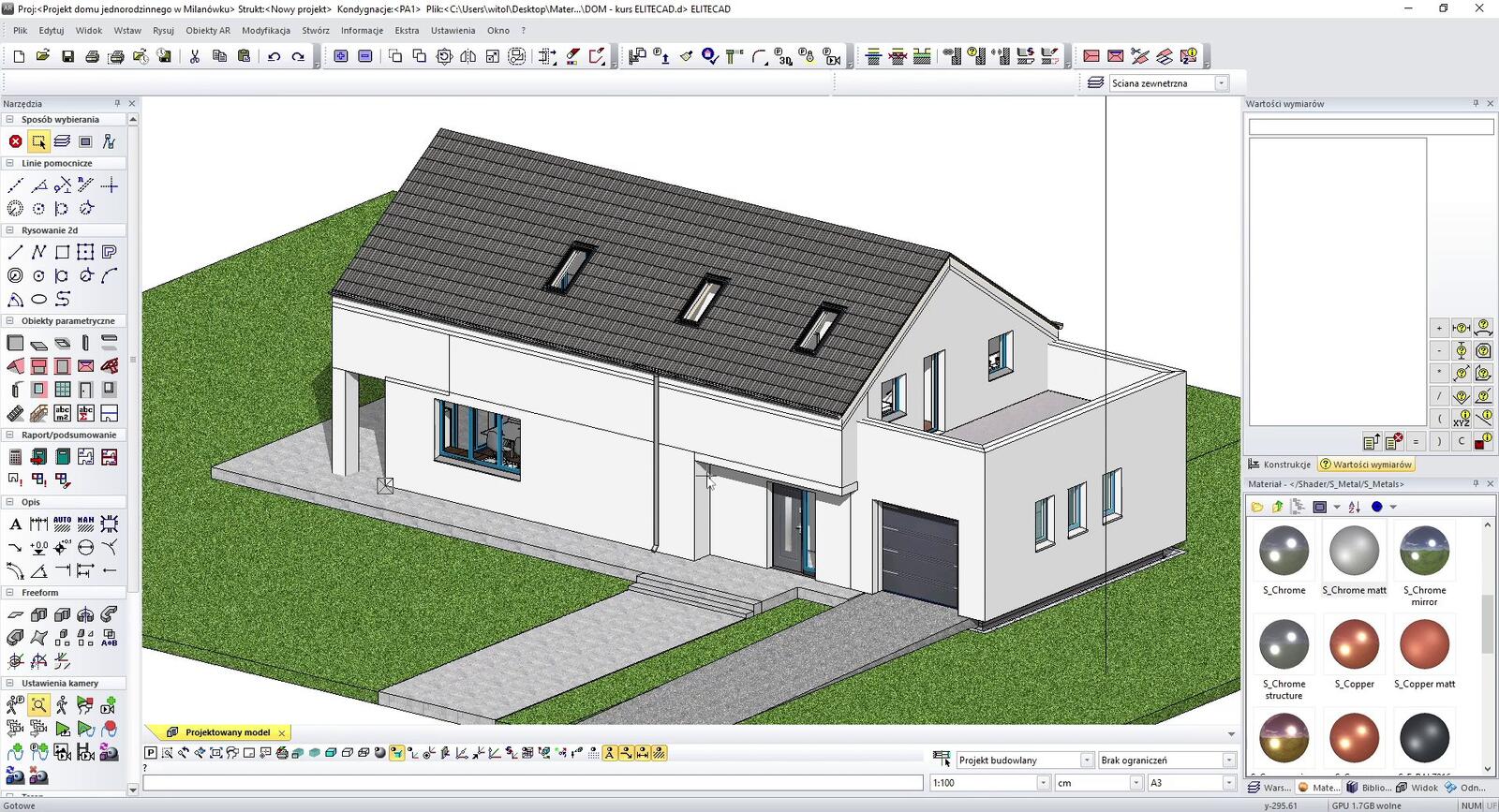
EliteCAD - Swiss precision in design
EliteCAD is a program that may be less known on the Polish market but deserves special attention.This Swiss-developed software combines 2D drafting, 3D modeling, and BIM elements.EliteCAD stands out with its intuitive interface and a relatively gentle learning curve compared to other BIM tools.
The program offers intelligent architectural tools, automatic generation of plans and sections, and extensive libraries of building components.EliteCAD handles project documentation excellently, allowing the creation of professional schedules, cost estimates, and specifications directly from the model.
One of EliteCAD’s greatest advantages is its modular structure - you can purchase only the modules you need, making the program a flexible solution for various requirements and budgets.The program is especially popular among architects designing residential buildings and small public facilities.Importantly, EliteCAD still offers the option of a perpetual license purchase, which, unlike Archicad and many other CAD/BIM programs, is a big benefit for users who prefer a one-time purchase over a subscription.
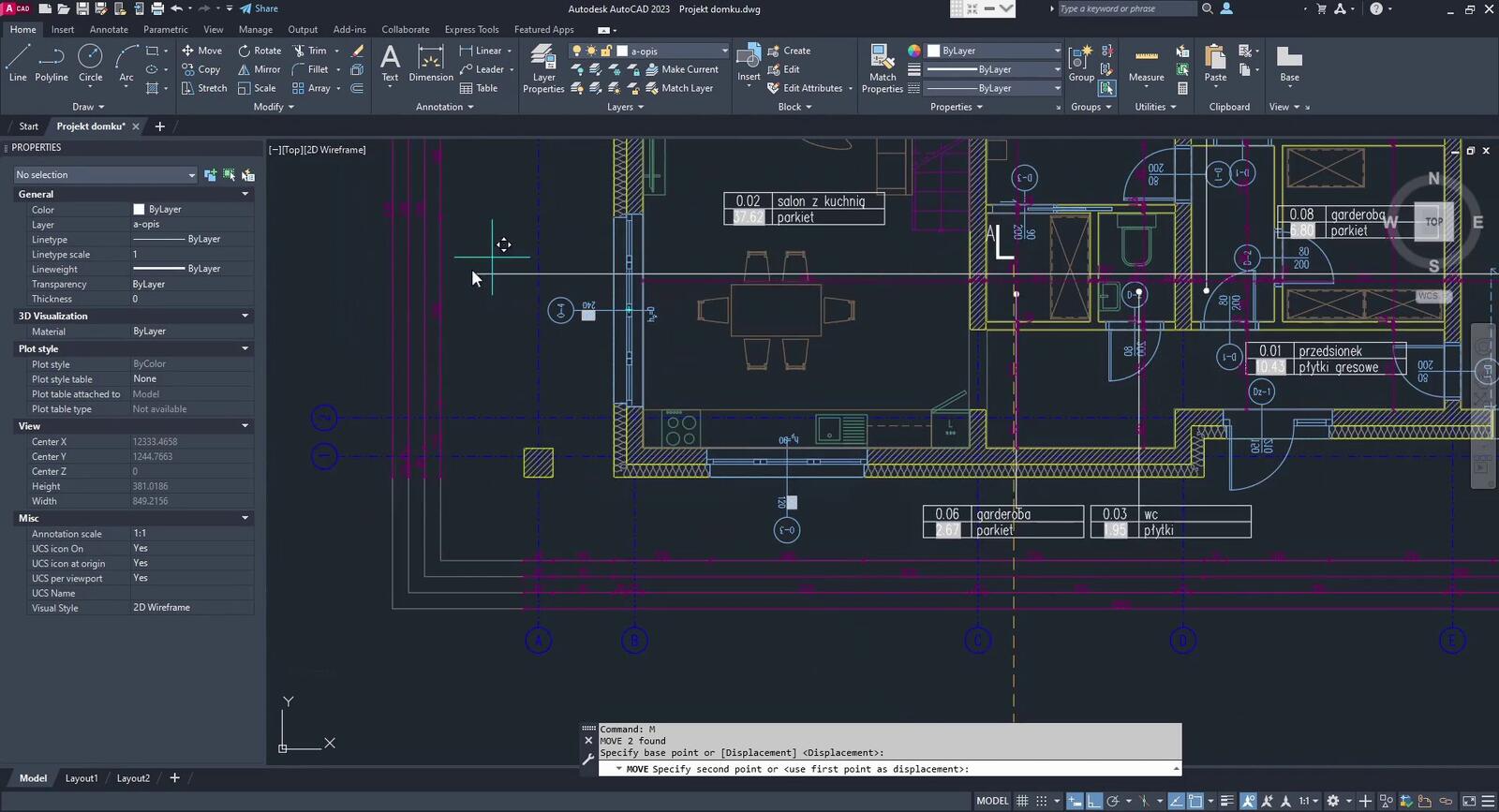
AutoCAD - a classic in architectural design
AutoCAD is a program that needs no special introduction.For decades, it has been the foundation of many architects’ work around the world.Although it is not a pure BIM tool, its capabilities for creating precise 2D technical drawings are virtually limitless.AutoCAD performs excellently in project documentation, construction drawings, and collaboration with other construction disciplines.
The program also offers 3D modeling functions, allowing project visualization and better spatial understanding.Although it does not have as advanced BIM tools as Archicad, AutoCAD Architecture (the architecture-dedicated variant) includes architectural object libraries, significantly speeding up building project work.AutoCAD can still be an excellent solution for those working on interior designs or small architectural projects, where full BIM functionality is not necessary and precision of technical drawing is the priority.
The biggest advantage of AutoCAD is its versatility and ubiquity - DWG files are an industry standard accepted by almost every contractor, investor, and collaborator.If you work in a team or collaborate with various parties, AutoCAD guarantees smooth data exchange.
GstarCAD - an economical alternative to AutoCAD
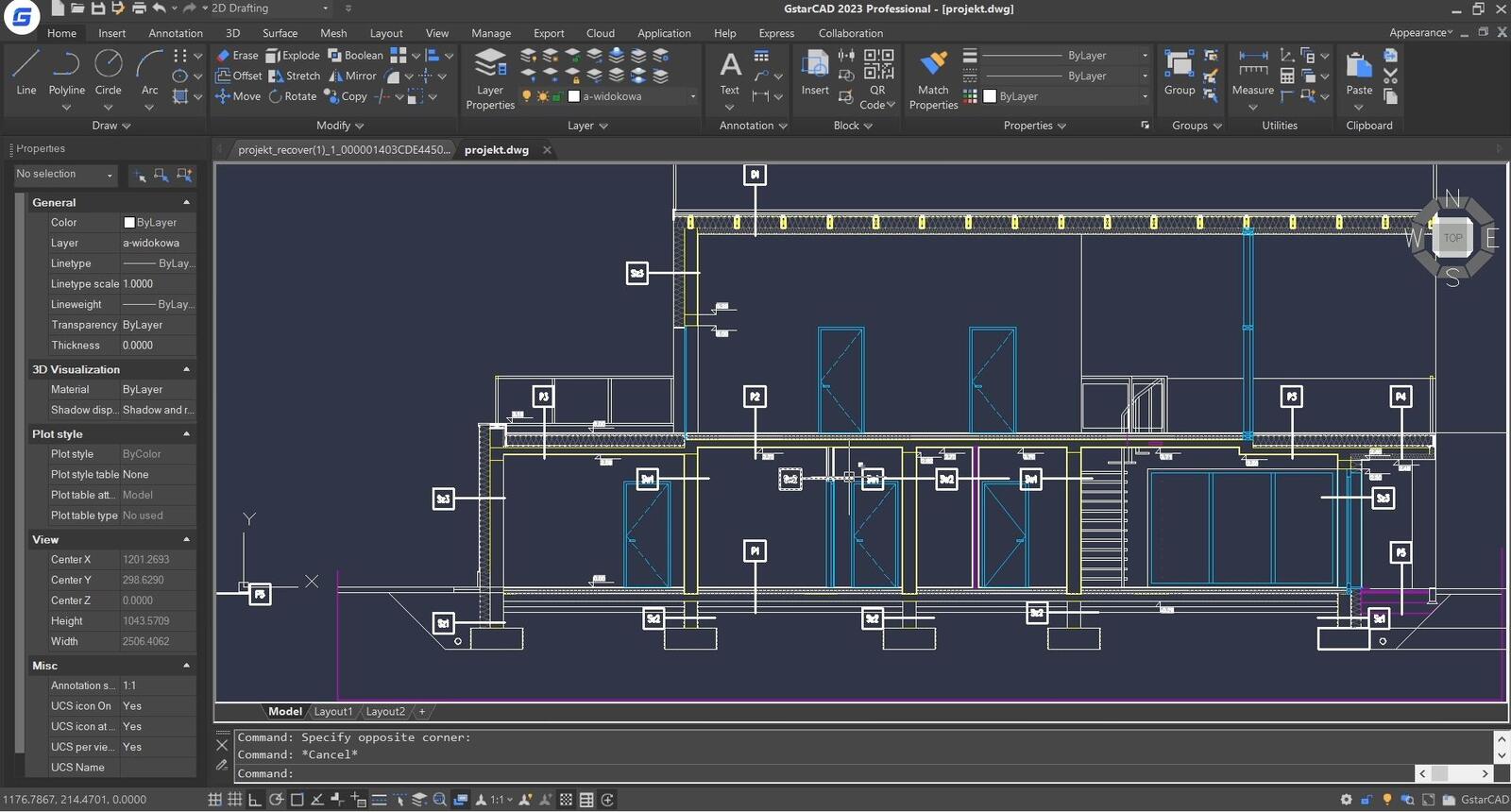
GstarCAD is a program often described as "AutoCAD but cheaper".And indeed, it is an excellent alternative for users who need AutoCAD functionality but do not want or cannot afford its price.GstarCAD maintains full DWG format compatibility, ensuring seamless file exchange with AutoCAD users.
The program offers a familiar interface and similar commands to AutoCAD, making the switch virtually painless.GstarCAD also includes built-in PDF tools, the ability to import and edit files in other formats, and stable operation even on older computers.It’s a great choice for small design offices, freelancers, or students.
Importantly, GstarCAD is regularly developed and introduces new features, including BIM-supporting elements.Although it is not a full-fledged BIM tool, it offers many users a sufficient range of capabilities at a very attractive price.An additional asset is that GstarCAD is offered as a perpetual license rather than a subscription, allowing a one-time purchase without annual fees.
If you are interested in this solution, check out our GstarCAD course for beginners, which will introduce you to the world of this economical CAD software.
SketchUp + Layout - quick conceptual design
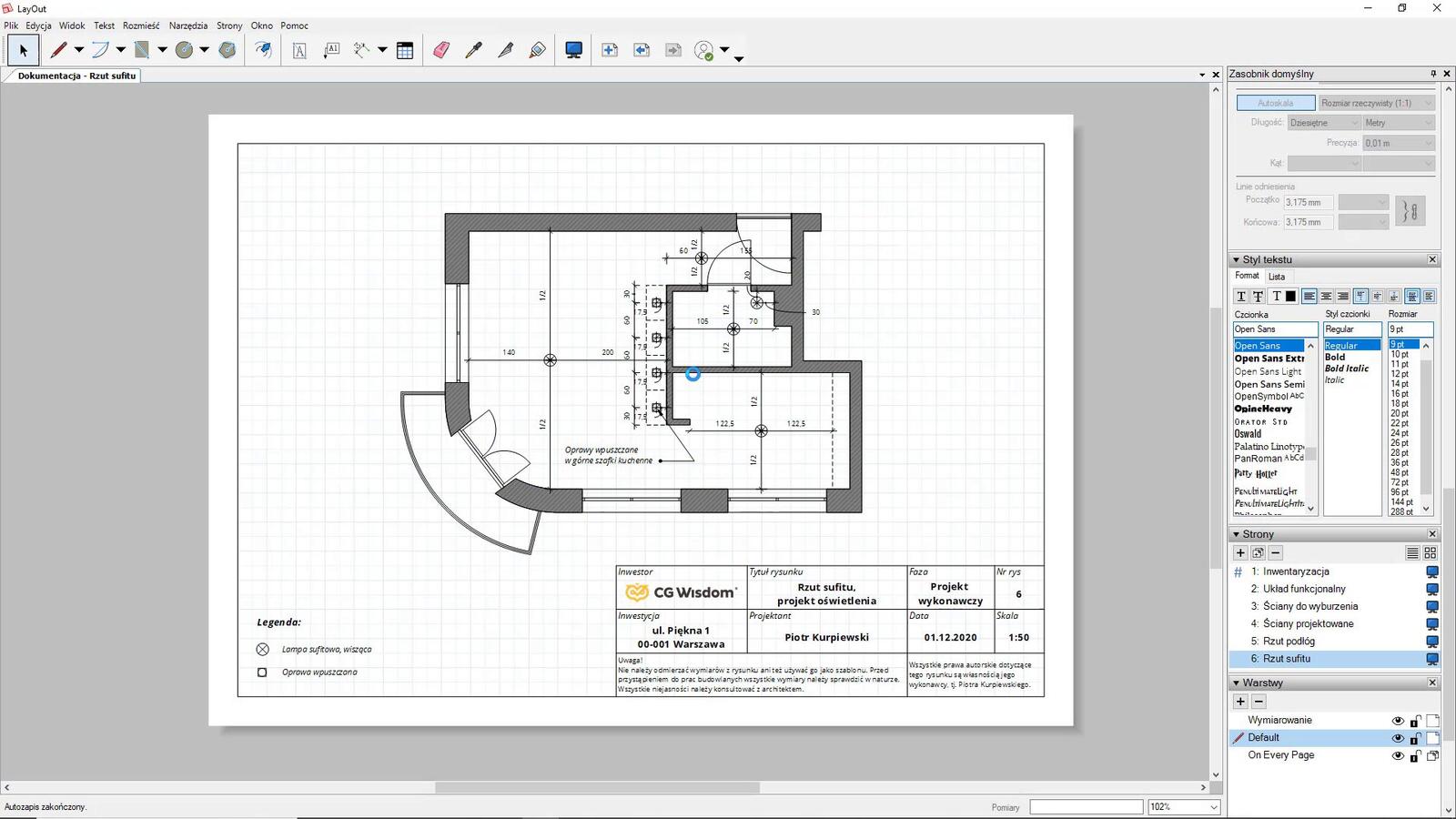
Although SketchUp is not a typical Archicad replacement for technical design, it is worth mentioning as a tool for fast conceptual modeling and project presentation.SketchUp stands out with its highly intuitive interface and short learning time - most users can create their first models after just a few hours with the program.
Combined with the Layout module, SketchUp becomes a complete presentation tool - you can create professional sheets with plans, sections, elevations, and 3D visualizations.The program works excellently in early design stages, in client communication, and in quickly testing different spatial solution variants.
SketchUp has an enormous 3D Warehouse library of free models, significantly speeding up project work.Additionally, there are many plugins available that extend the program’s functionality, including rendering tools and export to other formats.
Which program to choose?
The choice of an Archicad alternative depends on your specific needs, budget, and work style.If you value proven classics and universality, AutoCAD is a good choice.For projects requiring full BIM, Revit is the best alternative.GstarCAD is ideal for those seeking an economical solution, while EliteCAD suits those who value intuitiveness and modularity.SketchUp with Layout, in turn, is an excellent tool for quick conceptual design and presentation.
It’s also worth remembering that many design offices use a combination of different programs - for example, SketchUp for concept design, Revit for detailed design, and AutoCAD for construction documentation.You don’t have to limit yourself to one tool - it’s good to know several and leverage each of their strengths.
Author

Przeczytaj o programie Revit na naszym blogu
-
![AutoCAD or Revit - when does switching programs make sense and when is it a waste of time?]()
AutoCAD or Revit - when does switching programs make sense and when is it a waste of time?
Stick with AutoCAD or choose Revit? Find out when investing in BIM truly pays off, and for which projects 2D documentation is sufficient. -
![Profile Builder 4 or Magic Molding? Comparison of Ornamentation Plugins in SketchUp]()
Profile Builder 4 or Magic Molding? Comparison of Ornamentation Plugins in SketchUp
How does Profile Builder 4 differ from Magic Molding? Scope, pricing, profile libraries, and learning curve. Find out which plugin fits your projects. -
![The Best Free SketchUp Plugins for Interior Designers in 2026!]()
The Best Free SketchUp Plugins for Interior Designers in 2026!
Which SketchUp plugins are really worth having? Discover 7 free extensions for interior designers and find out which ones have just stopped being free! -
![Reversed Faces in SketchUp – why are blue faces showing and how to fix them?]()
Reversed Faces in SketchUp – why are blue faces showing and how to fix them?
Blue faces in SketchUp are flipped faces. Learn where they come from, how to quickly locate and fix them before they mess up your render or model export.