EN
EN PL
PL ES
ES


Publication date: 04-02-2026 | Update date: 04-02-2026 | Author: Mateusz Ciećwierz

-
Online courses
- All
 3ds Max
 AI - Artificial Intelligence
 Blender
 Corona renderer
 GstarCAD
 LayOut
 Photoshop
 Interior Design
 Revit
Revit Sketchup
 Stable Diffusion
 V-ray
V-ray
"Online courses" are comprehensive online training programs that will help you quickly master the software you are interested in.
- Plugins
- 3D Models
- Help
- Articles
Archicad AI Visualizer – What is it and how to use it in architectural design?
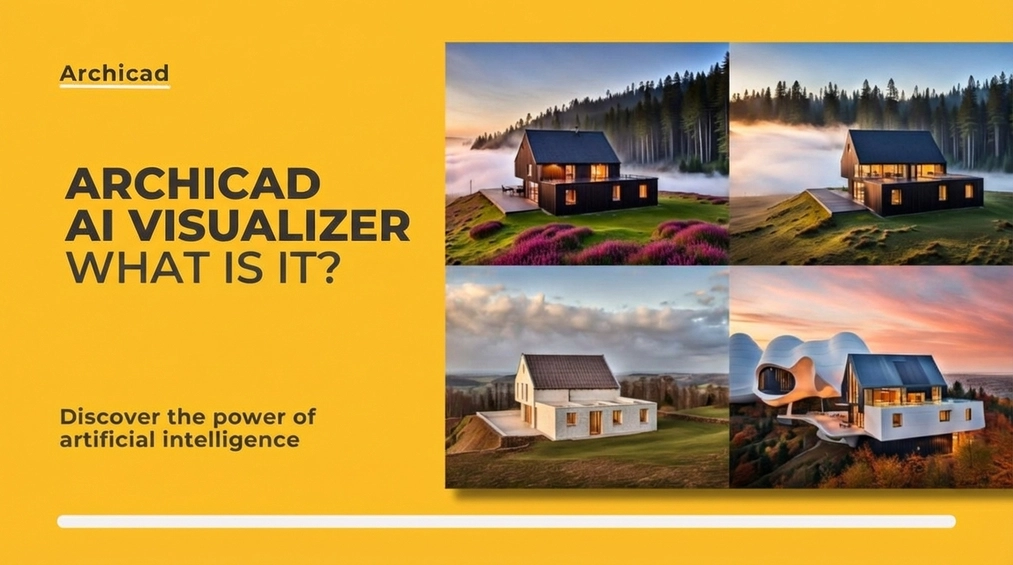
Archicad AI Visualizer is one of the latest tools supporting architectural design, combining the power of artificial intelligence with the functionalities of Archicad software. This advanced tool facilitates creative processes, improving work efficiency and the quality of project visualizations. In the article, we will explain exactly what Archicad AI Visualizer is, what capabilities it offers, and how it can be used in the daily work of an architect.
Index
What is Archicad AI Visualizer?
Archicad AI Visualizer is a modern add-on for Archicad software that uses artificial intelligence technology to generate realistic project visualizations. It combines traditional BIM modeling with the latest AI advancements, enabling faster and more impressive creation of visualizations and project concept presentations.
CHECK OUT THE ONLINE COURSE - ARCHICAD - AI VISUALIZER
This tool is especially useful for designers and architects who want to easily obtain high-quality visualizations without the need to use advanced rendering software. Thanks to artificial intelligence, Archicad AI Visualizer can automatically adjust lighting, materials, and other visualization elements, significantly reducing project turnaround time.

Benefits of Archicad AI Visualizer
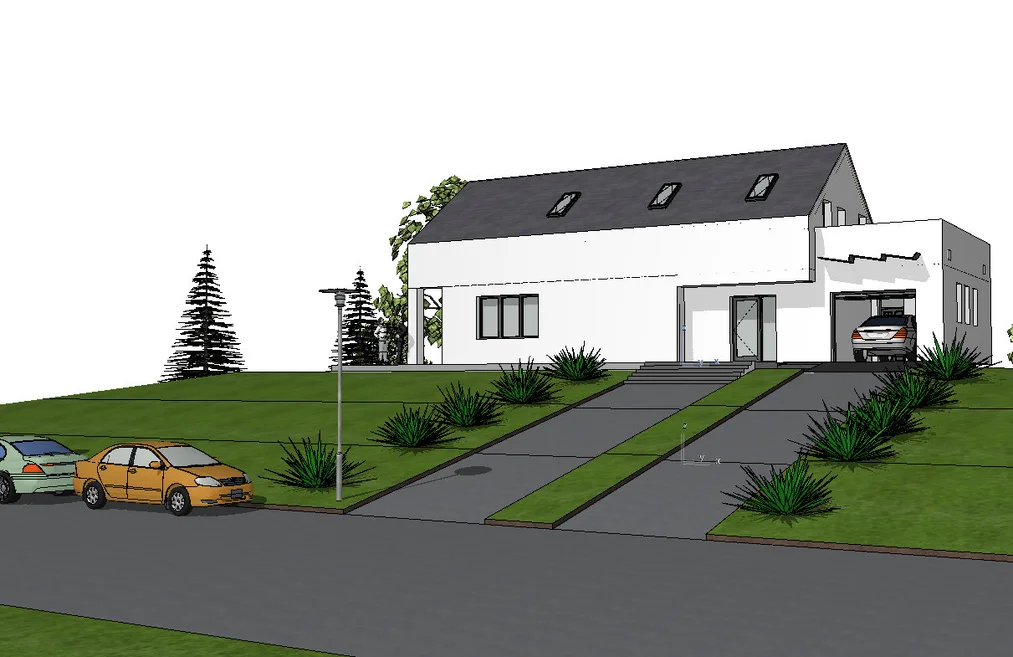
- Speed and Efficiency – With AI support, the visualization creation process is much faster compared to traditional rendering tools.
- Process Automation – AI can automatically adjust light, color, and material settings, which makes work easier, especially for those who are just starting with visualizations.
- Intuitive Interface – Archicad AI Visualizer is easy to use, enabling even users without extensive rendering experience to achieve excellent results.
- Integration with Archicad – Seamless integration with existing Archicad projects, allowing quick switching between design and visualization stages.

How to Get Started with Archicad AI Visualizer?
To start working with Archicad AI Visualizer, it's worth following a few basic steps:
- Installation – Archicad AI Visualizer can be easily added to your Archicad as an external module. For beginners, we have prepared a Archicad AI Visualizer course that clearly explains how to leverage its full potential.
- Basic Operation – After installation, it's useful to get to know the tool's basic functions. The Visualizer interface is very intuitive, making it easy to find all the key options.
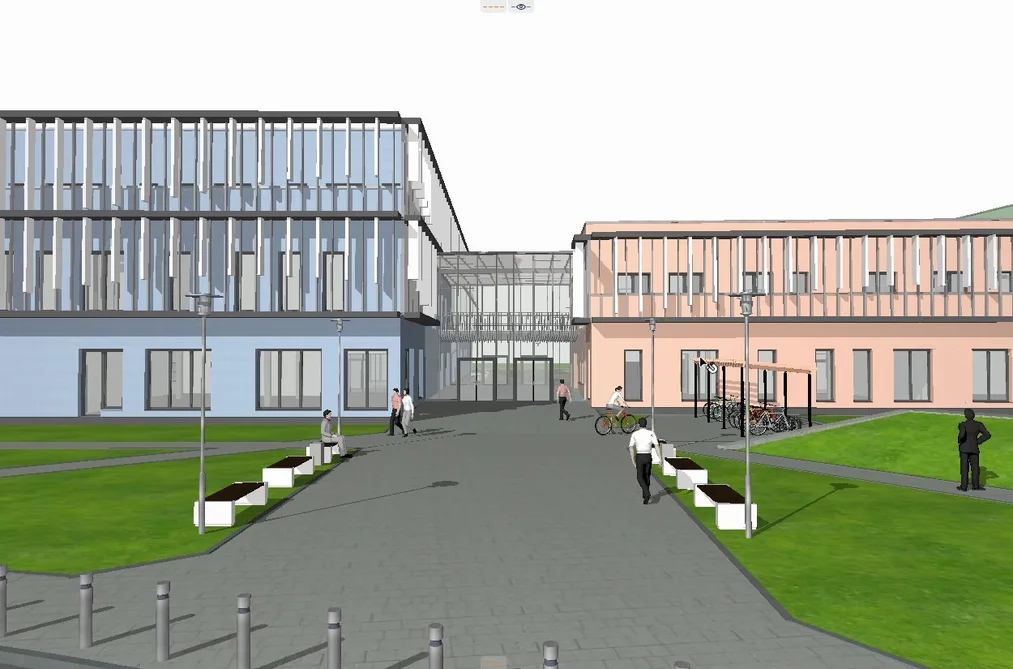
- Creating Your First Visualization – To create the first visualization, simply import your Archicad project into the Visualizer and choose the appropriate lighting and material settings. The AI will do the rest, adjusting parameters to achieve the best visual result.
Expert's opinionPiotr KurpiewskiArchitekt, Grafik, Wykładowca PJATK w Warszawie
AI Visualizer is a groundbreaking tool that changes the way we approach project visualizations in Archicad. By using artificial intelligence, the process of generating realistic images becomes fast, intuitive, and more efficient. It's not only a time saver but also allows experimenting with different styles and effects, which can significantly enhance presentation quality for clients. It's worth investing time in learning it to stay one step ahead of the competition and keep up with the latest industry trends.
Example Applications of Archicad AI Visualizer
Archicad AI Visualizer works well in various design scenarios, both for small interior projects and larger architectural concepts.
- Interior Visualizations – Although the AI Visualizer may not excel at interior renderings, it easily allows presenting a preliminary concept and the overall ambiance of a space.
- Architectural Concept Presentations – For architects working on building projects, the AI Visualizer is an excellent tool for quickly creating visualizations needed for investor meetings.
- Design Revisions – With quick visualization generation, it's easier to show clients different concepts without spending hours on rendering.
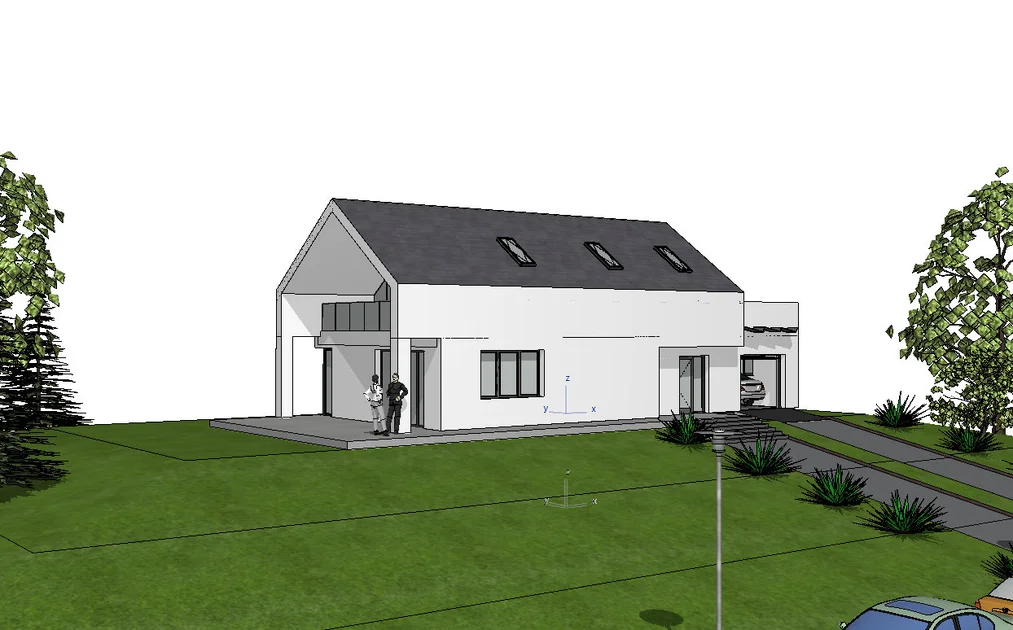

How AI Helps an Architect's Work
Using artificial intelligence in Archicad AI Visualizer is a step toward modern design. AI supports architects in many aspects of their work, including:
- Automatic Lighting Adjustment – Archicad AI Visualizer adjusts light sources on its own, which is key to creating realistic visualizations.
- Material Suggestions – The tool can automatically suggest suitable materials based on our description, making texture selection much easier.
- Rendering Optimization – Thanks to AI, rendering takes just a few minutes. Additionally, there is no need to spend time manually preparing the scene – arranging lights and assigning materials.
Pros and Cons of AI Visualizer
Pros:
- Short Generation Time – even more complex visualizations are created in just 3-5 minutes, saving time in the design process.
- Ease of Use – AI Visualizer offers a limited number of intuitive settings, making the tool easy to master.
- Variety of Visualization Styles – users can experiment with different styles, such as anime or art-inspired looks, allowing for creative presentations.
- Multiple Results from the Same Settings – each generation offers a new, unique result, increasing the tool's flexibility.
- Accurate Model Interpretation – the tool effectively analyzes modeled elements, enabling precise visualization for well-prepared projects.
Cons:
- Limited Number of Settings – available options are basic, which may be a barrier for more advanced users.
- Low Scene Control – the tool operates according to its own AI algorithms, which can sometimes lead to unexpected results.
- Creating Illogical Scenes – generated visualizations may contain errors, such as improbable elements like a rooftop pool in the wrong location.
- No Undo for Results – after applying changes, it's not easy to revert to previous results, making work more difficult.
- Issues with Floor Recognition – the tool sometimes misinterprets building levels, which can affect the final outcome.
- Prompt Limitations – entering complex descriptions may lead to omission of key visualization elements.
Who Is Archicad AI Visualizer For?
Archicad AI Visualizer is a tool primarily aimed at architects, interior designers, and anyone involved in architectural visualizations. This tool is ideal for both experienced designers and those just starting out with Archicad and visualizations. For beginners, we also recommend the Archicad from the Basics course, which will help get acquainted with the fundamentals of working in this program.

Summary
Archicad AI Visualizer is a modern tool that revolutionizes the architectural visualization process. Its greatest advantages are short generation times (even complex visualizations can be created in 3-5 minutes), ease of use, and the ability to experiment with a variety of visualization styles, such as anime or art-inspired looks. Users can also obtain different unique results from the same settings, increasing workflow flexibility. Accurate model interpretation allows for precise project representation.
However, Archicad AI Visualizer also has its limitations. For more advanced users, the tool may prove too basic due to its limited number of settings. In addition, low scene control and the possibility of generating illogical elements can sometimes affect result quality. The lack of an undo function and issues with floor recognition are further challenges to consider when working with this tool.
If you want to learn more about the capabilities of Archicad AI Visualizer, we encourage you to take the Archicad AI Visualizer course, which will introduce you to the intricacies of using artificial intelligence in architectural design.
See for yourself how AI can streamline your design process and elevate the quality of your visualizations.
Author

Read on our blog
-
![How Artificial Intelligence Helps Interior Designers?]()
How Artificial Intelligence Helps Interior Designers?
See how modern AI technologies are changing the approach to design, from automating inventory to creating inspiring visualizations. -
![Artificial Intelligence and Graphics - Is AI a Threat?]()
Artificial Intelligence and Graphics - Is AI a Threat?
In the era of the digital revolution, AI becomes an indispensable tool for graphic designers. Does this mean the end of traditional design? -
![Reversed Faces in SketchUp – why are blue faces showing and how to fix them?]()
Reversed Faces in SketchUp – why are blue faces showing and how to fix them?
Blue faces in SketchUp are flipped faces. Learn where they come from, how to quickly locate and fix them before they mess up your render or model export. -
![Follow Me in SketchUp - Complete Guide and 7 Mistakes That Ruin Geometry]()
Follow Me in SketchUp - Complete Guide and 7 Mistakes That Ruin Geometry
Master the Follow Me tool in SketchUp! Check out the complete guide and discover 7 mistakes that ruin 3D model geometry.