EN
EN PL
PL ES
ES


Publication date: 08-09-2025 | Update date: 09-09-2025 | Author: Mateusz Ciećwierz

-
Online courses
- All
 3ds Max
 AI - Artificial Intelligence
 Blender
 Corona renderer
 GstarCAD
 LayOut
 Photoshop
 Interior Design
 Revit
Revit Sketchup
 Stable Diffusion
 V-ray
V-ray
"Online courses" are comprehensive online training programs that will help you quickly master the software you are interested in.
- Plugins
- 3D Models
- Help
- Articles
3ds Max or Blender - which program should you choose?
Choosing the right 3D graphics software is one of the most important decisions for every designer, architect, or visualizer.The comparison between 3ds Max vs Blender often sparks emotional discussions among visualization creators. Both programs offer advanced modeling and rendering capabilities, but they differ significantly in many respects. In this article, we will analyze in detail the advantages and disadvantages of both solutions to help you make the best choice for specific needs and project types.

Index
Price and availability - key difference
The first and perhaps most important difference between 3ds Max and Blender is the pricing model. Blender is a completely free open-source program that can be downloaded and used without any restrictions. There are no licenses, subscriptions, or hidden costs.
3ds Max, on the other hand, is commercial software from Autodesk, available only under a subscription model. An annual license currently costs around $2500 net, which can be a significant financial barrier for many freelancers and small businesses.
3ds Max and Blender - Learning curve and user interface
In terms of the learning curve, 3ds Max is often considered more accessible to beginners. The program’s interface is logically organized, and basic functions are easily accessible. The menus and tool panels resemble other Autodesk products, making it easier to switch between programs.
For a long time, Blender had a reputation for being difficult to learn due to its atypical interface. However, since version 2.8, the interface has been completely redesigned and has become much more intuitive. Nowadays, the difference in ease of learning between the two programs is definitely smaller than it used to be.
CHECK OUT THE BLENDER COURSE FOR BEGINNERS
3ds Max and Blender - Modeling capabilities and tools
Both programs offer advanced modeling tools, but with different strengths. 3ds Max stands out with excellent architectural modeling and interior design tools. Modifiers such as Edit Poly, Chamfer, and Turbosmooth are very intuitive and efficient to use.
Blender offers a more versatile approach to modeling. The program includes advanced tools for digital sculpting that match professional software like ZBrush. Additionally, Blender has great tools for character animation, fluid simulation, and creating procedural materials using nodes.
Rendering engines and image quality
When it comes to rendering, both programs have their strengths. 3ds Max works with engines such as V-Ray, Corona Renderer, and Arnold. These external renderers are widely recognized in the architectural visualization industry and offer excellent quality and stability.
Blender has built-in Cycles and Eevee engines. Cycles is a high-quality ray-tracing engine that can compete with the best commercial solutions. Eevee, on the other hand, offers real-time rendering, which significantly speeds up project work. For more information on different rendering techniques, see the article "SketchUp vs Blender: Which program to choose for interior design?"
Community support and educational materials
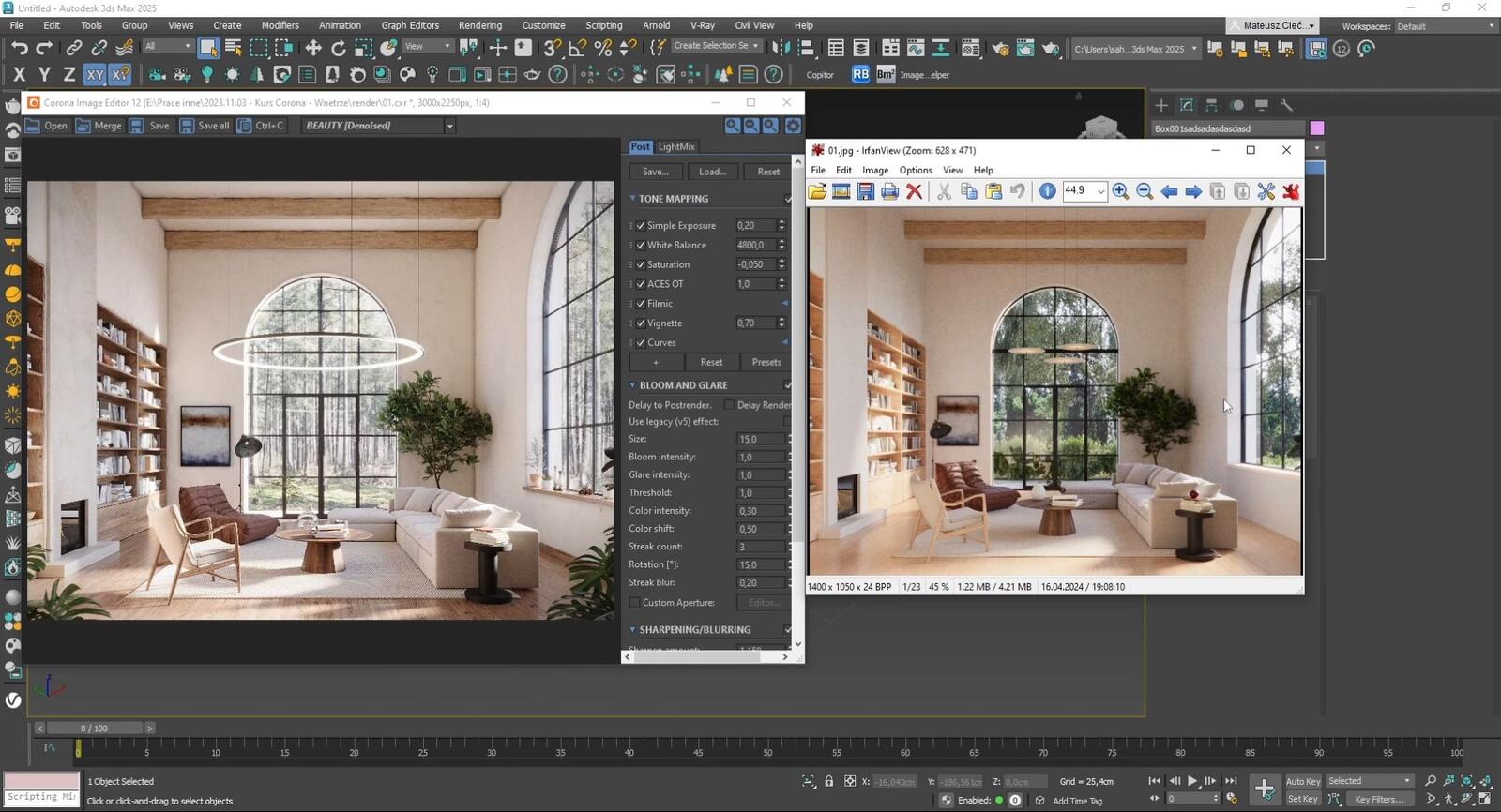
3ds Max, as a program with a long history on the market, has a huge user community and a wealth of educational materials. There are hundreds of online courses, YouTube tutorials, and books dedicated to this program. On the CG Wisdom site with online computer graphics courses, you will find comprehensive 3ds Max training.
Blender also boasts a very active community. Due to the program’s free nature, the community is very open to sharing knowledge. Blender’s documentation is very detailed and regularly updated by the developers.
Usage in different industries
3ds Max dominates the architectural visualization and interior design industry. Most architectural studios and visualization firms use this program in combination with V-Ray or Corona. This makes knowledge of 3ds Max potentially crucial when seeking a job in these sectors.
Blender is more versatile and is used in game development, animation, VFX, and digital art. Large film studios are increasingly integrating Blender into their production pipelines. The program is also great for projects requiring procedural geometry generation. Additionally, in recent years, Blender has gained increasing popularity as a tool for creating interior and architectural visualizations, becoming a growing competitor to 3ds Max.
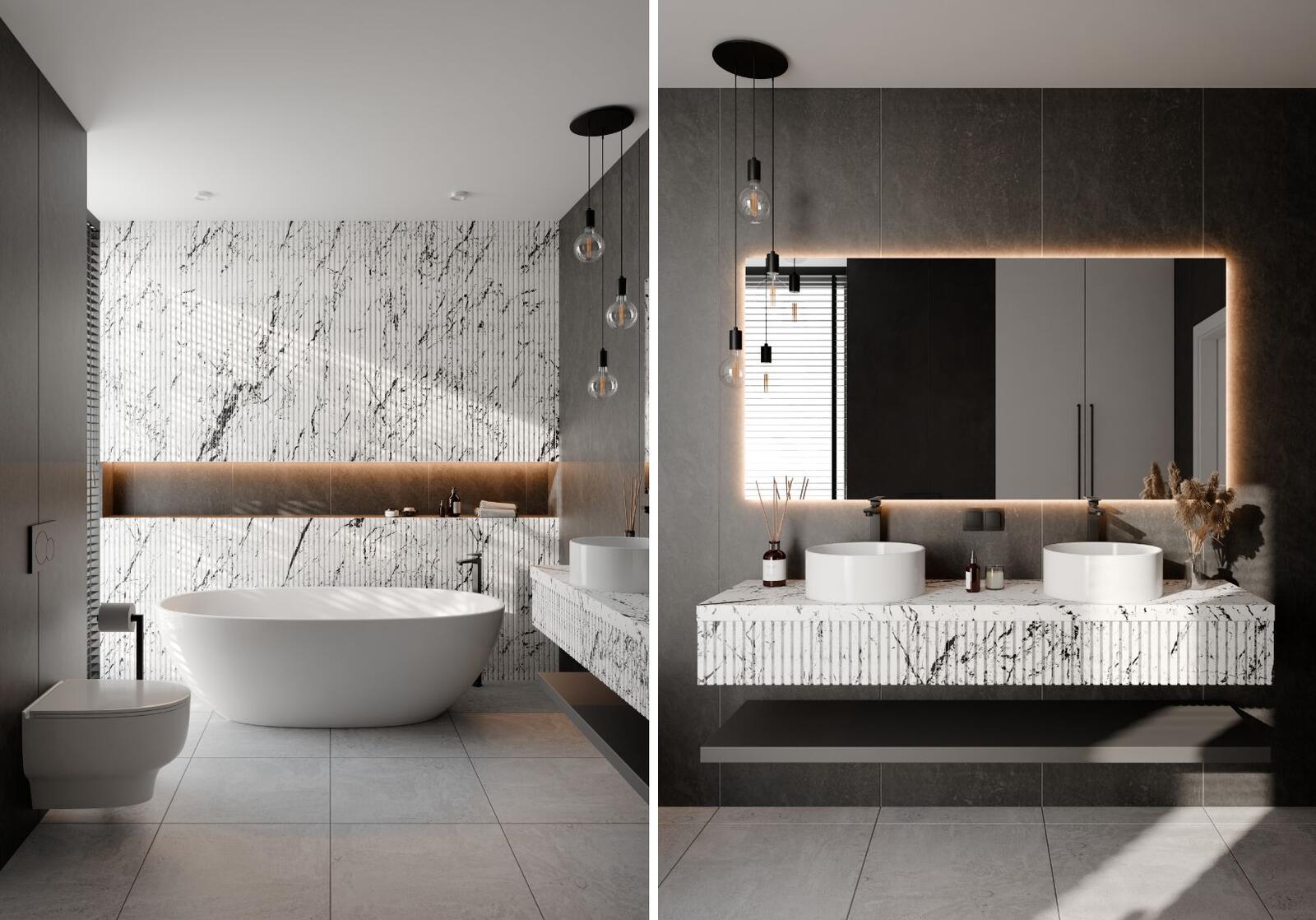
CHECK OUT THE 3ds Max COURSE FOR BEGINNERS
Hardware requirements and performance
In terms of hardware requirements, both programs are similar, but they have different approaches to optimization. 3ds Max is well optimized for Windows and efficiently utilizes system resources, especially when working with large architectural scenes.
Blender runs natively on Windows, macOS, and Linux, giving greater flexibility in operating system choice. The program is also better optimized for modern graphics cards and technologies such as OptiX and OpenCL.
Future and development of programs
3ds Max is continuously developed by Autodesk, but the pace of introducing new features is not impressive. The company focuses mainly on stability and compatibility with existing industry workflows.
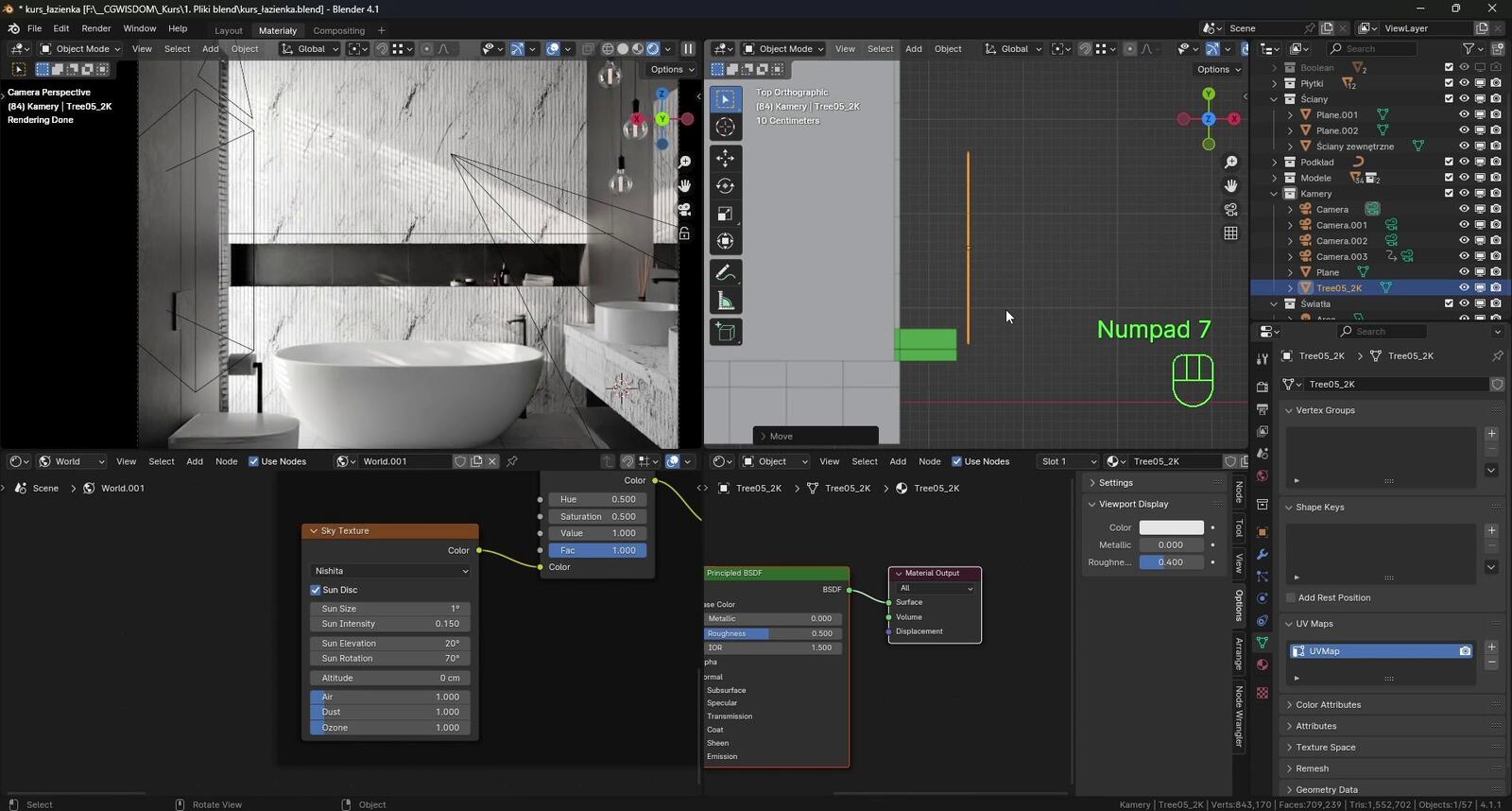
Blender is evolving at a rapid pace thanks to its active developer community and support from the Blender Foundation. New features appear regularly, and the program continually raises the bar in terms of technical capabilities.
Which program to choose?
The choice between 3ds Max and Blender depends mainly on professional goals and budget. If you plan to work in the architectural visualization or interior design industry, 3ds Max may be a better choice due to its dominance in these sectors. The program offers proven solutions and easy integration with industry standards.
Blender is an excellent choice for those starting their journey with 3D graphics, freelancers with limited budgets, and creators interested in a broader range of applications. The program offers almost unlimited possibilities for free and is ideal for experimenting with various techniques.
It is also worth considering learning both programs – each has its unique strengths, and knowledge of different tools significantly increases professional opportunities in the 3D graphics market.
Author

Przeczytaj o programie Blender na naszym blogu
-
![Blender - How to Start Learning from Scratch? - Guide, Tutorial]()
Blender - How to Start Learning from Scratch? - Guide, Tutorial
Find out how to start learning Blender + Cycles – the free 3D modeling and visualization software. -
![Magic Molding - stucco, moldings, and cornices in SketchUp in seconds]()
Magic Molding - stucco, moldings, and cornices in SketchUp in seconds
Does modeling baseboards, cornices, and stucco take you precious hours? Give up traditional methods and try the Magic Molding plugin, which will generate them for you. -
![AutoCAD or SketchUp - choose a course to start in architecture]()
AutoCAD or SketchUp - choose a course to start in architecture
Wondering which to choose: AutoCAD or SketchUp? Discover the differences, choose the right course, and start designing architecture and interiors -
![AutoCAD or Revit - when does switching programs make sense and when is it a waste of time?]()
AutoCAD or Revit - when does switching programs make sense and when is it a waste of time?
Stick with AutoCAD or choose Revit? Find out when investing in BIM truly pays off, and for which projects 2D documentation is sufficient.

Want to learn 3ds Max? Check out our free online course!