EN
EN PL
PL ES
ES


Publication date: 05-02-2026 | Update date: 05-02-2026 | Author: Piotr Kurpiewski

-
Online courses
- All
 3ds Max
 AI - Artificial Intelligence
 Blender
 Corona renderer
 GstarCAD
 LayOut
 Photoshop
 Interior Design
 Revit
Revit Sketchup
 Stable Diffusion
 V-ray
V-ray
"Online courses" are comprehensive online training programs that will help you quickly master the software you are interested in.
- Plugins
- 3D Models
- Help
- Articles
SketchUp - V-Ray Decal - What is it and how to use it? Guide, tutorial
Decal in V-Ray 5.2 is a feature that allows projecting one material onto another regardless of the texture placement. You can use it to add details, e.g. graffiti on a wall. Decal works independently of geometry, it is a separate object edited like a cuboid in SketchUp; you can adjust its size using Width, Length, and Height or the Scale tool. The arrow symbol indicates the projection direction of the material, chosen in the Material parameter. Decal also allows using a mask, i.e., controlling transparency. Moreover, Decal enables projecting materials onto flat surfaces and controlling this process depending on the decal's angle to the base. This feature will certainly come in handy when creating photorealistic visualizations.
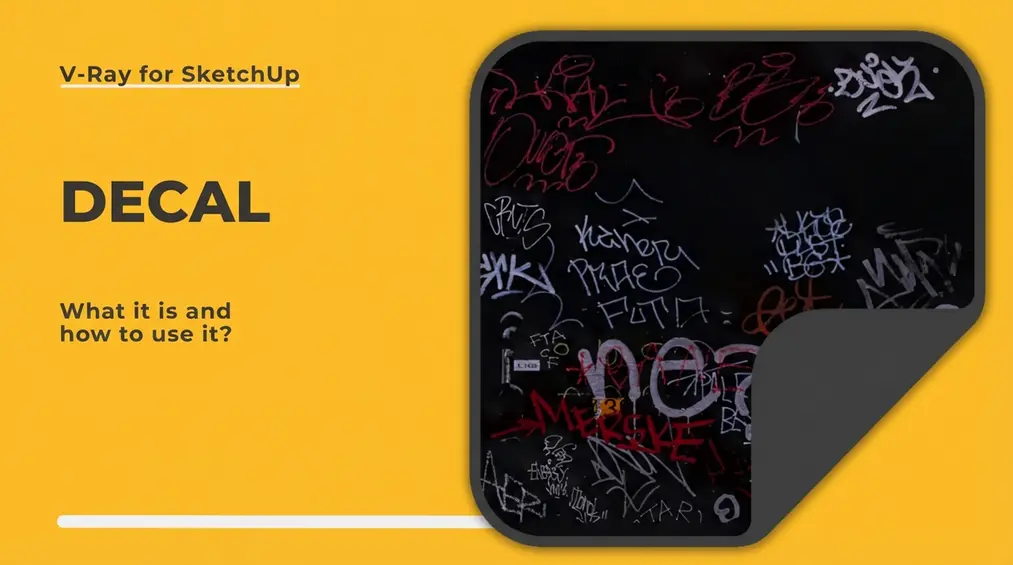
In the latest update of the V-Ray rendering engine in version 5.2, several very interesting features were introduced. One of them is the so-called Decal, which makes it easier to project one material onto another, completely independently of the active texture placement. You can compare it to a sticker of chosen dimensions that covers the base material.
Where to find Decal?
Decal is a feature that you can find, like Displacement, in the Geometry tab of the Asset Editor. Unlike Displacement, Decal works completely independently of geometry. That means it is a separate object that you edit in space by indicating its size, just as you create boxes in SketchUp.
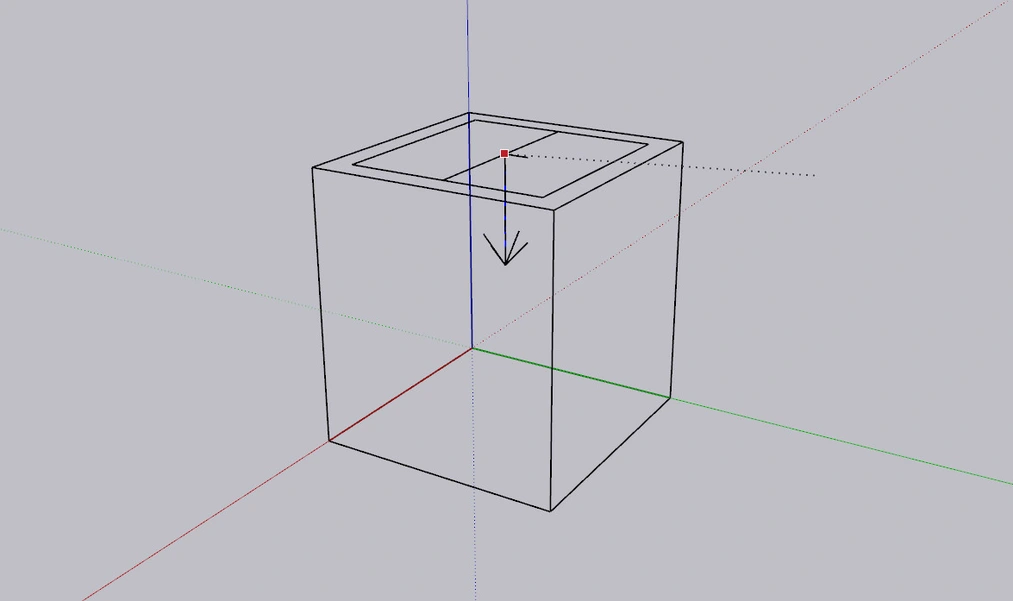
After inserting the sticker into the scene, its size can also be edited in the Asset Editor using three parameters: Width, Length, and Height. This does not exclude the possibility of using the default Scale tool in SketchUp.
How to use Decal?
Once you insert the Decal, you can clearly see an arrow symbol on it. The arrowhead points in the direction onto which the material will be projected. Which material? The one you choose in the Material parameter.
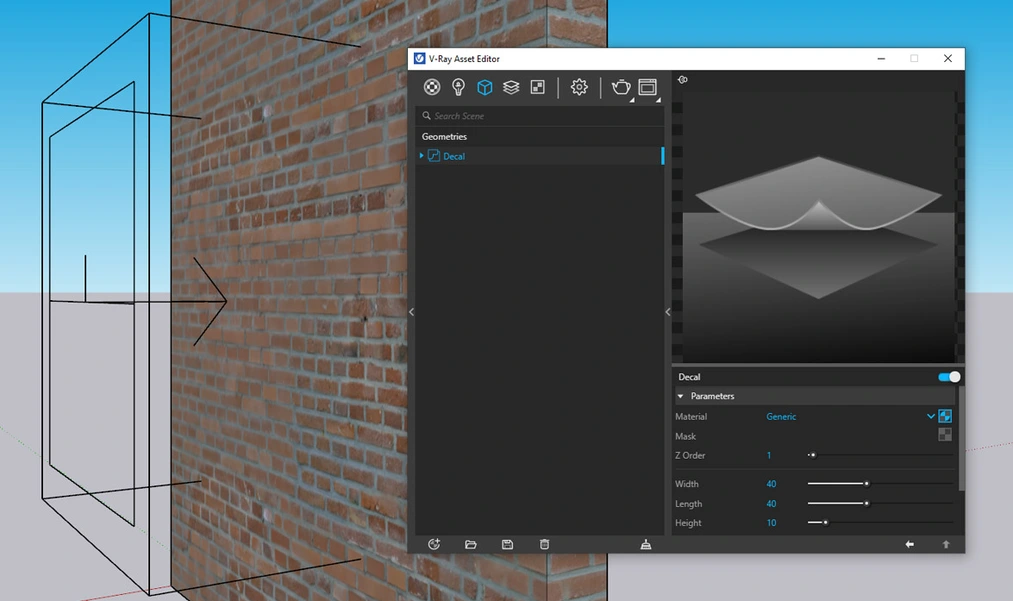
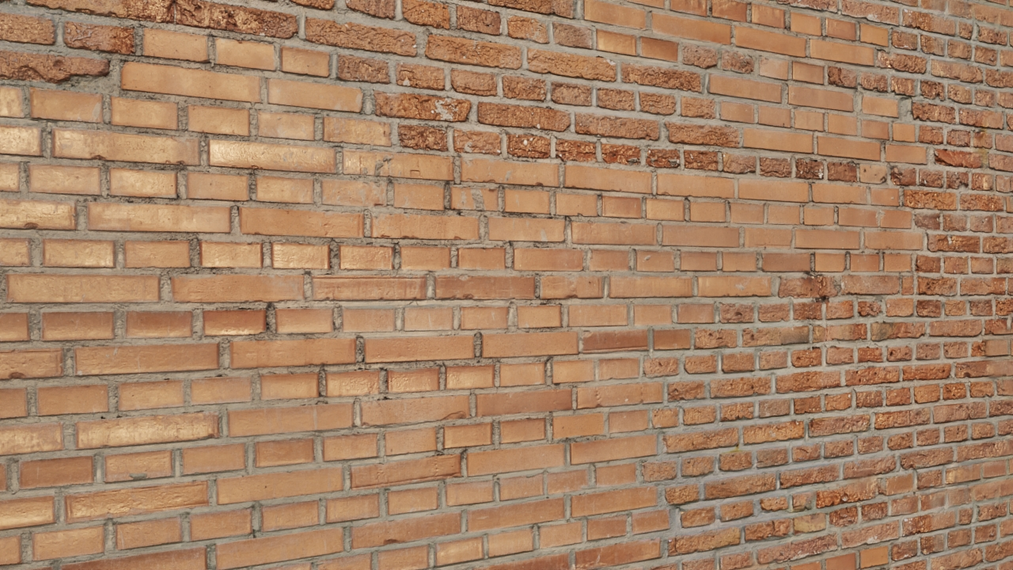
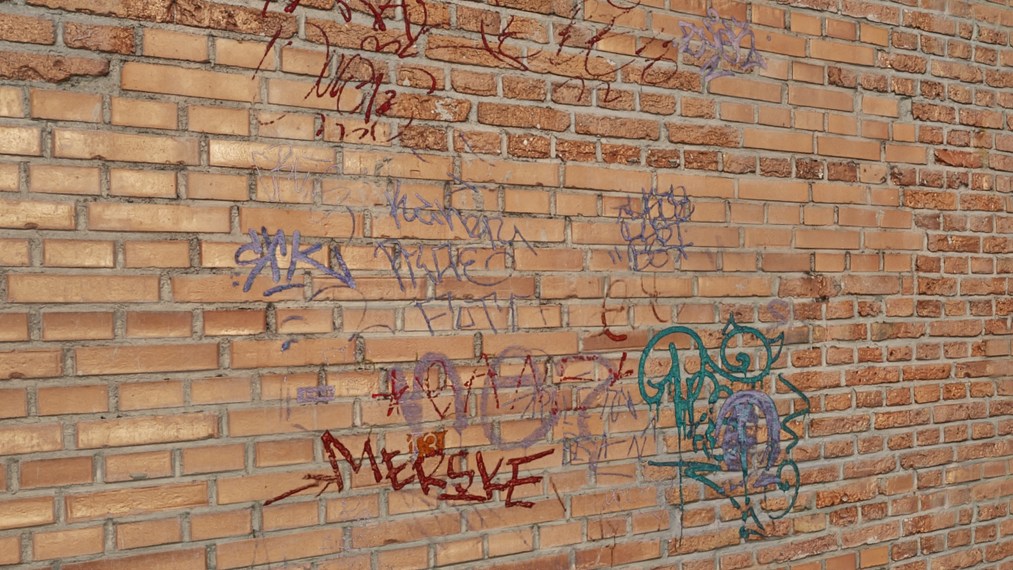
Decals use existing materials. So, assuming I want to add graffiti to a brick wall, I must first prepare a Generic Material that in the Diffuse tab will use the map shown below.
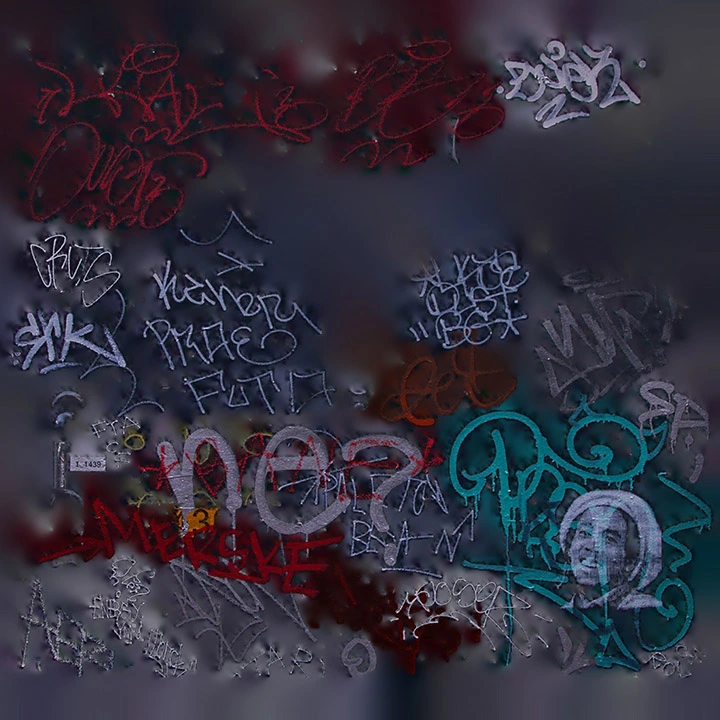
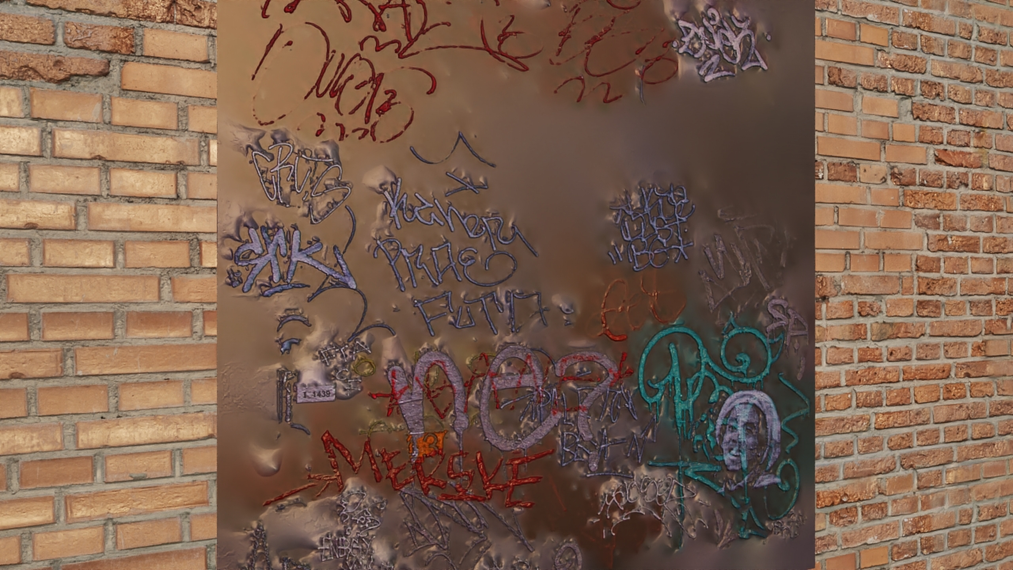
After selecting the graffiti material in the Material parameter of the Decal geometry, the feature is already active. The size and projection direction are determined by the shape in SketchUp, while additional decal properties can be edited in V-Ray. In the visualization below, you will see the result of my work so far.
Masks
Decal allows the use of a mask, which is a black-and-white image that provides V-Ray with advanced transparency information. White means 100% opacity, and black means full transparency. Look at the maps below; on the left is the Diffuse map, and on the right is the mask.
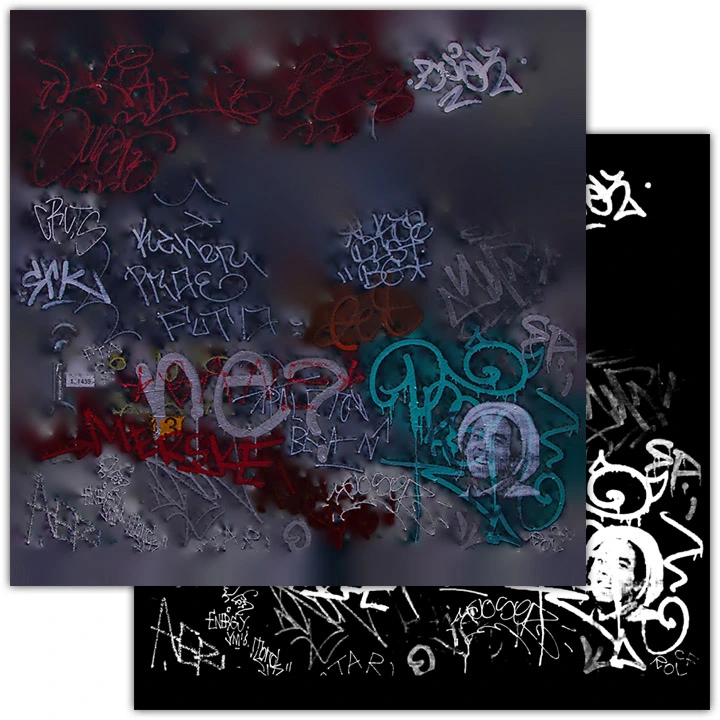
By using a black-and-white Alpha map in the Mask slot, you will make only the tags marked in white appear on the brick wall. The rest of the graffiti, marked in black on the mask, will disappear. In exactly the same way, you can achieve effects such as road stripes or stickers on children's room furniture.
Summary
Apart from the features discussed, Decal allows projecting materials onto non-planar surfaces and controlling this process depending on the decal’s angle relative to the surface. It also makes it possible to stack multiple decals at once, though these options are used less frequently. I hope the previous paragraphs have given you a sufficient understanding of V-Ray Decal.
And if you'd like to learn more about the new features introduced in V-Ray 5.2, be sure to check out our course: Sketchup - Vray 5 - Interior Visualization Course from Scratch!
Author

Przeczytaj o programie Sketchup na naszym blogu
-
![Reversed Faces in SketchUp – why are blue faces showing and how to fix them?]()
Reversed Faces in SketchUp – why are blue faces showing and how to fix them?
Blue faces in SketchUp are flipped faces. Learn where they come from, how to quickly locate and fix them before they mess up your render or model export. -
![Follow Me in SketchUp - Complete Guide and 7 Mistakes That Ruin Geometry]()
Follow Me in SketchUp - Complete Guide and 7 Mistakes That Ruin Geometry
Master the Follow Me tool in SketchUp! Check out the complete guide and discover 7 mistakes that ruin 3D model geometry. -
![How to make baseboards and ceiling cornices in SketchUp? Three methods!]()
How to make baseboards and ceiling cornices in SketchUp? Three methods!
Modeling moldings in SketchUp? Discover 3 proven methods for baseboards and cornices. Check Follow Me drawbacks, ready models, and time-saving plugins! -
![English wainscoting in SketchUp - how to design wall panels step by step]()
English wainscoting in SketchUp - how to design wall panels step by step
How to design English wainscoting in SketchUp? Learn the rules for panel division, wainscot proportions, and speed up your work with the Magic Molding plugin.


Want to learn Sketchup? Check out our free online course!