EN
EN PL
PL ES
ES


Publication date: 15-09-2025 | Update date: 10-09-2025 | Author: Mateusz Ciećwierz

-
Online courses
- All
 3ds Max
 AI - Artificial Intelligence
 Blender
 Corona renderer
 GstarCAD
 LayOut
 Photoshop
 Interior Design
 Revit
Revit Sketchup
 Stable Diffusion
 V-ray
V-ray
"Online courses" are comprehensive online training programs that will help you quickly master the software you are interested in.
- Plugins
- 3D Models
- Help
- Articles
10 reasons to use ArchiCAD
ArchiCAD is one of the most important tools in the world of architectural design. Today we present ten key reasons why you should choose this software for your design work.

Index
1. 3D Modeling in BIM Technology
ArchiCAD was one of the first programs in the world to introduce full BIM (Building Information Modeling) technology. This means that every element in the project contains complete information – from dimensions, through materials, to costs. When you draw a wall, a 3D model is automatically created, and any changes are immediately updated in all views.
Thanks to this, architects can work intuitively in three dimensions, which greatly facilitates design and allows for better understanding of space already at the design stage. There is no need to model 3D separately – it is created automatically during work.
2. Excellent collaboration with other software
ArchiCAD offers extensive import and export capabilities to various file formats. You can work seamlessly with DWG files from AutoCAD, export to IFC formats for other BIM software, or send models to rendering programs like Artlantis.
This flexibility means you don’t have to change your entire office workflow – ArchiCAD integrates perfectly with existing tools. Collaboration with structural engineers, installers, and other specialists becomes much simpler.
3. Intuitive interface and ease of learning
Compared to other BIM software, ArchiCAD features a clear and logical interface. The tools are organized in a way that corresponds to the natural design process – from walls, through windows and doors, to finishing details.
The program also offers rich libraries of ready-made elements – from furniture, through sanitary fixtures, to structural components. This allows you to quickly create designs without having to model each element from scratch.
4. Automatic documentation generation
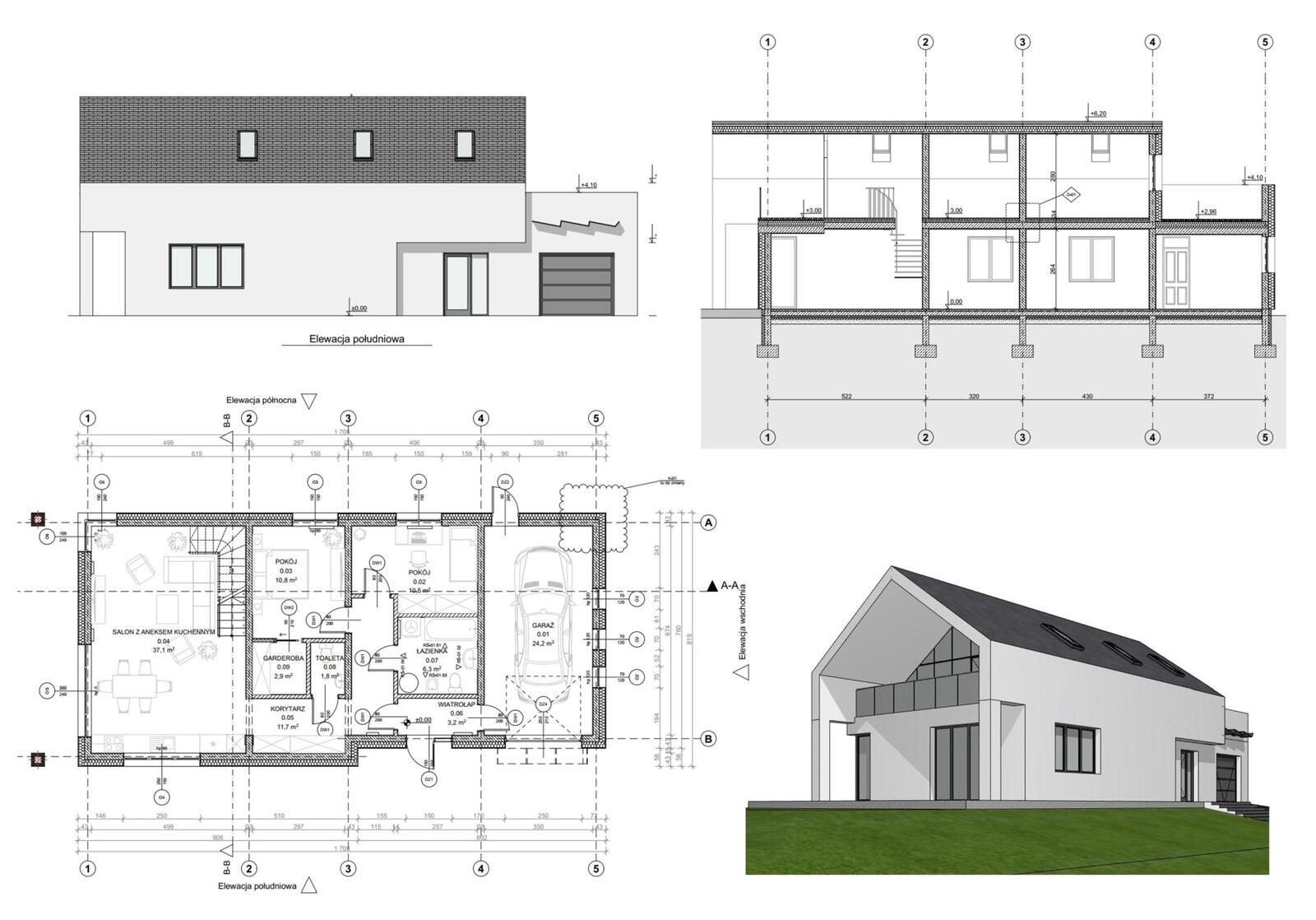
One of the greatest advantages of ArchiCAD is automatic creation of plans, sections, and elevations based on the 3D model. When you make a change in the project, all views update automatically – there is no risk of forgetting to update one of the drawings.
The program can also generate area schedules, window and door schedules, and cost estimates directly from the model. This means huge time savings and elimination of errors that can occur when entering data manually.
5. Stability and reliability
ArchiCAD is a program that has been developed for over 40 years, which has translated into its exceptional stability and reliability. It rarely crashes, handles large projects well, and has a proven track record in the world's largest architectural firms.
Regular updates introduce new features while maintaining backward compatibility, which means that your investment in learning this software will pay off for years. Graphisoft has supported the user community for decades, offering extensive documentation and technical support.
6. Advanced visualization and presentation tools
ArchiCAD includes a built-in CineRender rendering engine that allows you to create photorealistic visualizations directly within the program. You don’t have to export the model to external applications – everything can be done in one place.
The program also offers tools for creating animations and virtual tours, which are perfect for presenting projects to clients. The ability to quickly generate different views and perspectives greatly facilitates communication with investors and helps them better understand the space.
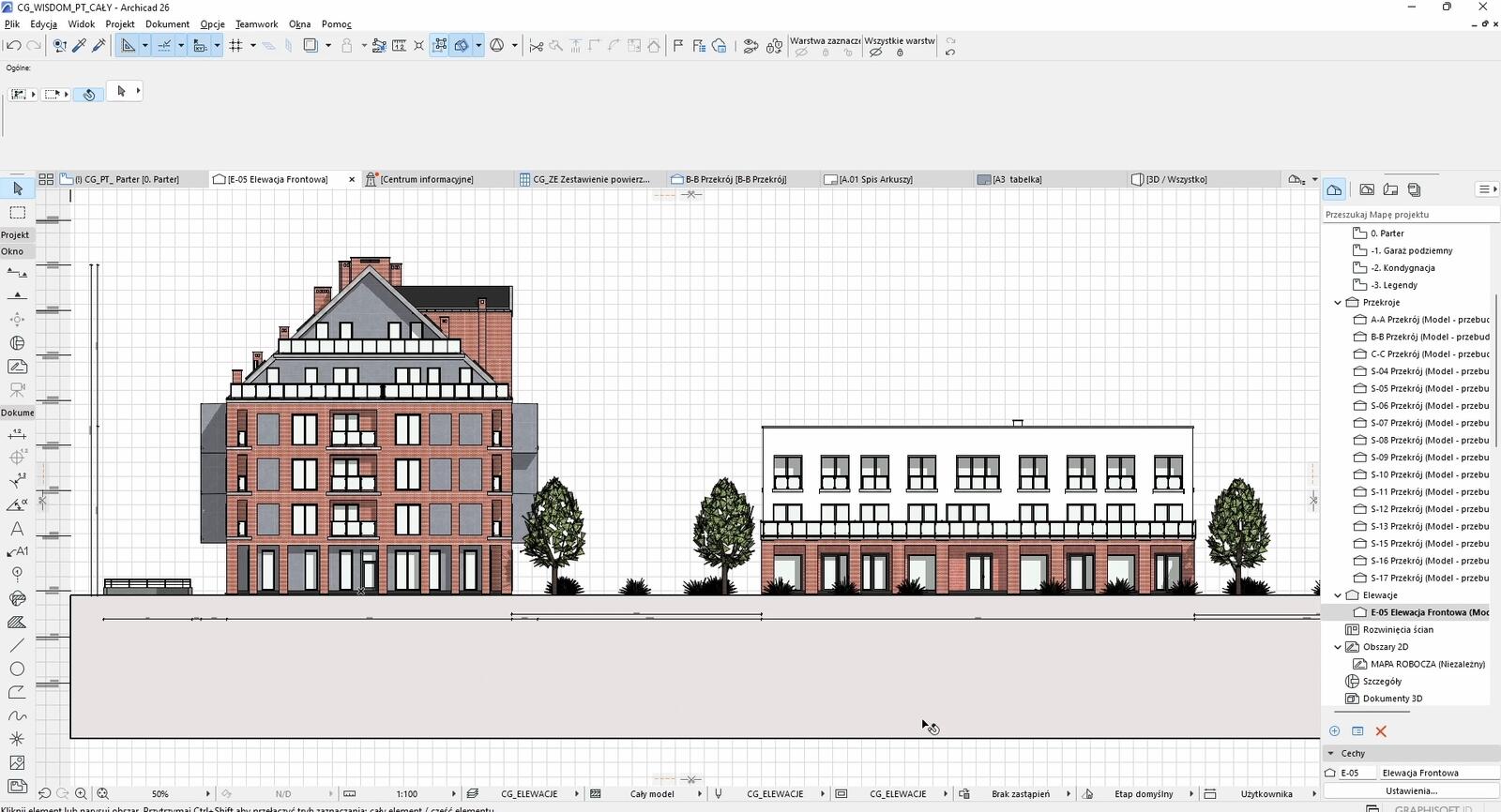
7. Excellent management of layers and project phases
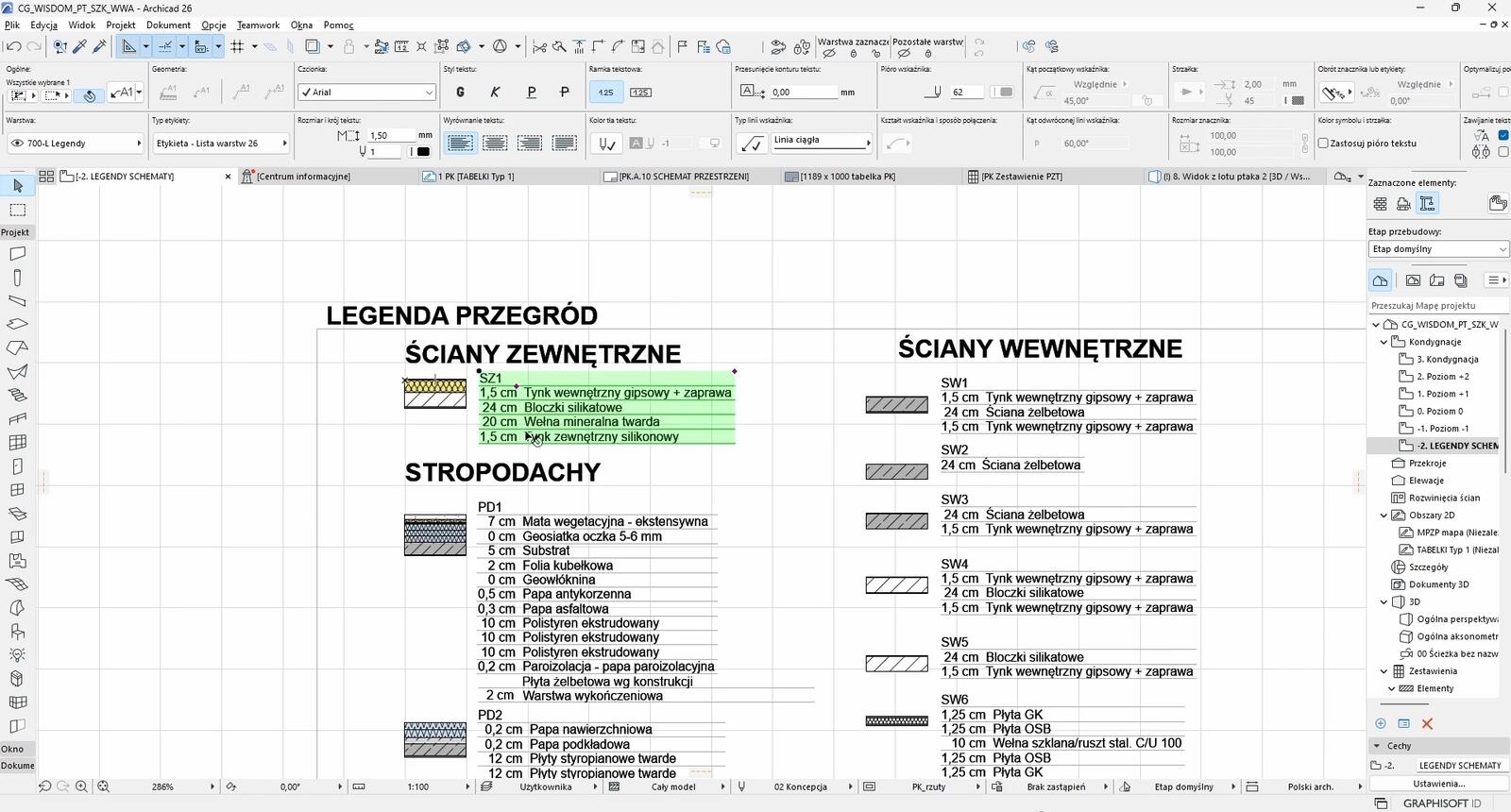
The layer system in ArchiCAD allows for excellent organization of different project elements. You can group elements by function, discipline, or stage of execution. This is particularly useful in large, complex projects.
The ability to work with construction phases – existing state, elements to be demolished, and new state is also invaluable. The program automatically shows what needs to be demolished and what needs to be added.
8. Teamwork and BIMcloud
ArchiCAD enables multiple users to work on the same project simultaneously thanks to BIMcloud technology. The element reservation system prevents conflicts – when someone is working on a part of the project, other team members see that the element is occupied.
All changes are automatically synchronized among team members, eliminating the problem of different file versions. You can host the project in the cloud or on a local server, giving full control over data security.
9. Rich GDL library and ability to create custom objects
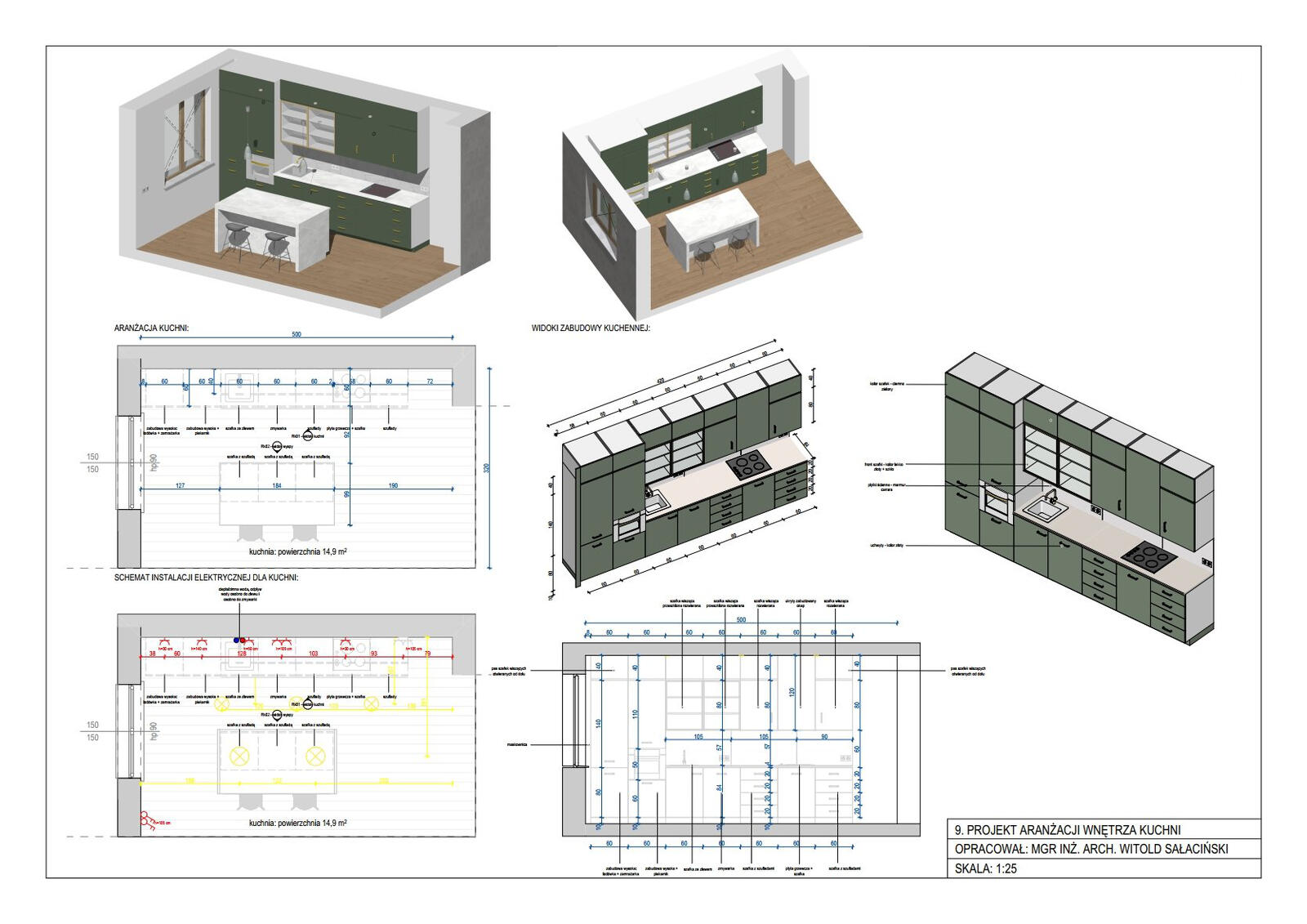
ArchiCAD offers thousands of ready-made GDL objects (Geometric Description Language) – from basic structural elements, through furniture, to complex technical components. All objects are parametric, meaning they automatically adapt to your needs.
For advanced users, there is the possibility of programming custom GDL objects. The ArchiCAD community actively shares libraries, ensuring continuous access to new, high-quality design elements.
10. Comprehensive analytical tools
The program includes advanced tools for building energy analysis, which help in designing in compliance with energy efficiency requirements. You can analyze heat loss, solar exposure, and room ventilation.
ArchiCAD also offers collision detection between elements, which is invaluable in complex projects with many installations. The program automatically detects when elements intersect and warns you of potential issues.
Summary
ArchiCAD is a tool that can significantly streamline the design process and help create better, more thoughtful architectural projects. These ten reasons show that the program offers a comprehensive solution – from basic modeling, through advanced analyses, to the presentation of final results. If you are considering changing software or just starting your journey with computer-aided design, it's worth giving it a try. Do you want to learn how to use this software? On the page you will find a wide range of ArchiCAD training courses that will help you master all aspects of working with this powerful design tool.
Author

Read on our blog
-
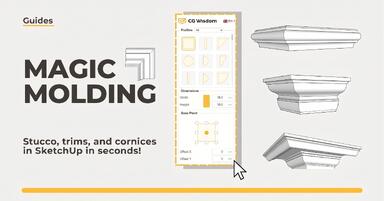
![Magic Molding - stucco, moldings, and cornices in SketchUp in seconds]()
Magic Molding - stucco, moldings, and cornices in SketchUp in seconds
Does modeling baseboards, cornices, and stucco take you precious hours? Give up traditional methods and try the Magic Molding plugin, which will generate them for you. -
![AutoCAD or SketchUp - choose a course to start in architecture]()
AutoCAD or SketchUp - choose a course to start in architecture
Wondering which to choose: AutoCAD or SketchUp? Discover the differences, choose the right course, and start designing architecture and interiors -
![AutoCAD or Revit - when does switching programs make sense and when is it a waste of time?]()
AutoCAD or Revit - when does switching programs make sense and when is it a waste of time?
Stick with AutoCAD or choose Revit? Find out when investing in BIM truly pays off, and for which projects 2D documentation is sufficient. -
![Is GstarCAD as good as AutoCAD? Check out the comparison!]()
Is GstarCAD as good as AutoCAD? Check out the comparison!
Is GstarCAD a good alternative to AutoCAD? We compare the costs, interface, and features of both programs. See the comparison of perpetual licenses vs. subscriptions.