EN
EN PL
PL ES
ES


Publication date: 09-09-2025 | Update date: 09-09-2025 | Author: Mateusz Ciećwierz

-
Online courses
- All
 3ds Max
 AI - Artificial Intelligence
 Blender
 Corona renderer
 GstarCAD
 LayOut
 Photoshop
 Interior Design
 Revit
Revit Sketchup
 Stable Diffusion
 V-ray
V-ray
"Online courses" are comprehensive online training programs that will help you quickly master the software you are interested in.
- Plugins
- 3D Models
- Help
- Articles
AutoCAD or Inventor - which program should you choose?
Choosing the right CAD software is a crucial decision that affects work efficiency and the quality of your projects.AutoCAD and Autodesk Inventor are two popular programs from the same manufacturer, but each has different applications and capabilities. We'll help clear up any doubts and select the tool that best meets your design needs.

Index
What are the differences between AutoCAD and Inventor?
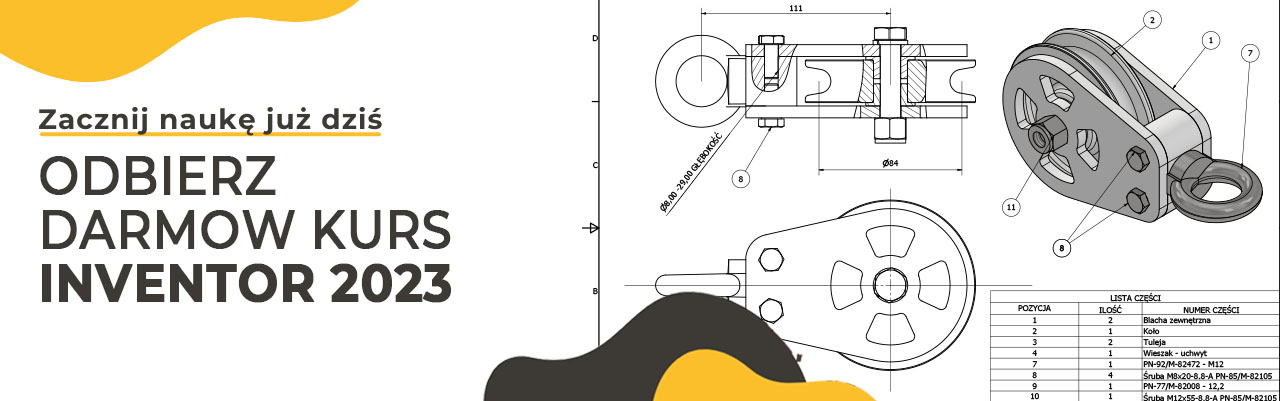
The main difference between these programs lies in their design approach and application scope. AutoCAD is a 2D design program with basic 3D modeling capabilities, while Inventor is an advanced 3D parametric modeling tool with the ability to create detailed technical documentation.
AutoCAD was developed as a tool for creating technical drawings on a computer, replacing traditional drafting boards. Inventor, on the other hand, was designed with modern product design in mind, where a 3D model serves as the foundation, and 2D documentation is generated automatically.
In practice, this means that in AutoCAD we first draw 2D plans, sections, and views, and only later optionally create the 3D model. In Inventor it’s the opposite – we start with the 3D model, which is then used to automatically generate workshop drawings.
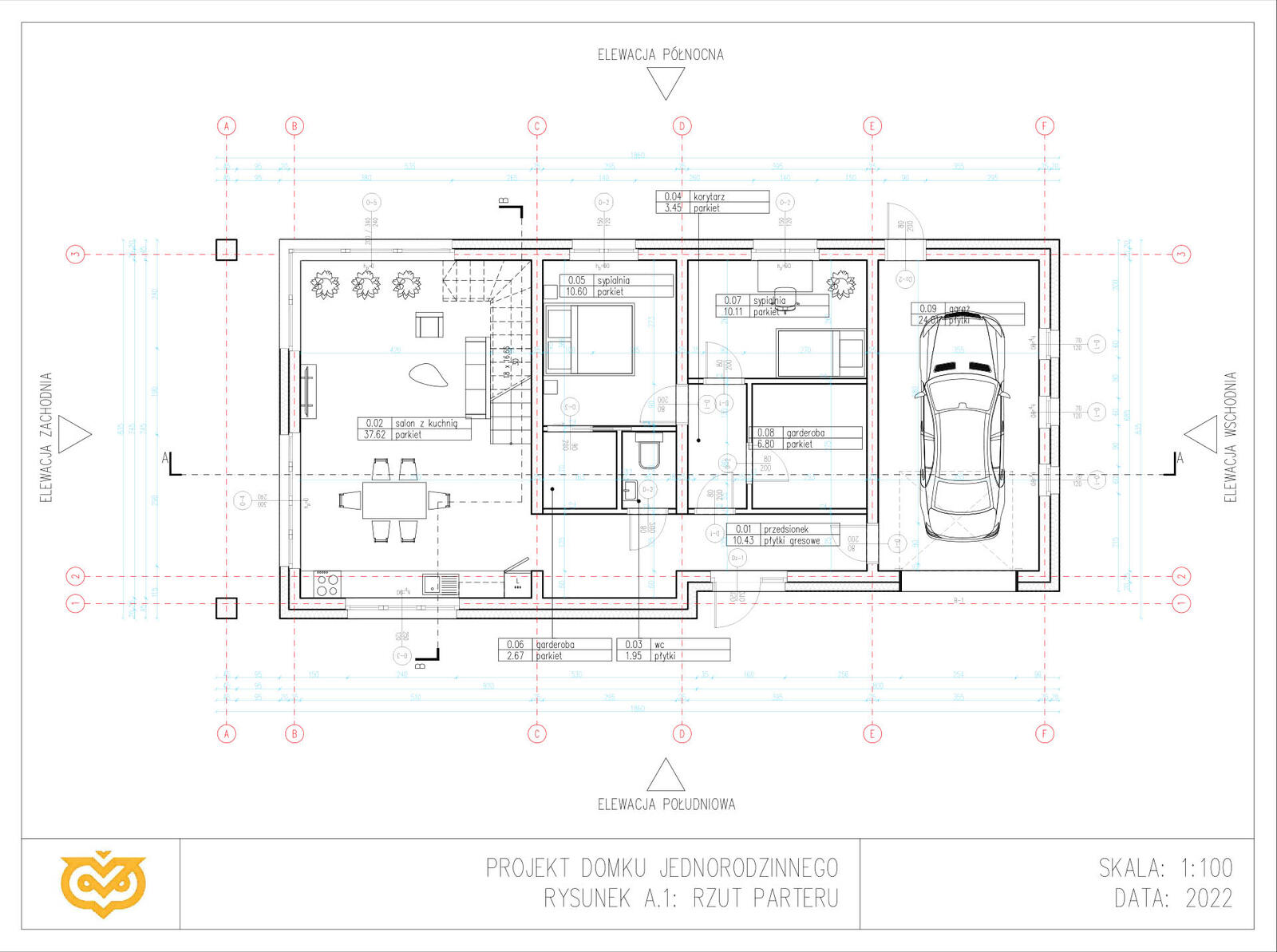
AutoCAD – the king of 2D drafting
AutoCAD is the most recognized CAD tool in the world, which for decades has been the standard in many industries. The program excels wherever 2D drawings are the basis of work – from architectural plans to installation diagrams.
Key advantages of AutoCAD: an intuitive user interface, a vast library of 2D commands and functions, excellent drawing precision, support for various file formats, and a wide availability of specialists familiar with the program. AutoCAD allows for quick creation and modification of technical drawings, making it indispensable in architectural or installation projects.
The program also offers basic 3D functions, but they are not its strong suit. 3D in AutoCAD is more of an add-on than a primary functionality. If your work focuses on 2D drawings, technical documentation, or architectural plans, AutoCAD will be the ideal choice.
It’s worth noting that AutoCAD has very wide applications – it’s used by architects, civil engineers, installation designers, machine constructors, and even graphic designers and artists. This versatility means that knowledge of the program can open doors to many different industries.
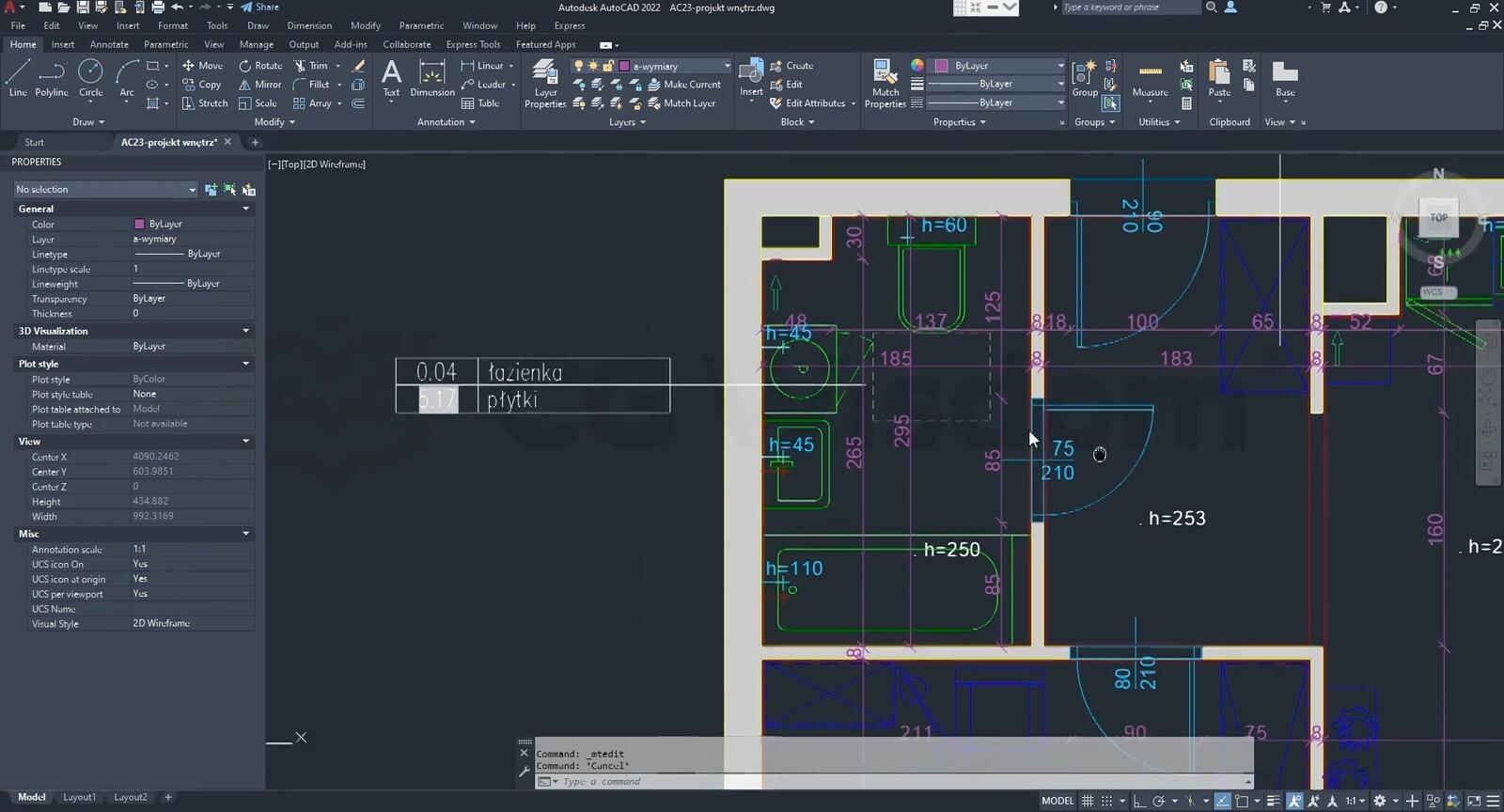
Inventor – the master of 3D modeling
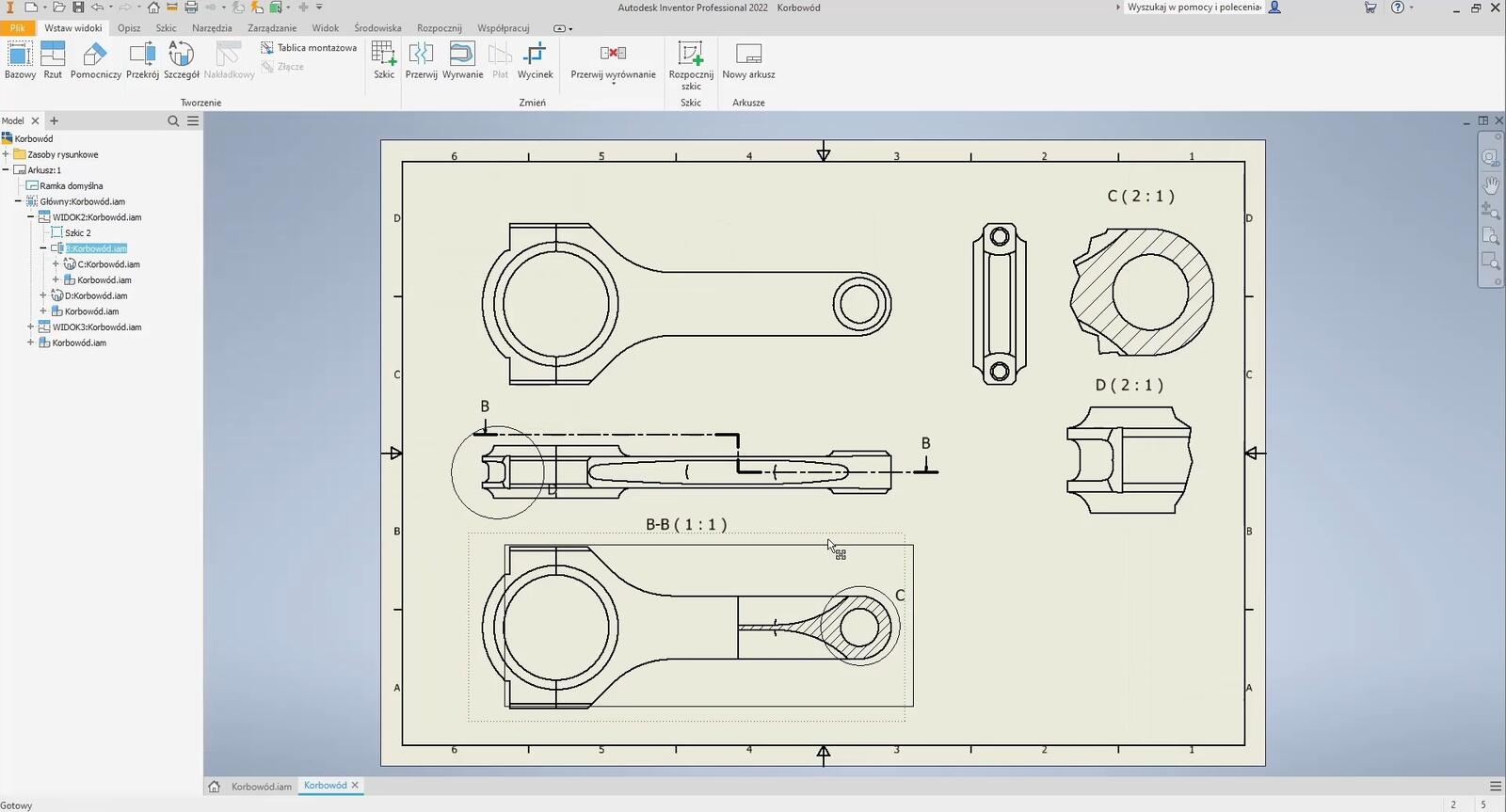
Autodesk Inventor is a professional tool for parametric 3D modeling and mechanical design. The program was created with constructors, engineers, and product designers in mind, who need advanced spatial modeling capabilities.
Key capabilities of Inventor include parametric modeling, which means that the dimensions and relationships between model elements are interconnected. Changing a single parameter automatically updates the entire model, significantly speeding up the design and modification process.
The program offers advanced tools for creating mechanical assemblies, motion simulation, strength analyses, and automatic generation of 2D documentation from 3D models. This makes Inventor ideal for designing machines, equipment, steel structures, or mechanical components.
An additional asset is integration with other Autodesk products, allowing for a smooth flow of data between different design stages – from concept through modeling to production.
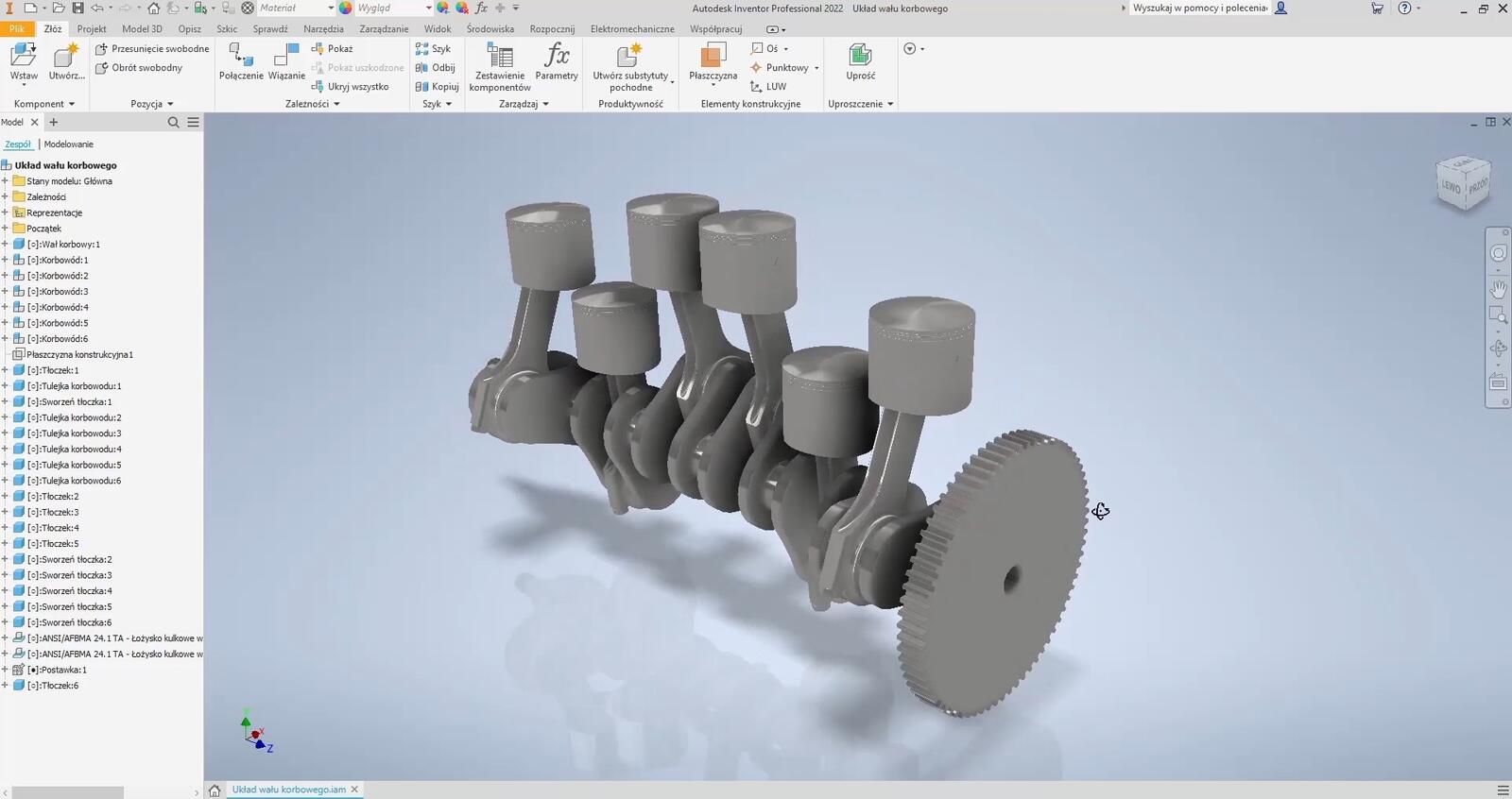
Who should use AutoCAD, and who should use Inventor?
The choice between these programs should mainly depend on the nature of your work and the industry you operate in. AutoCAD is the better choice for architects, installation designers, civil engineers, and anyone whose work focuses on 2D drawings and technical documentation.
Inventor, on the other hand, will work perfectly in mechanical engineering, product design, the automotive and machinery industries, or anywhere that requires advanced 3D modeling with the capability to perform simulations and analyses.
If you work in interior design, AutoCAD will allow you to quickly create plans, floor layouts, and views, while Inventor may be useful for designing furniture or equipment components with complex structures. You can find more information about design in the article on drawing angled lines in AutoCAD.
Learning curve and availability
In terms of ease of learning, AutoCAD has the advantage – its command-based concept and 2D drafting are relatively intuitive, especially for those with experience in technical drawing. The program also has very well-developed documentation and a huge user community.
Inventor requires more time to master, mainly because of the parametric modeling concept, which may be new to beginners. However, once the initial hurdles are overcome, the program offers far greater 3D design capabilities.
When it comes to training availability, both programs are well represented in the educational market. For those interested in deepening their knowledge of Autodesk programs, we recommend checking the AutoCAD courses and Inventor training.
Costs and licensing
Both programs are available under a subscription model from Autodesk. AutoCAD is slightly cheaper than Inventor, but the difference is not significant in the context of the capabilities they offer. Most companies choose packages that include multiple Autodesk products, which can be more economical.
It’s worth remembering that license costs are only one side of the coin – return on investment in the form of increased productivity and the ability to execute more complex projects is more important. A properly chosen program can significantly shorten design time and improve documentation quality.
For those starting their CAD journey, Autodesk offers student versions and trial periods that allow you to get acquainted with the programs before purchasing a full license.
Integration with other tools
Both AutoCAD and Inventor integrate excellently with other Autodesk products and third-party tools. AutoCAD can work with architectural visualization programs, while Inventor connects with CAM systems for machining or tools for engineering analyses.
This integration is especially important in larger organizations where different departments use different tools but need to collaborate on joint projects. Format compatibility and the ability to exchange data between programs can be crucial for the efficiency of the entire design process.
Summary – which program to choose?
The final decision between AutoCAD and Inventor should be based on an analysis of the specifics of your work and future needs. AutoCAD is an excellent choice for projects based on 2D drawings, architectural documentation, and wherever the speed of plan creation is a priority.
Inventor, on the other hand, is a tool for those who need advanced 3D modeling, want to perform simulations, or design complex mechanical structures. This program offers significantly more capabilities in parametric design and can be a better long-term investment for technical industries.
Remember that there is no one-size-fits-all solution – the best program is the one that best meets your specific design needs. Before making a final decision, it’s worth testing both tools and possibly taking professional training that will help you fully use their potential.
Author

Read on our blog
-
![Profile Builder 4 or Magic Molding? Comparison of Ornamentation Plugins in SketchUp]()
Profile Builder 4 or Magic Molding? Comparison of Ornamentation Plugins in SketchUp
How does Profile Builder 4 differ from Magic Molding? Scope, pricing, profile libraries, and learning curve. Find out which plugin fits your projects. -
![The Best Free SketchUp Plugins for Interior Designers in 2026!]()
The Best Free SketchUp Plugins for Interior Designers in 2026!
Which SketchUp plugins are really worth having? Discover 7 free extensions for interior designers and find out which ones have just stopped being free! -
![English wainscoting in SketchUp - how to design wall panels step by step]()
English wainscoting in SketchUp - how to design wall panels step by step
How to design English wainscoting in SketchUp? Learn the rules for panel division, wainscot proportions, and speed up your work with the Magic Molding plugin. -
![Reversed Faces in SketchUp – why are blue faces showing and how to fix them?]()
Reversed Faces in SketchUp – why are blue faces showing and how to fix them?
Blue faces in SketchUp are flipped faces. Learn where they come from, how to quickly locate and fix them before they mess up your render or model export.




Want to learn Inventor software? Check out our free online course!